
About the scenery
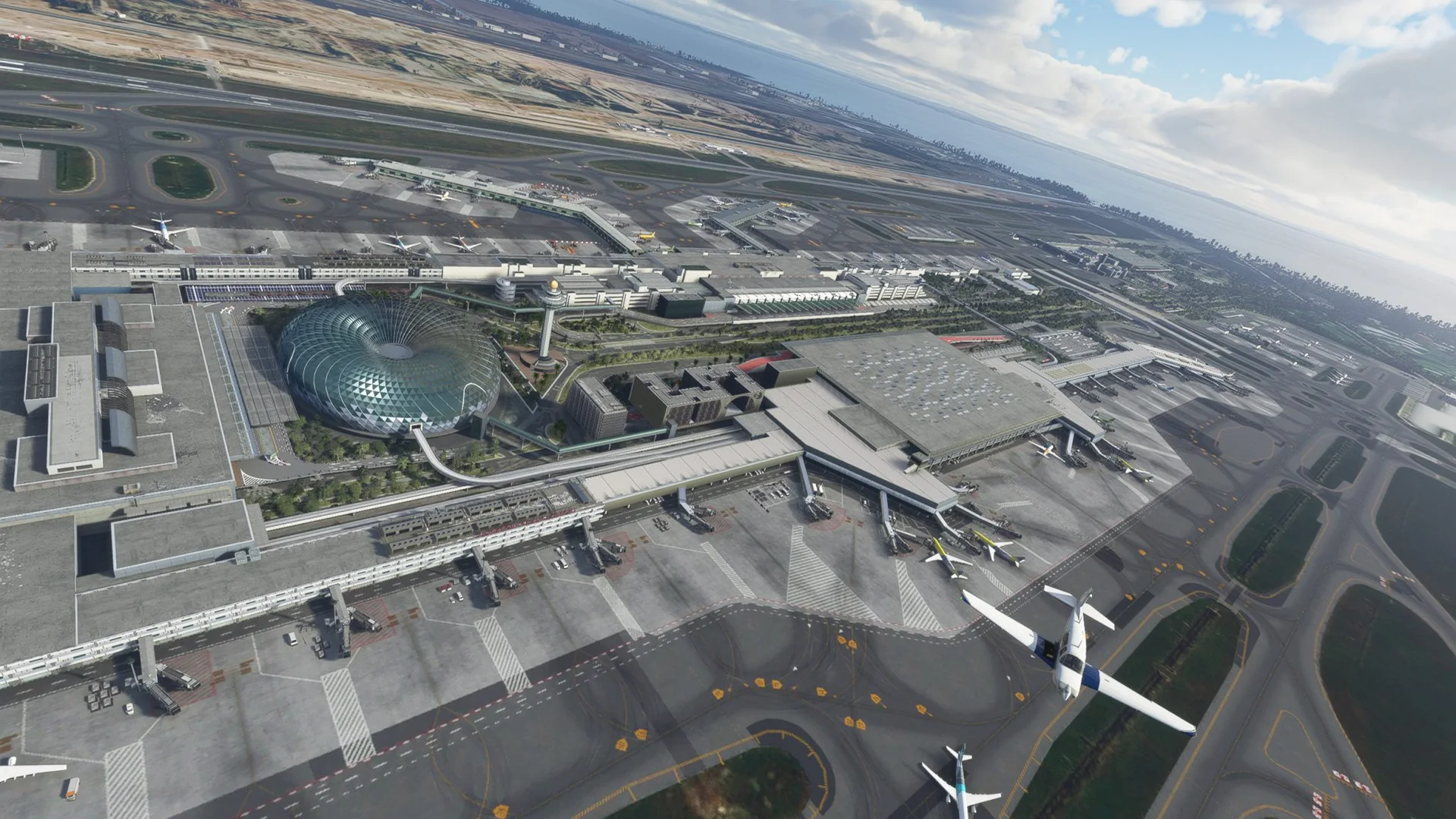
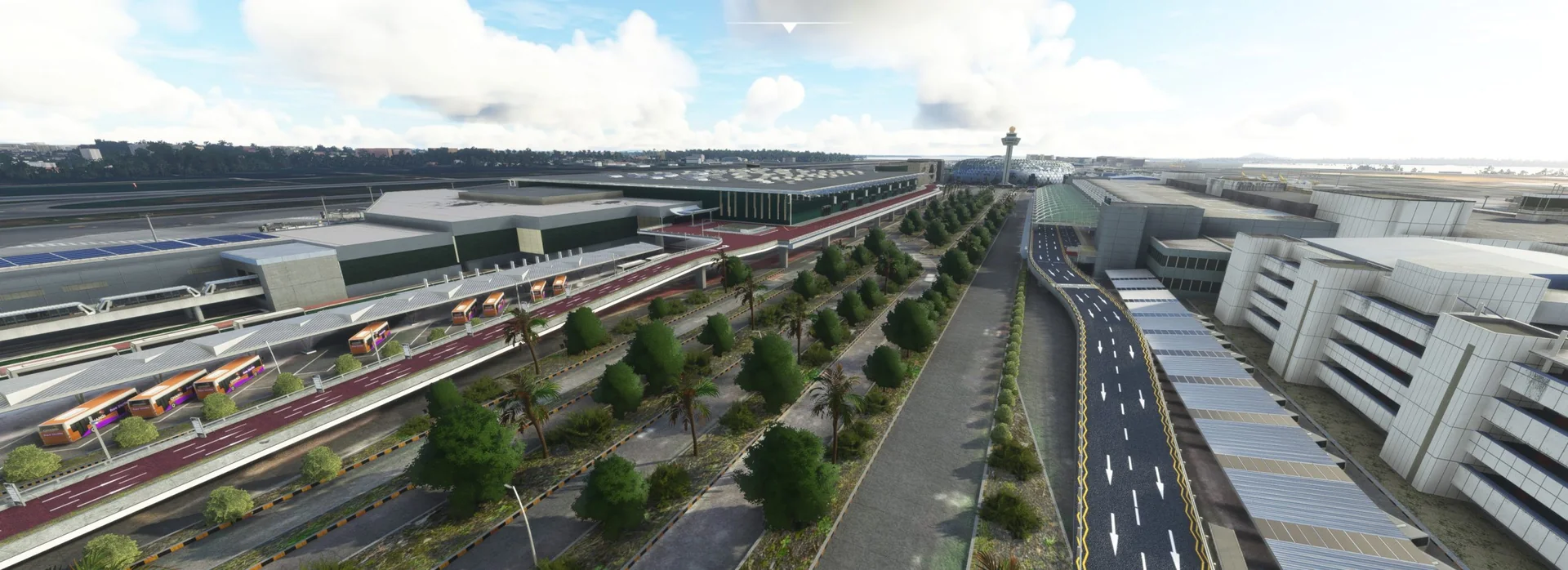
Welcome to Singapore Changi International Airport, the major civilian airport that serves Singapore and one of the largest transportation hubs in Asia. As one of the world's busiest airports by international passenger and cargo traffic, it is rated the World's Best Airport.
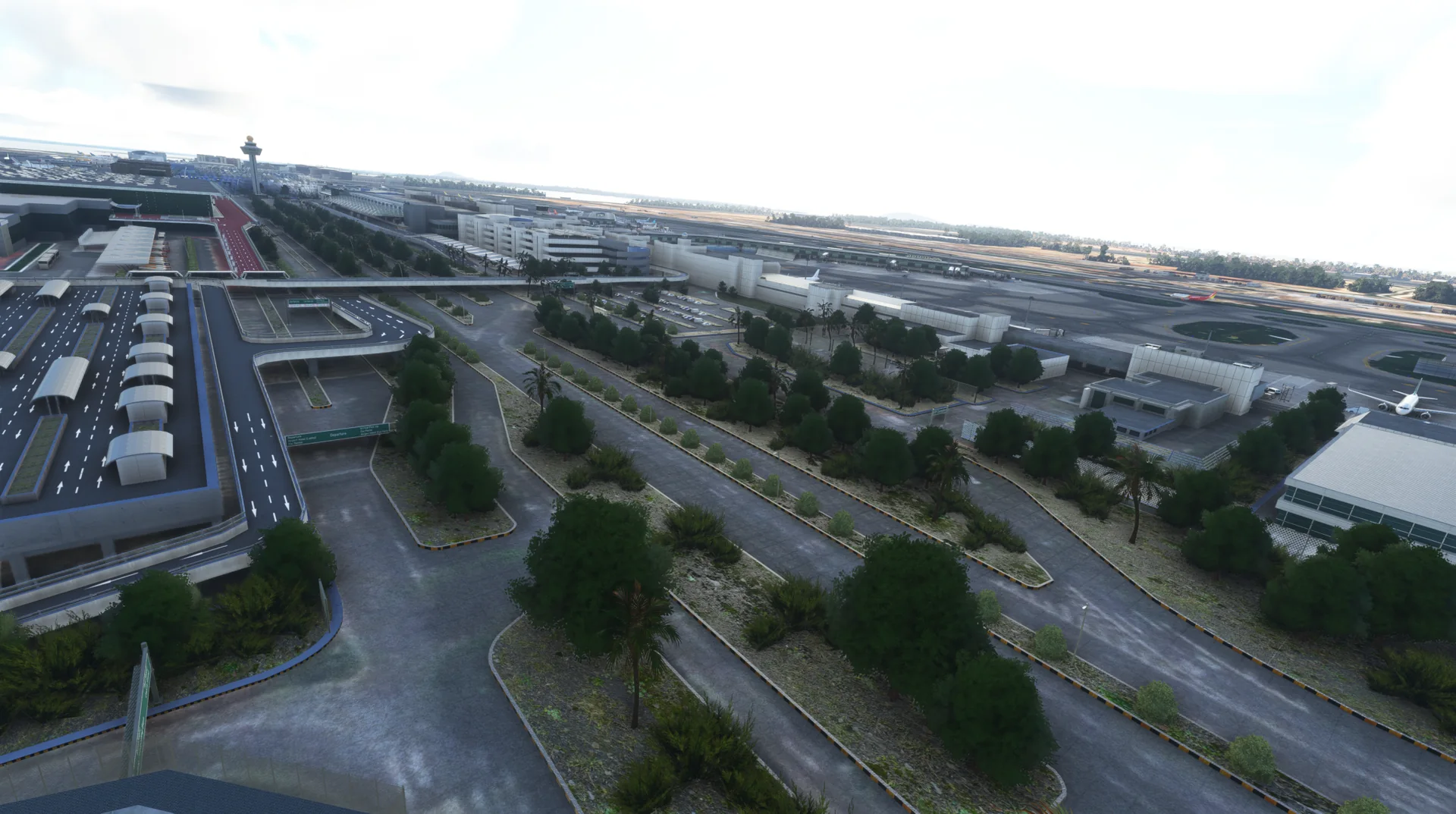
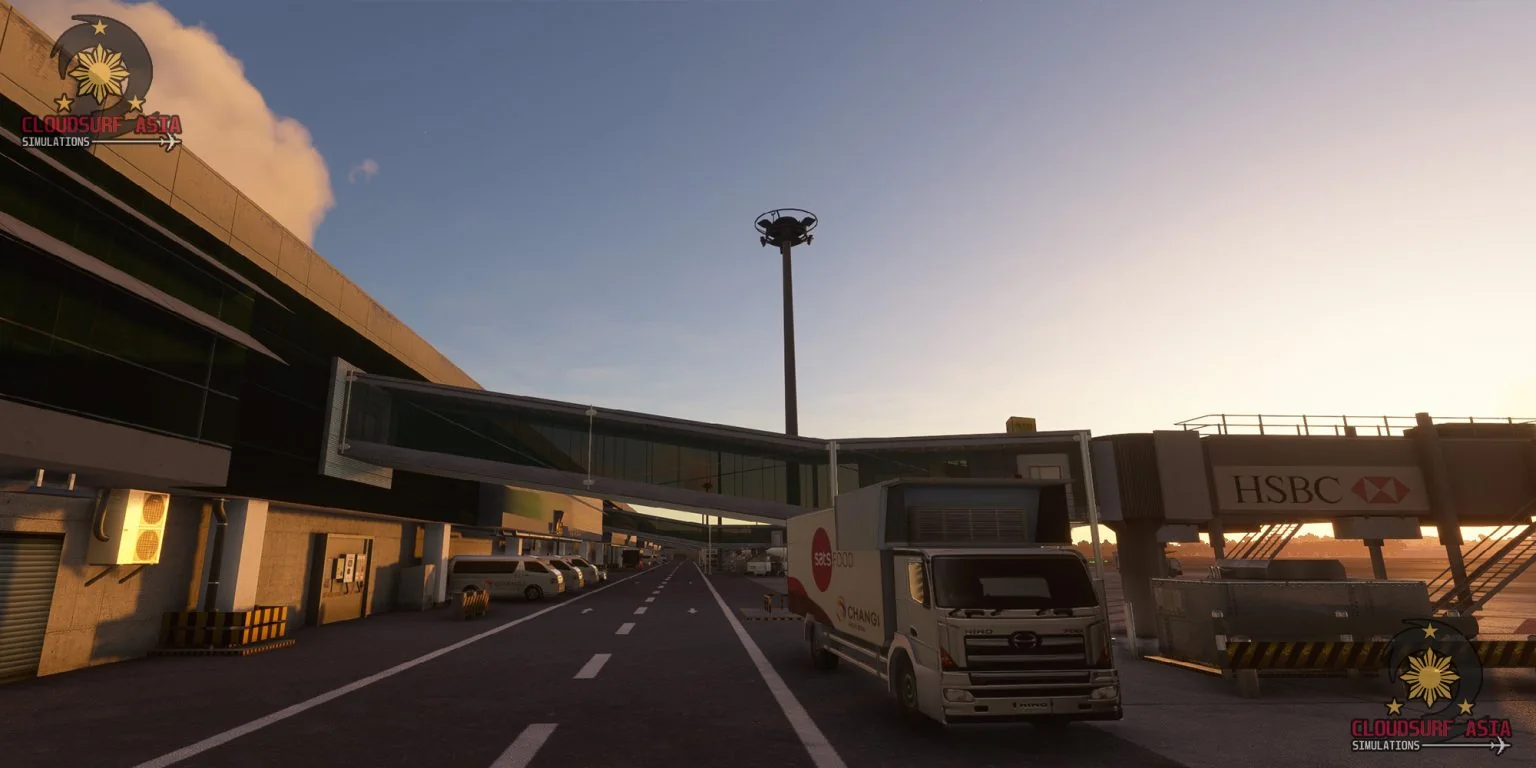
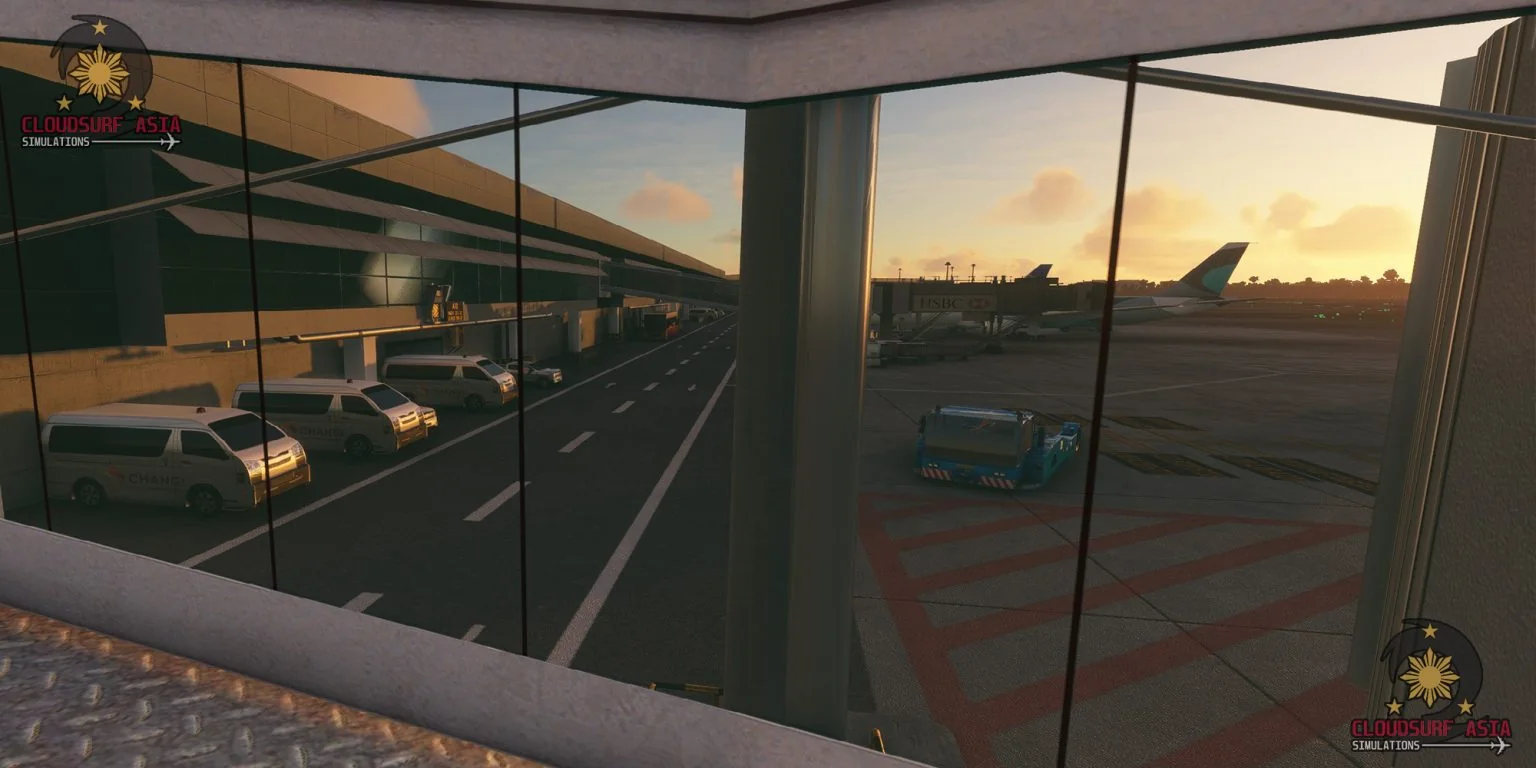
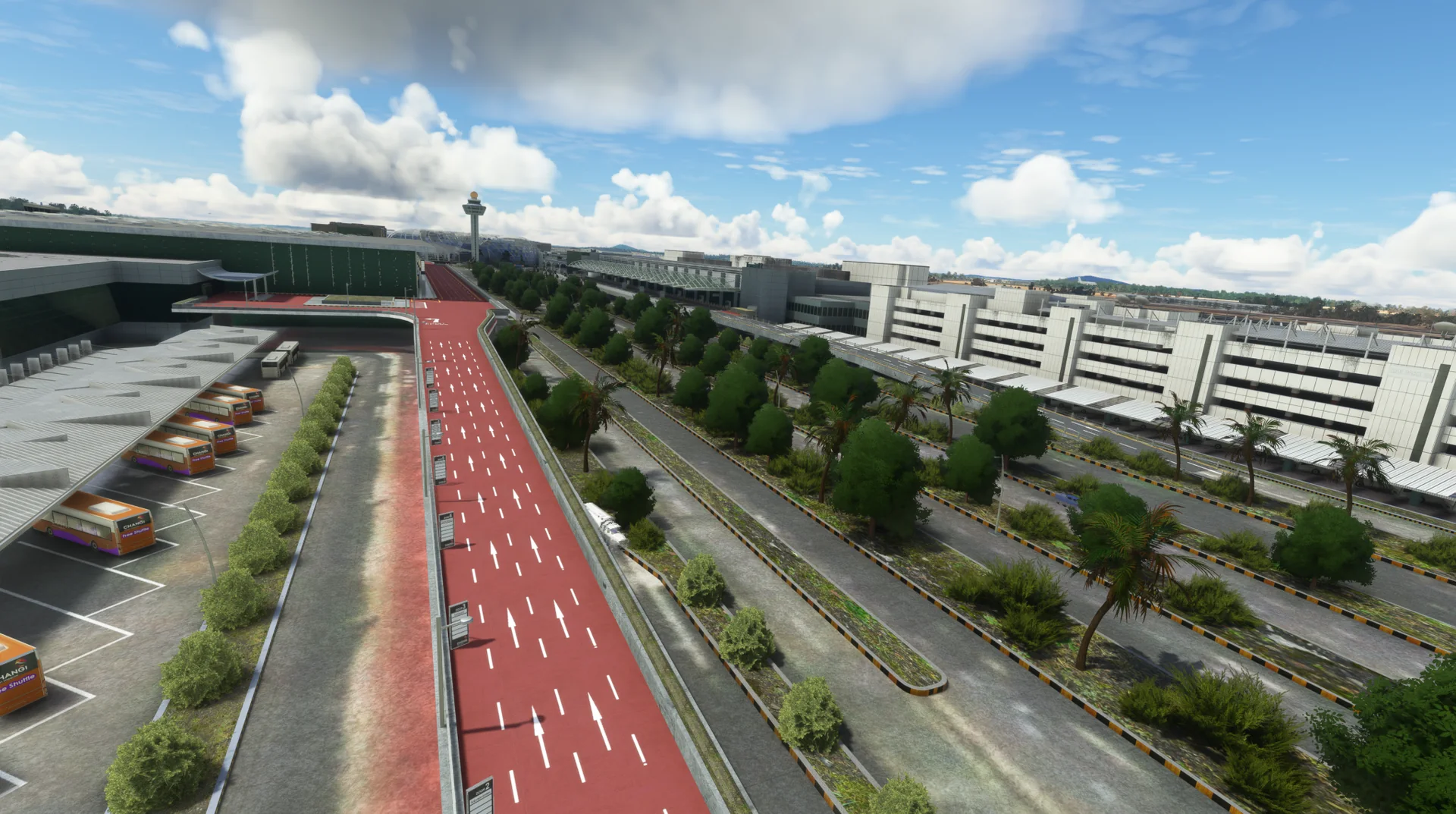
This handcrafted airport, made with passion, is full of visual improvements and custom-made objects to represent Singapore Changi as real as possible. All custom objects are built and designed from real-life data.
Changi is located at the eastern end of Singapore, about 20 km from Marina Bay, on a 13 square kilometre site. It is the home base of Singapore Airlines, Singapore Airlines Cargo, Scoot and BOC Aviation.
Features
Built for MSFS
Massive custom-built, handcrafted Changi Airport for Microsoft Flight Simulator 2020 and 2024.
Every terminal
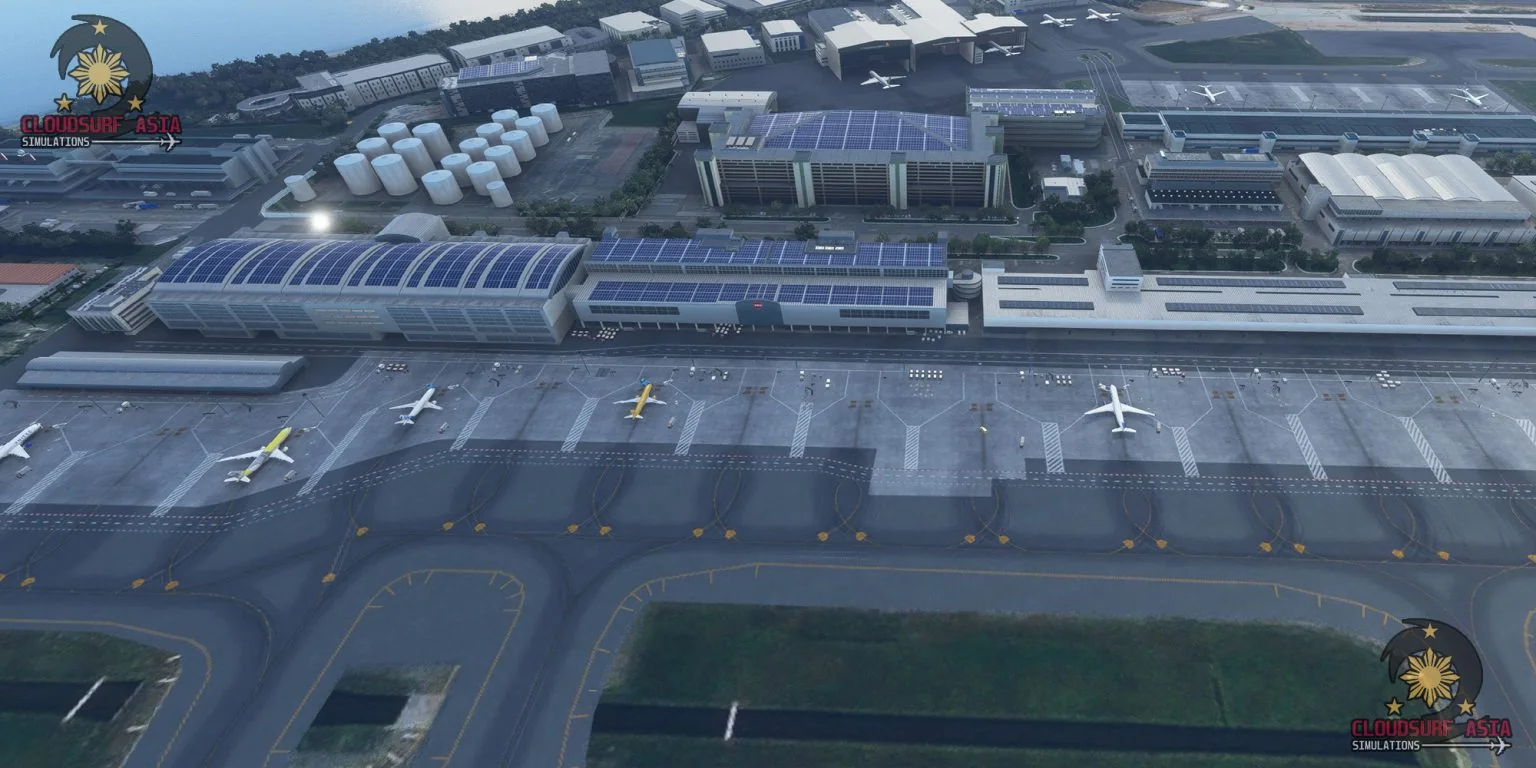
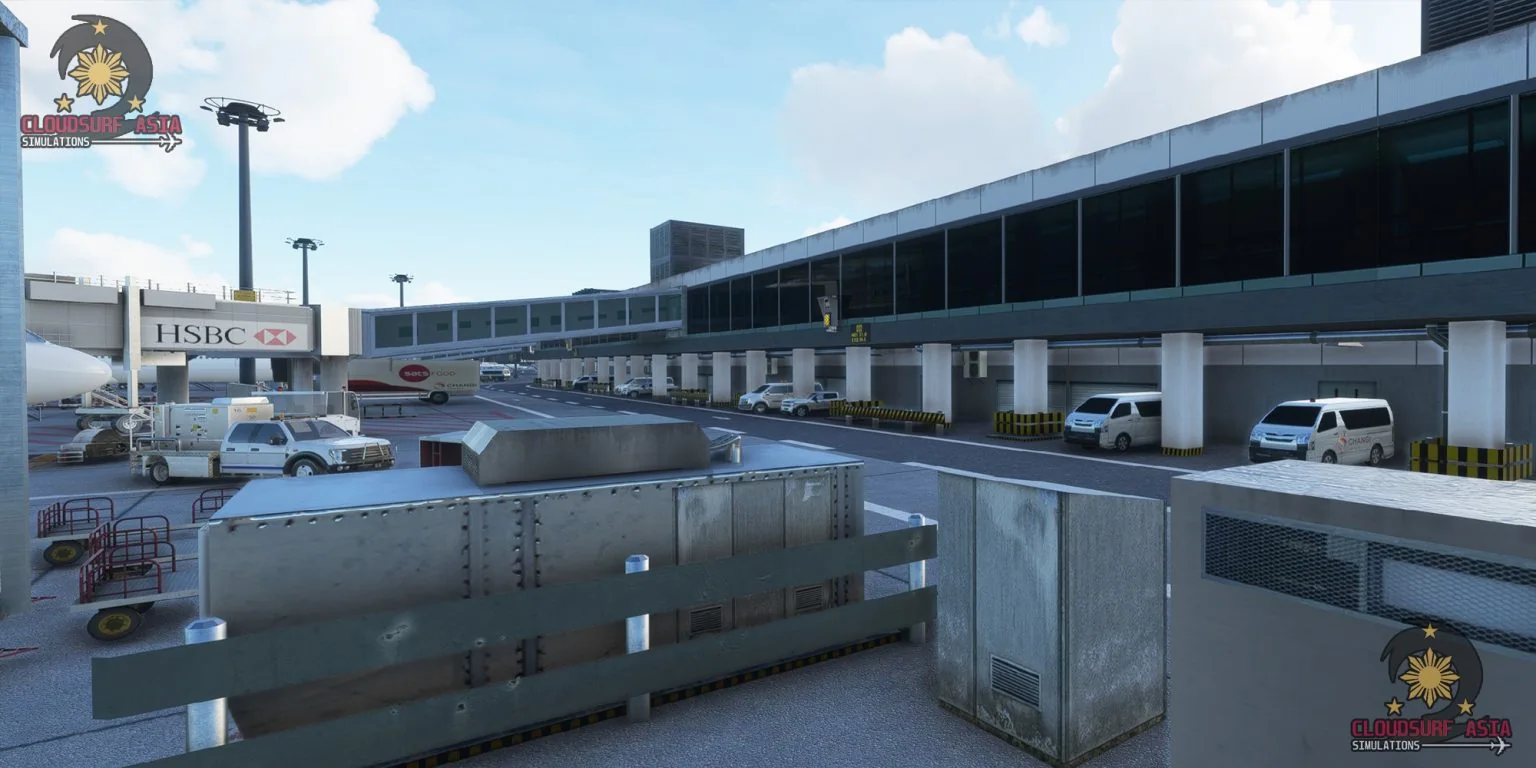
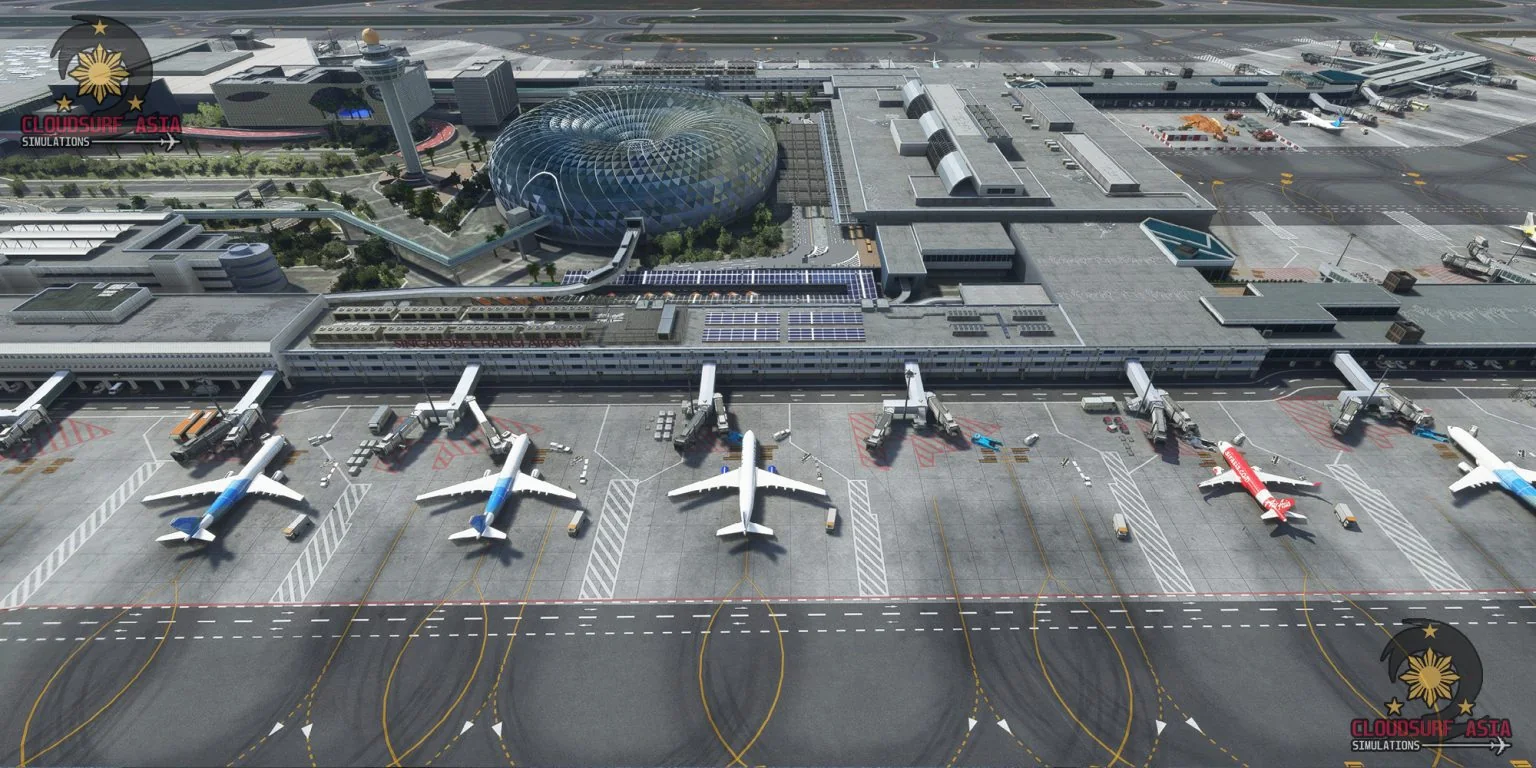
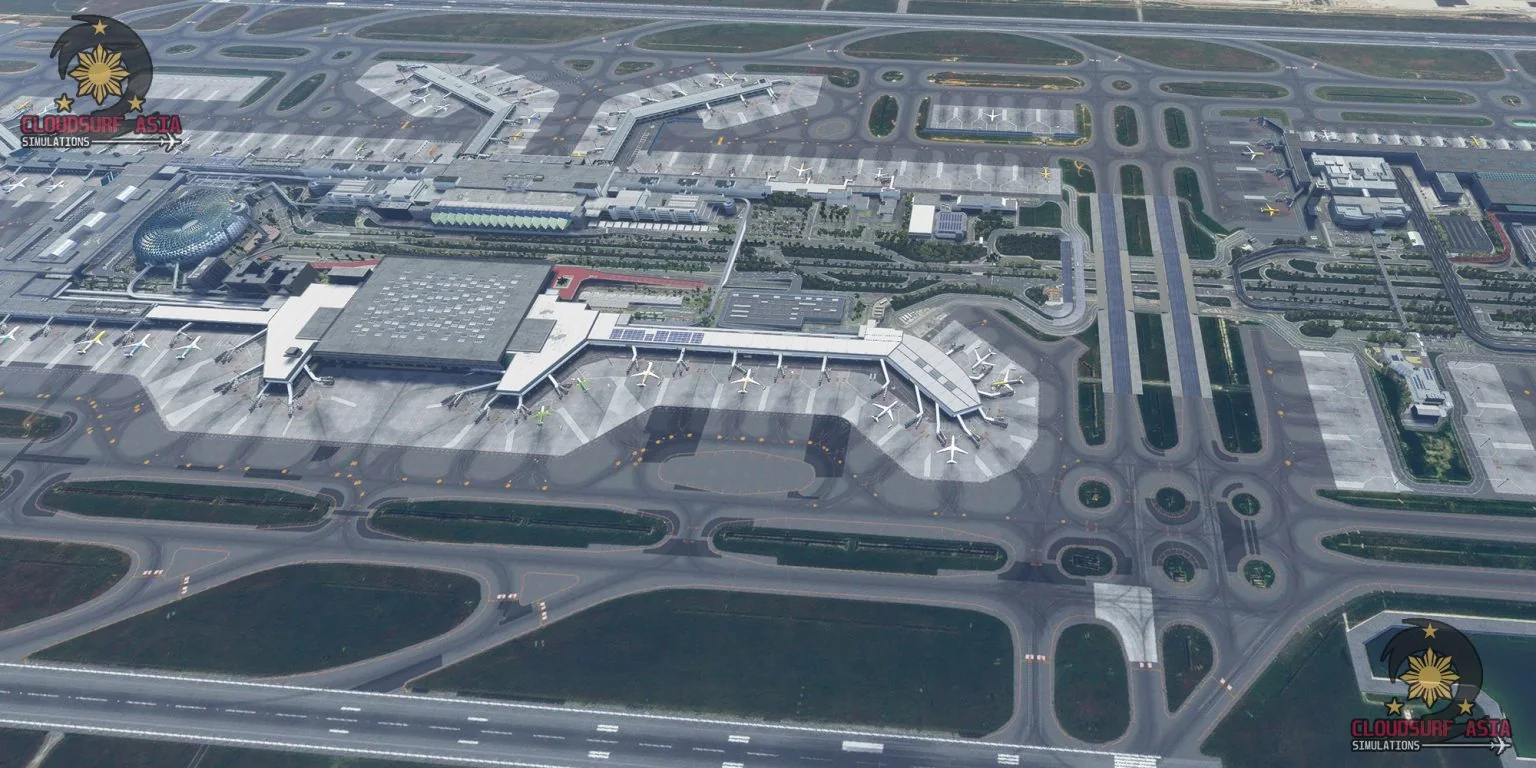
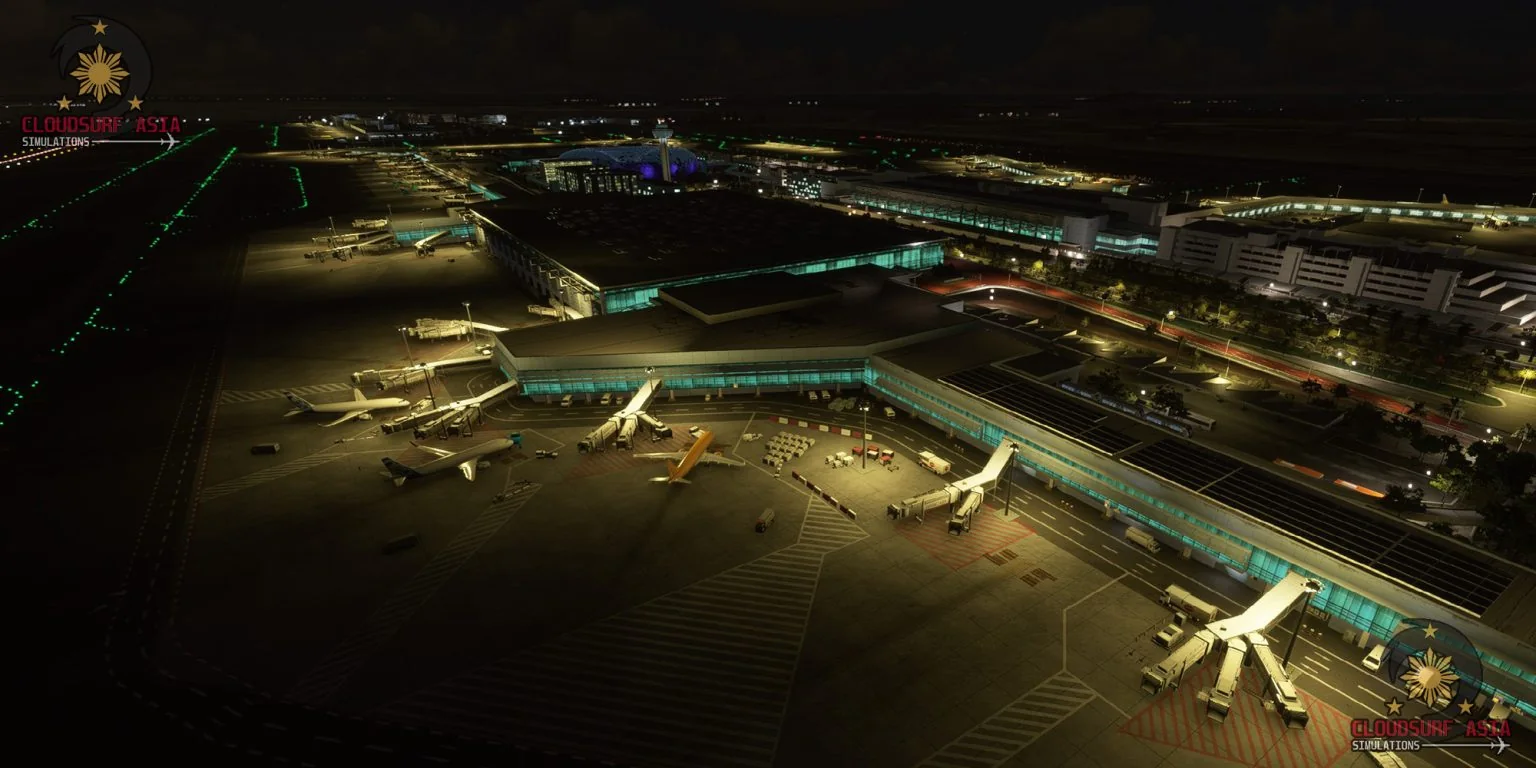
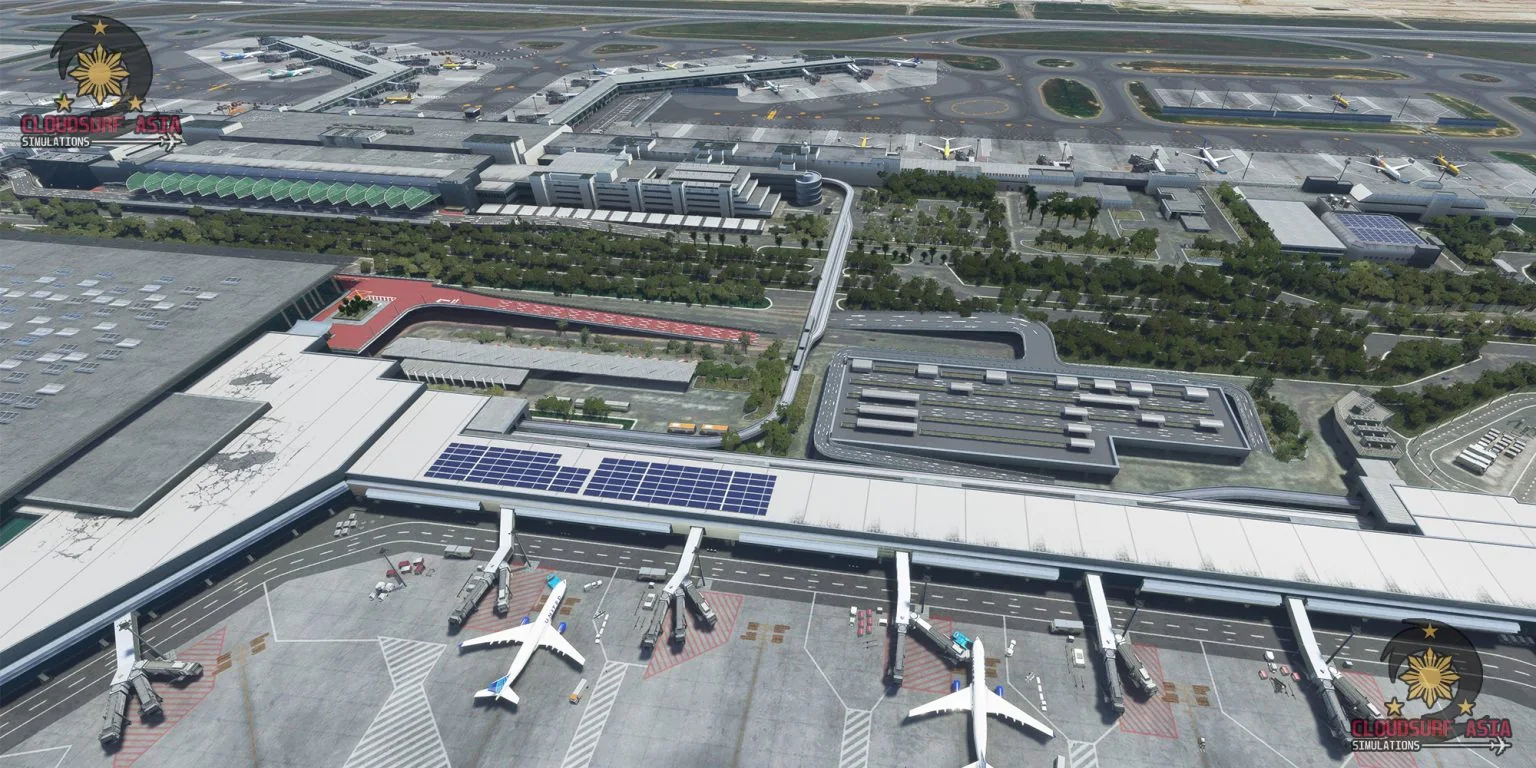
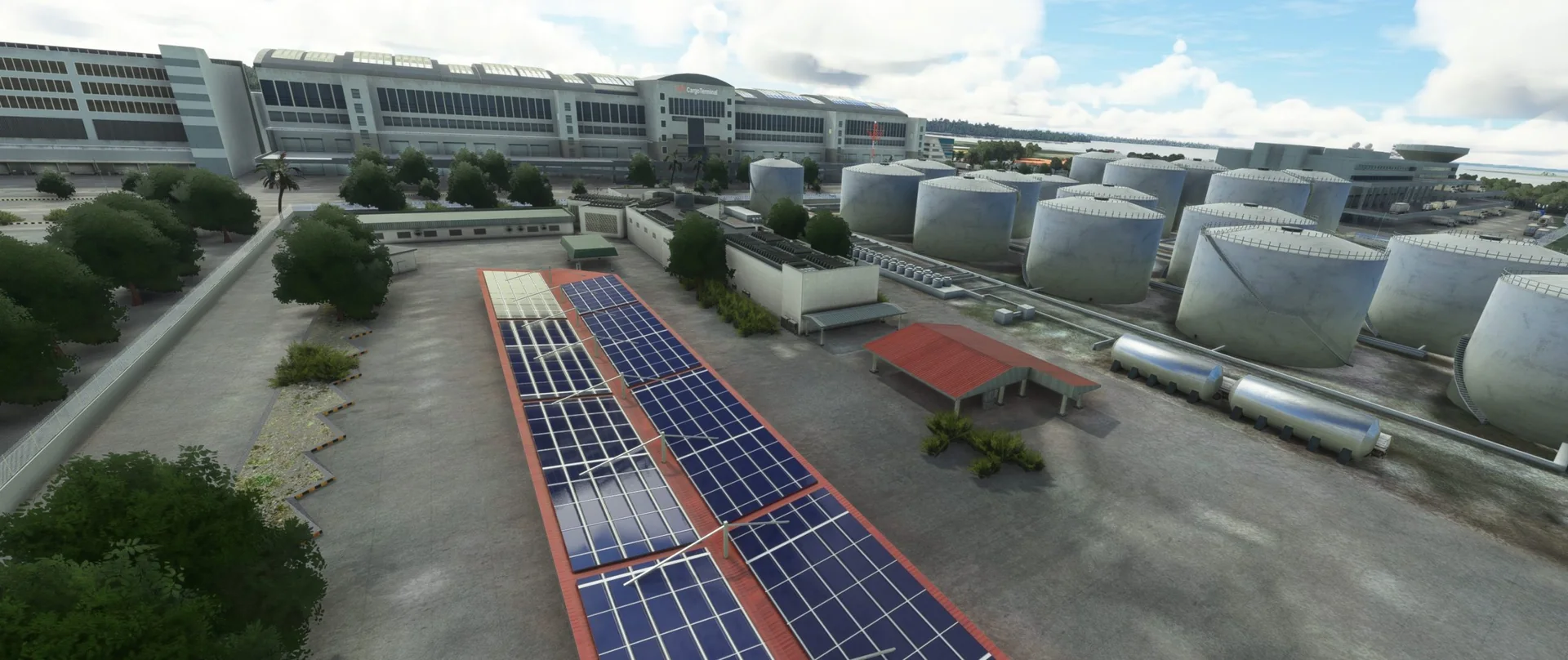
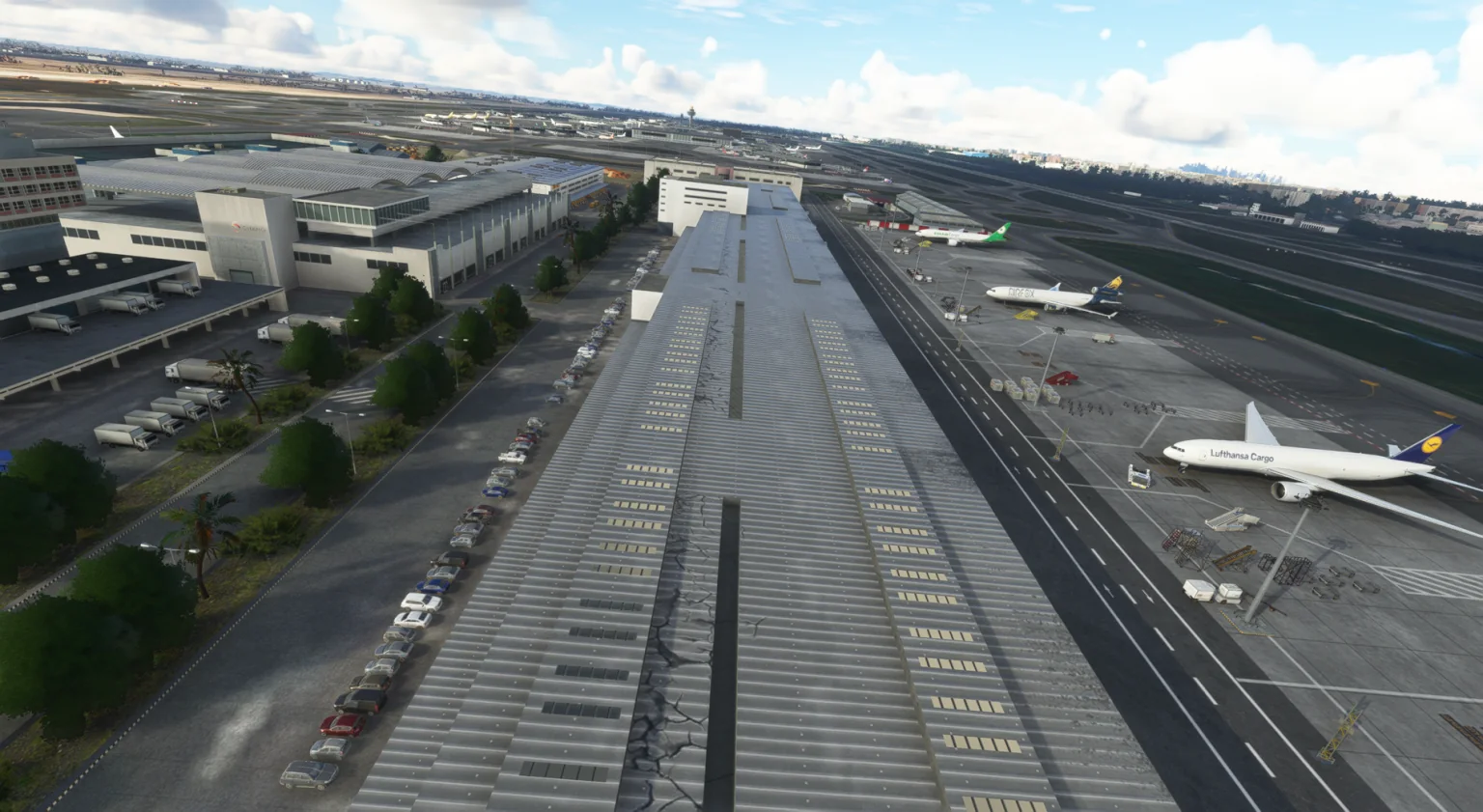
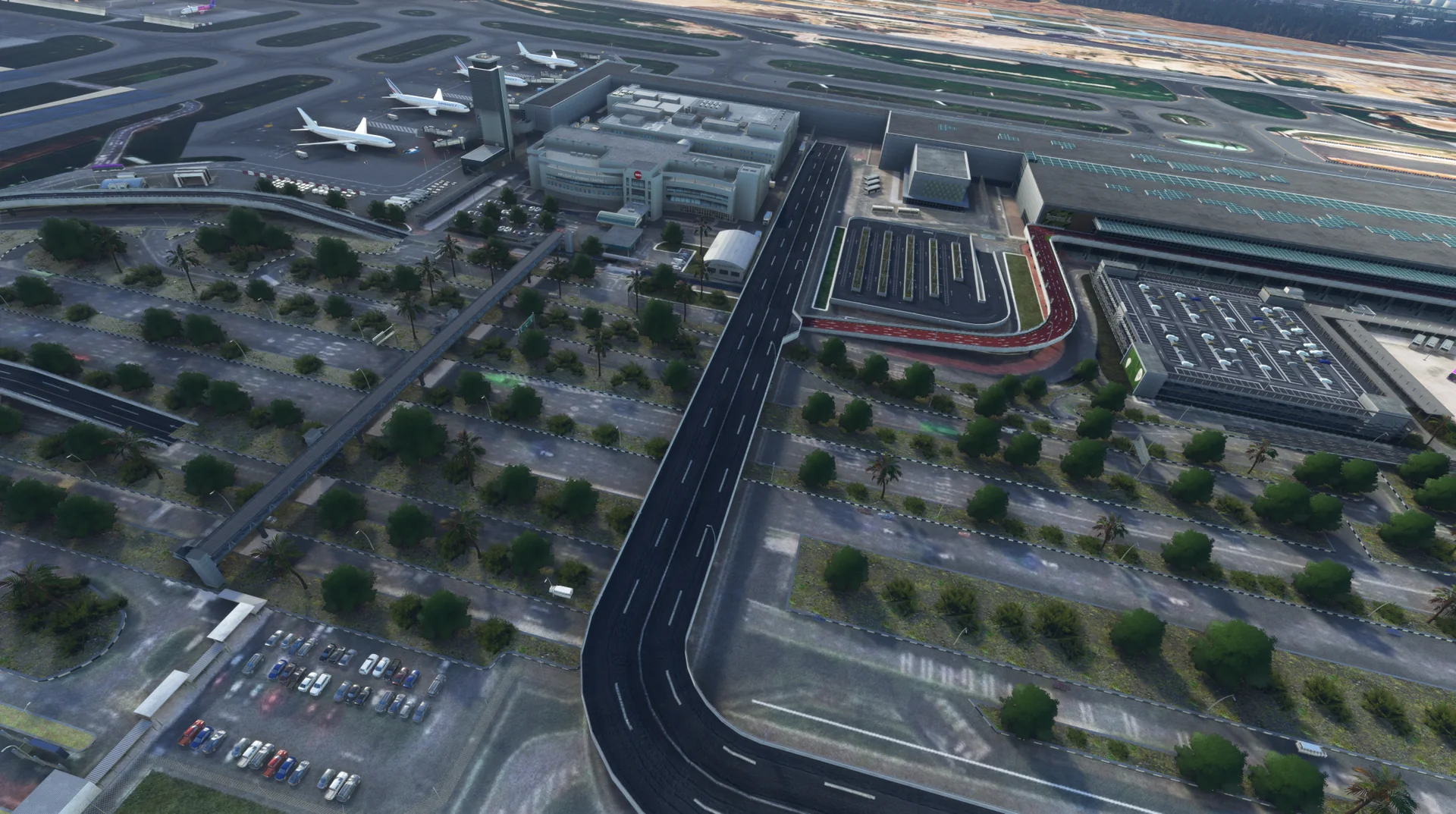
Terminals 1, 2, 3 and 4 fully modelled, with the cargo and maintenance areas.
Jewel
The Jewel exterior, with a minimal interior.
Bridge taxiway and Skytrain
Bridge taxiway, animated Skytrain and radars.
Animated jetways
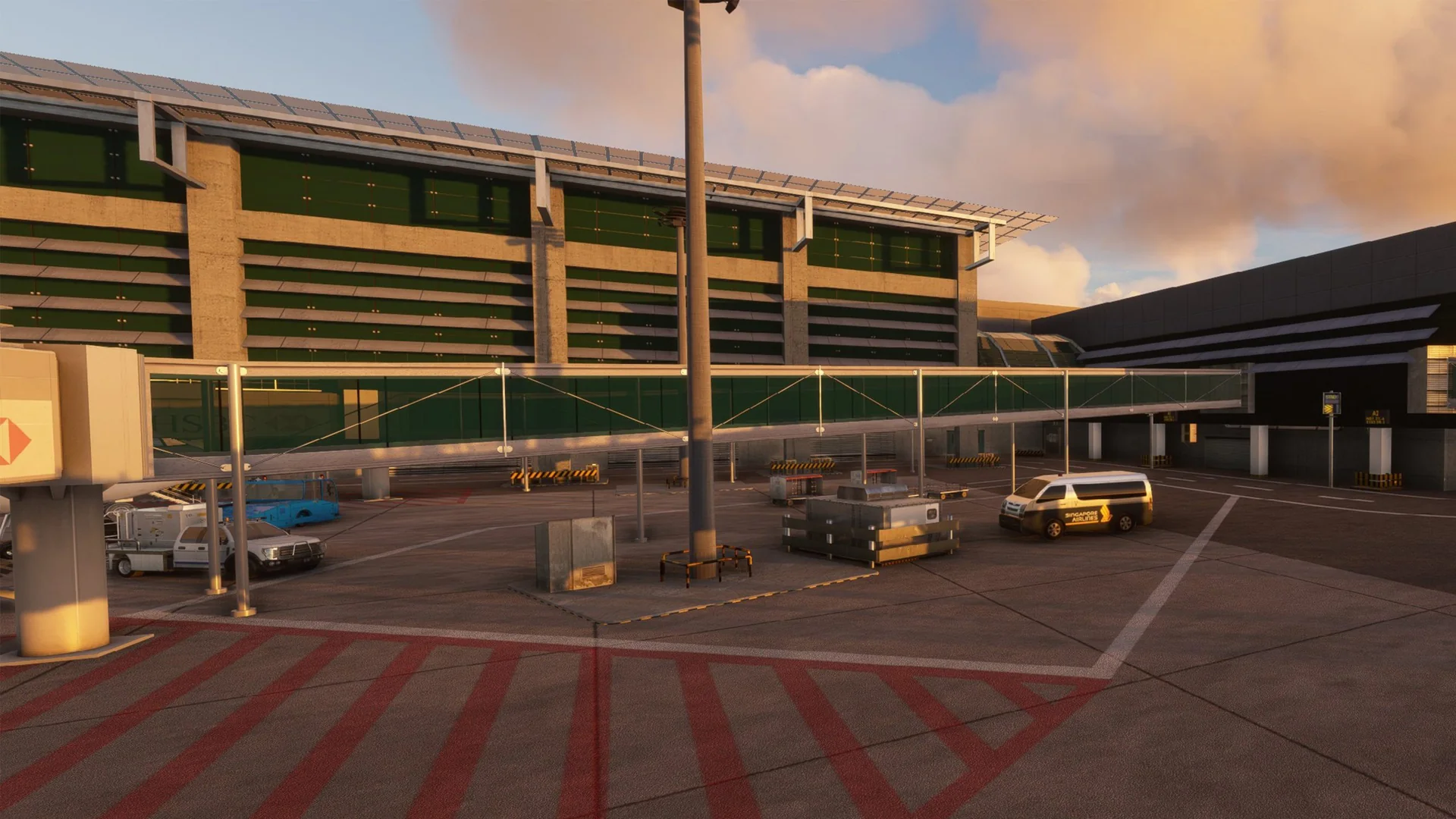
Custom animated jetways made specifically for Changi Airport.
Night lighting
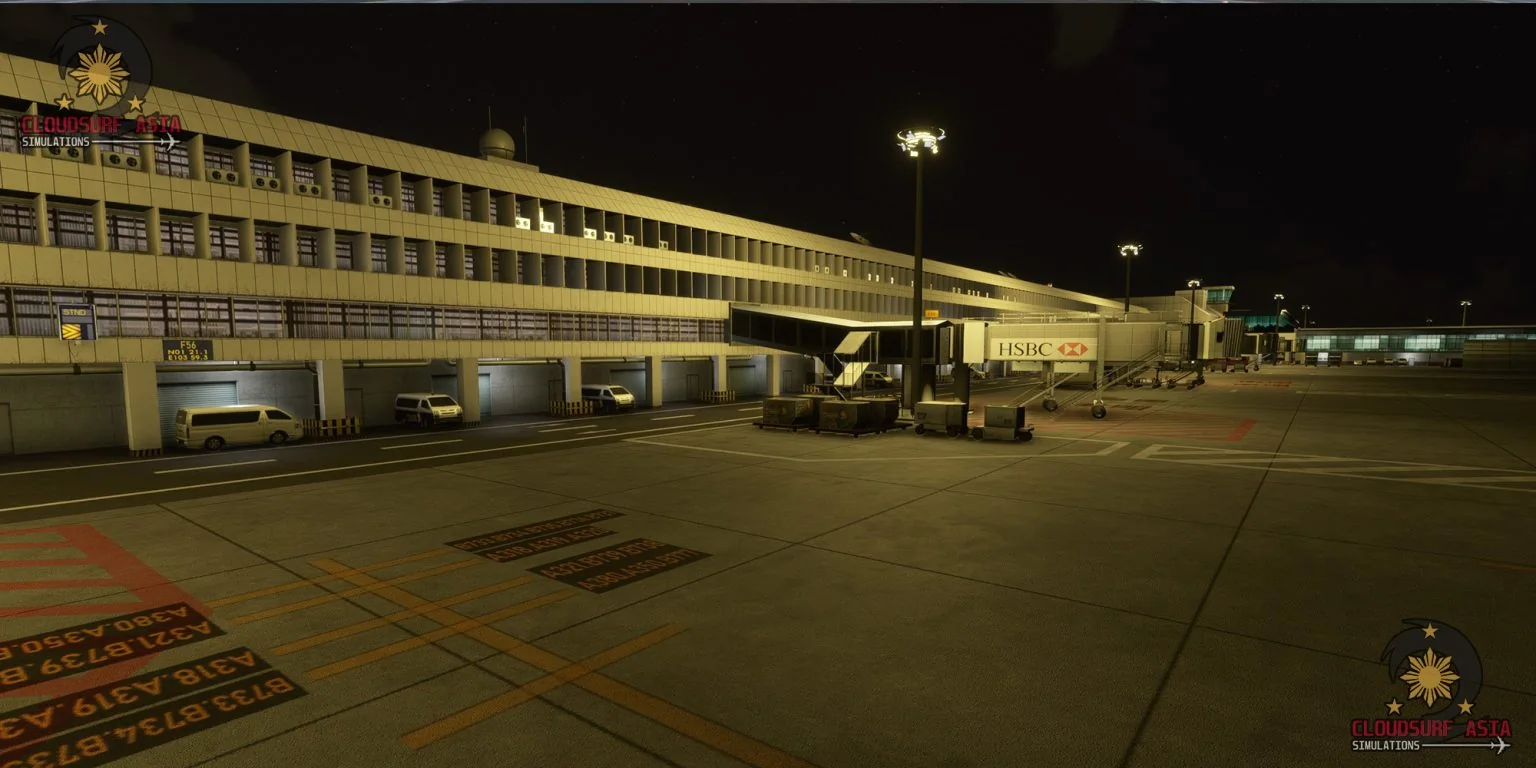
Full HDR night lighting across the airport.
PBR textures
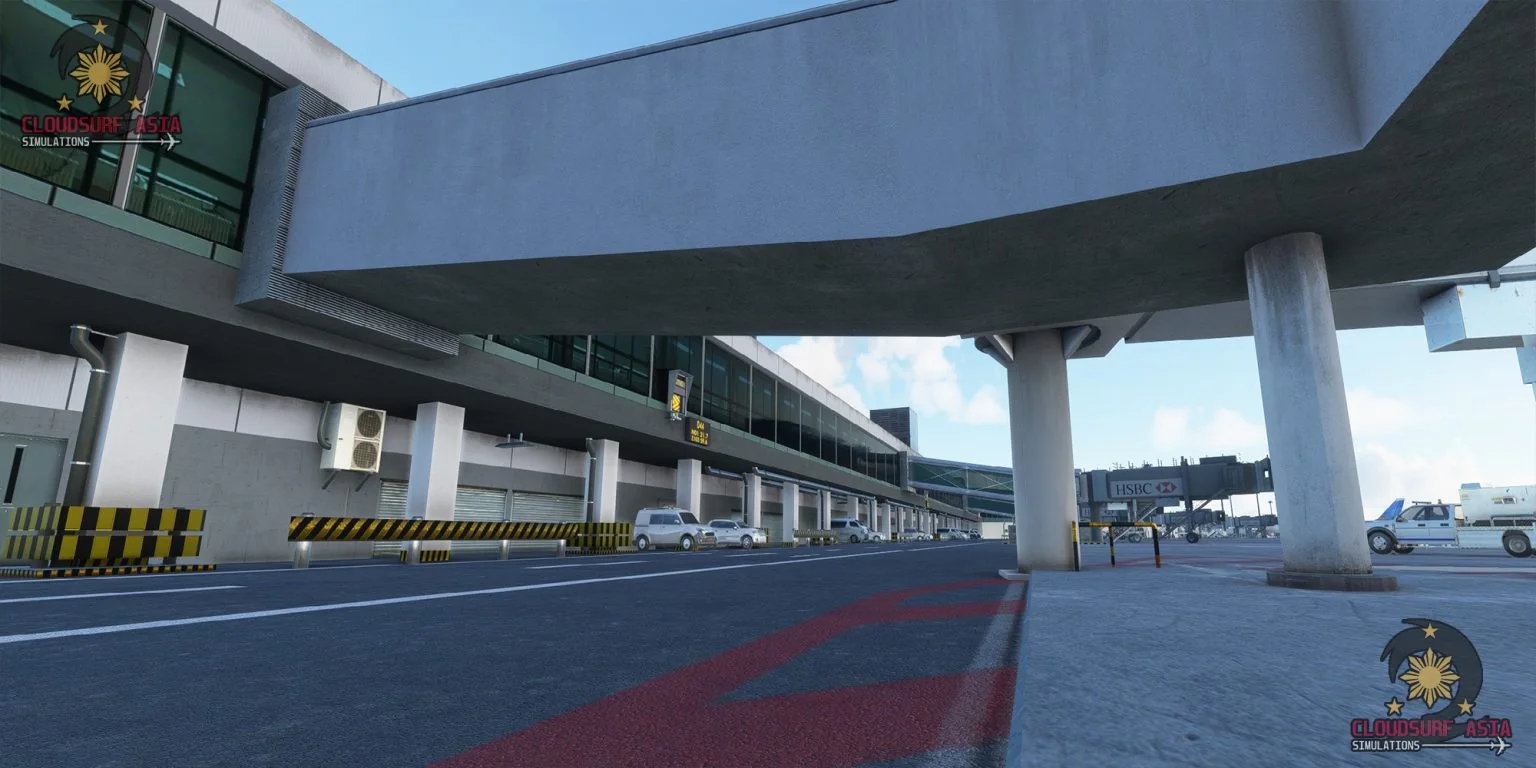
Full PBR on all airport objects, with detailed and crisp textures on all terminals.
Signs and ground
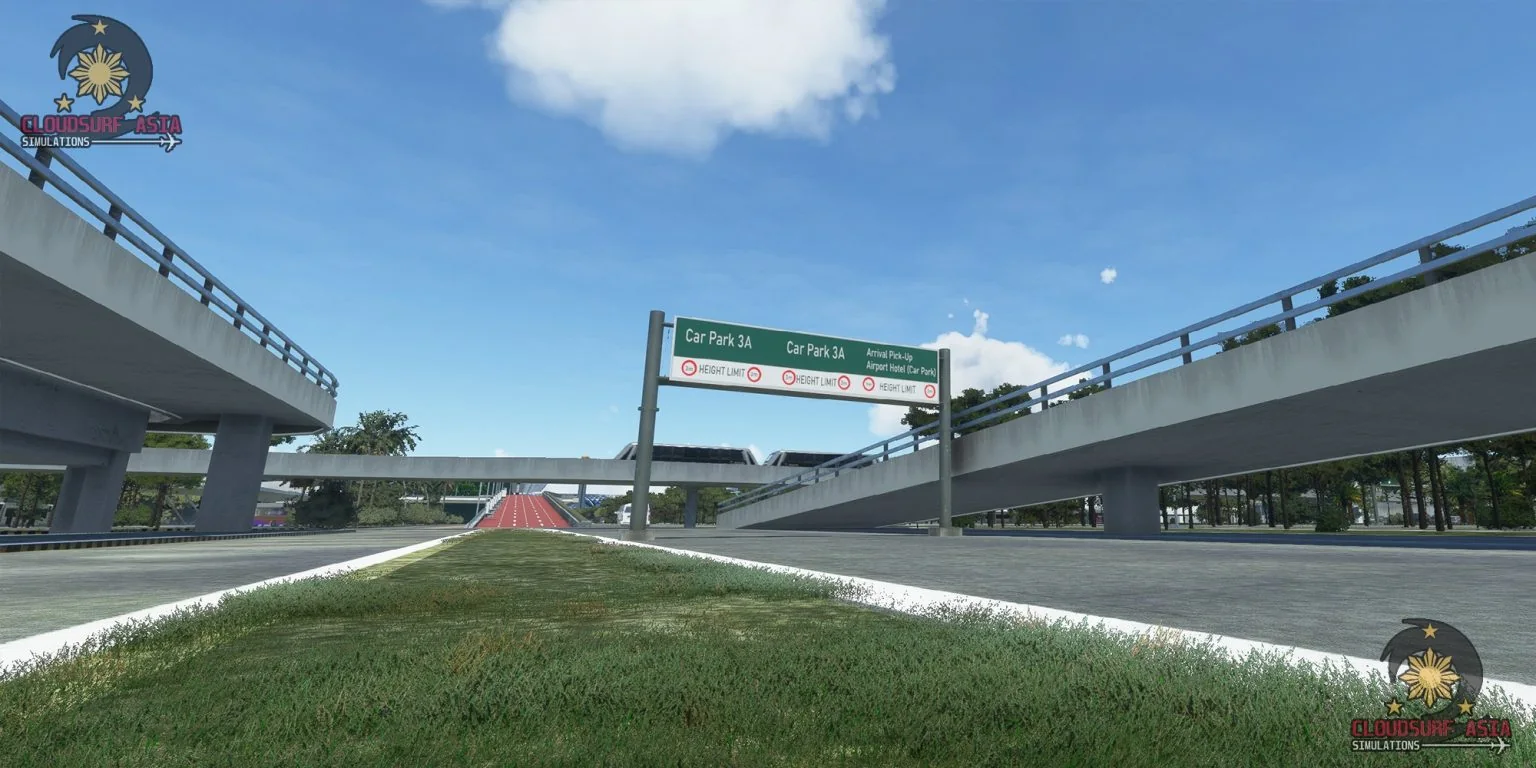
Custom taxiway signs and markings, and custom detailed ground textures.
Static aircraft
Custom static aircraft, strategically placed for the best online flying experience, such as VATSIM.
Optimised LODs
LODs optimised for the best performance.
VATSIM ready
All airport data up to date.
Free updates
Future updates at no cost.
Official trailer

Screenshots
Where to buy
WSSS is sold through our partner stores.
Requirements
- Latest version of Microsoft Flight Simulator 2020 or 2024
- Core i5 or equivalent, at least
- 8 GB RAM at least; 16 GB or more is best
- GPU: GTX 1050 or better with at least 6 GB VRAM (lower GPUs not tested, but reported to work)
- MSFS settings Medium to High recommended (depends on your machine)
Read before buying
- Please check the screenshots before buying the product.
- Best paired with our Singapore Downtown scenery.
- The current version does not include interior modelling of the terminals yet; it is on our roadmap if performance allows, given the scale of the airport.
- Known issue: we lack data for the WSAC military airbase (the area is heavily restricted to the public), so its visuals are based on satellite imagery only.
- Disclaimer: although we try our best to fully simulate the real Changi Airport, there are limitations to consider, such as performance and the limited data we have. Rest assured you will have the Singapore Changi ambiance when flying.
- Refunds: because of the nature of digital download products, we only refund in special circumstances such as a duplicate purchase. Technical issues are refunded only when our support team has exhausted all possible solutions and the order is not older than 7 days; each case is looked at on its own.
Installation
- Bought on the Microsoft Marketplace or ORBX: the product installs for you.
- Bought as a download: unzip the file; you will see one folder named cloudsurfasiasimulations-wsss.
- Drag and drop this folder into your MSFS Community folder.
- Restart the simulator, and you are done.
Finding the Community folder
Custom install location
If you installed your MSFS content (Packages folder) in a custom location, open that folder; the Community folder is inside it.
Microsoft Store / Xbox app
Type %localappdata% in Windows search, then open Packages\Microsoft.FlightSimulator_8wekyb3d8bbwe\LocalCache\Packages\Community.
Steam
Type %appdata% in Windows search, then open Microsoft Flight Simulator\Packages\Community.
Questions? Email simulations@cloudsurf.asia.