
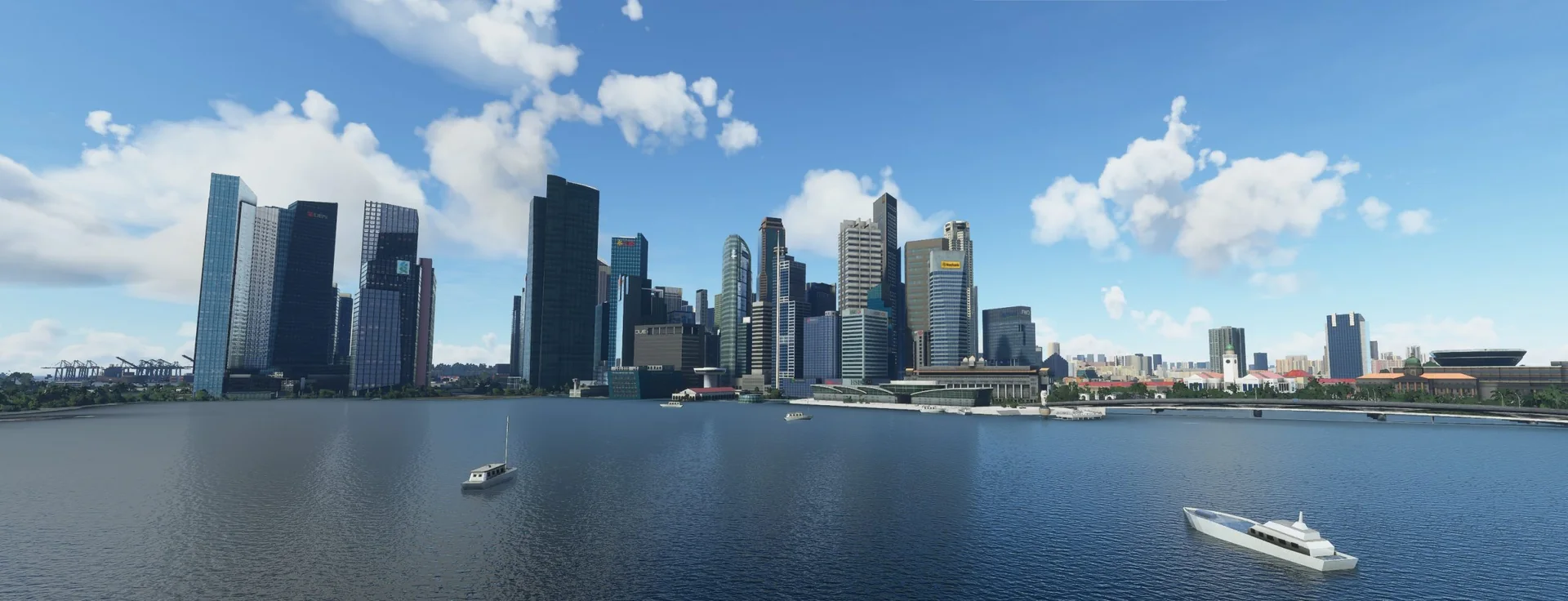
About the scenery
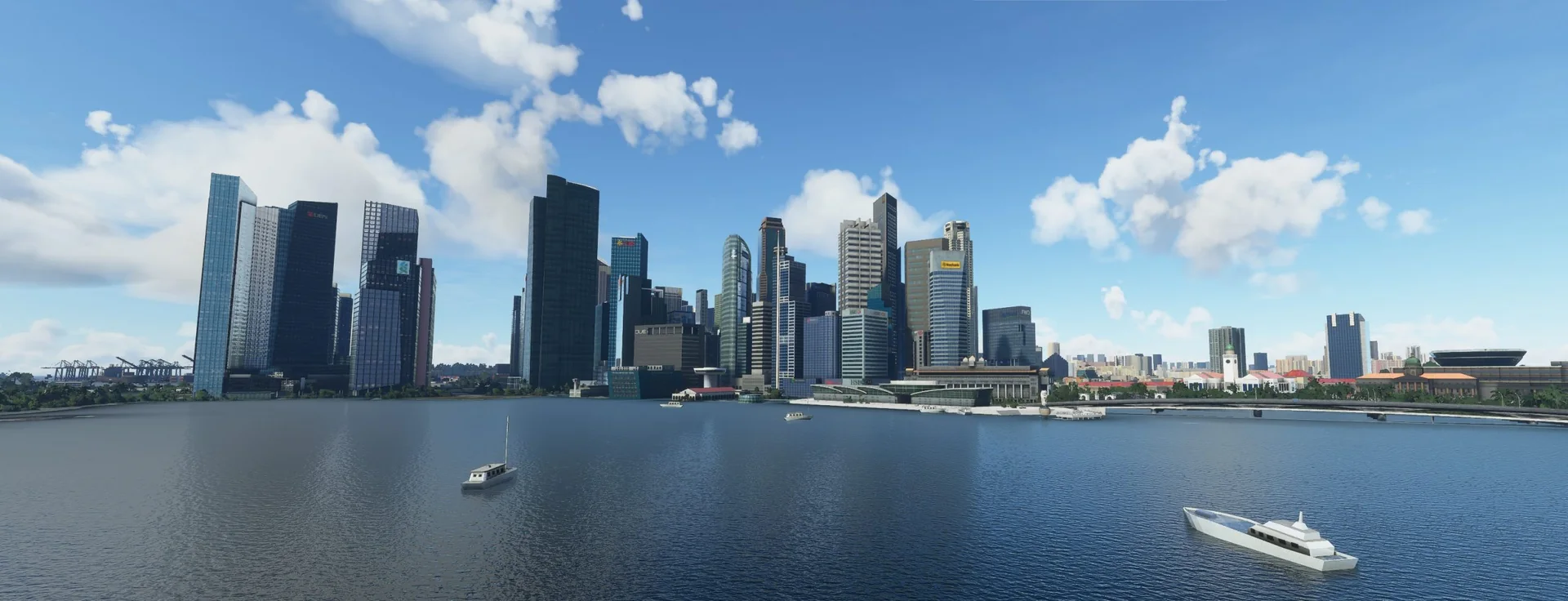
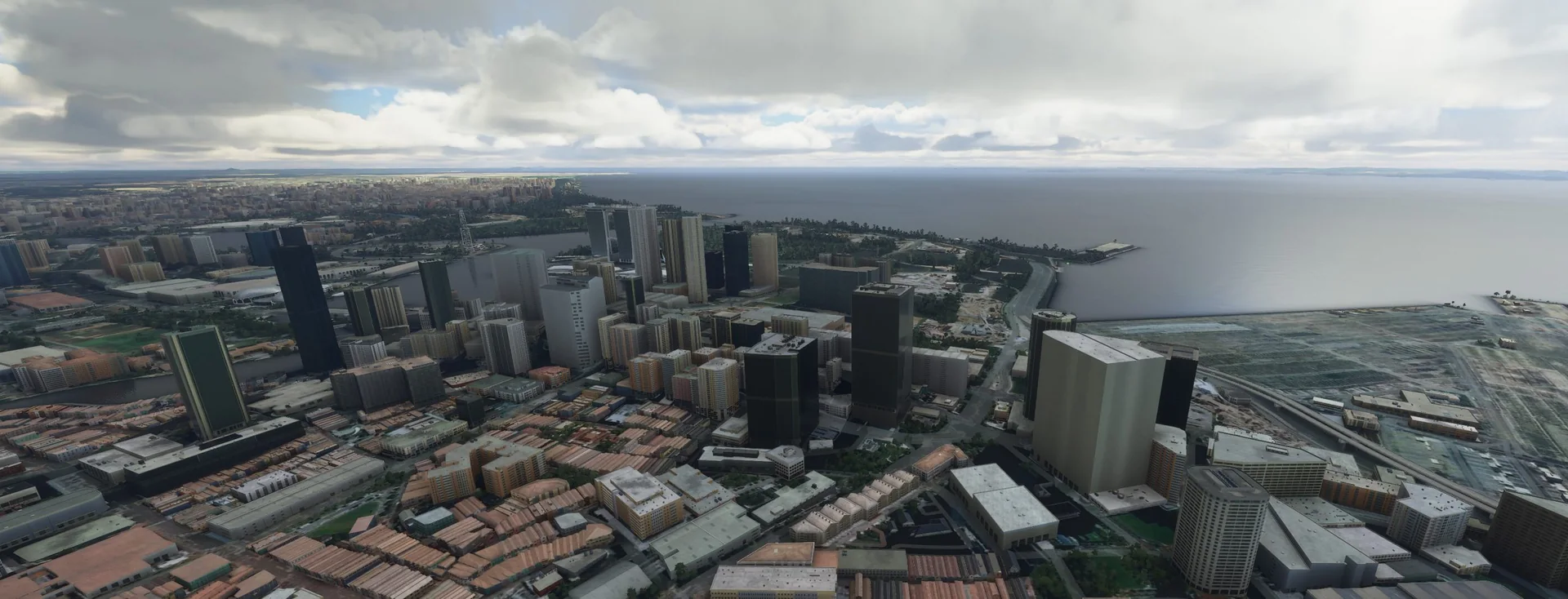
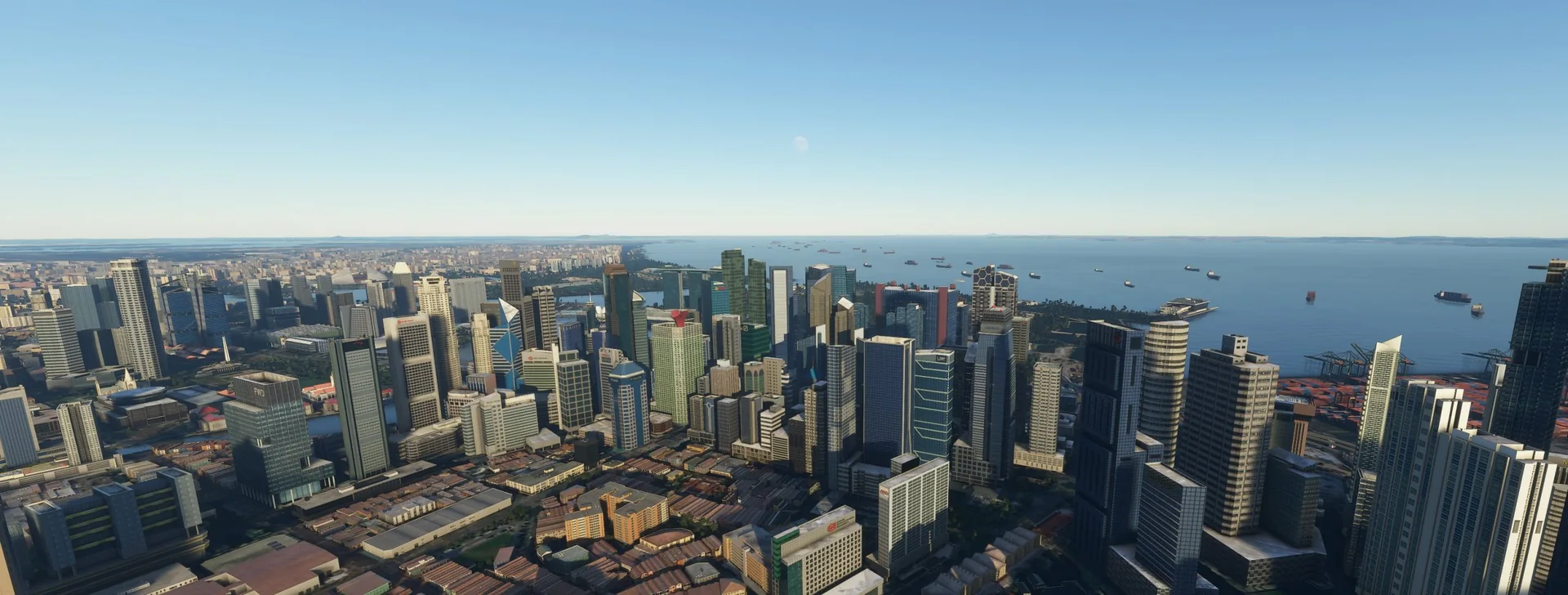
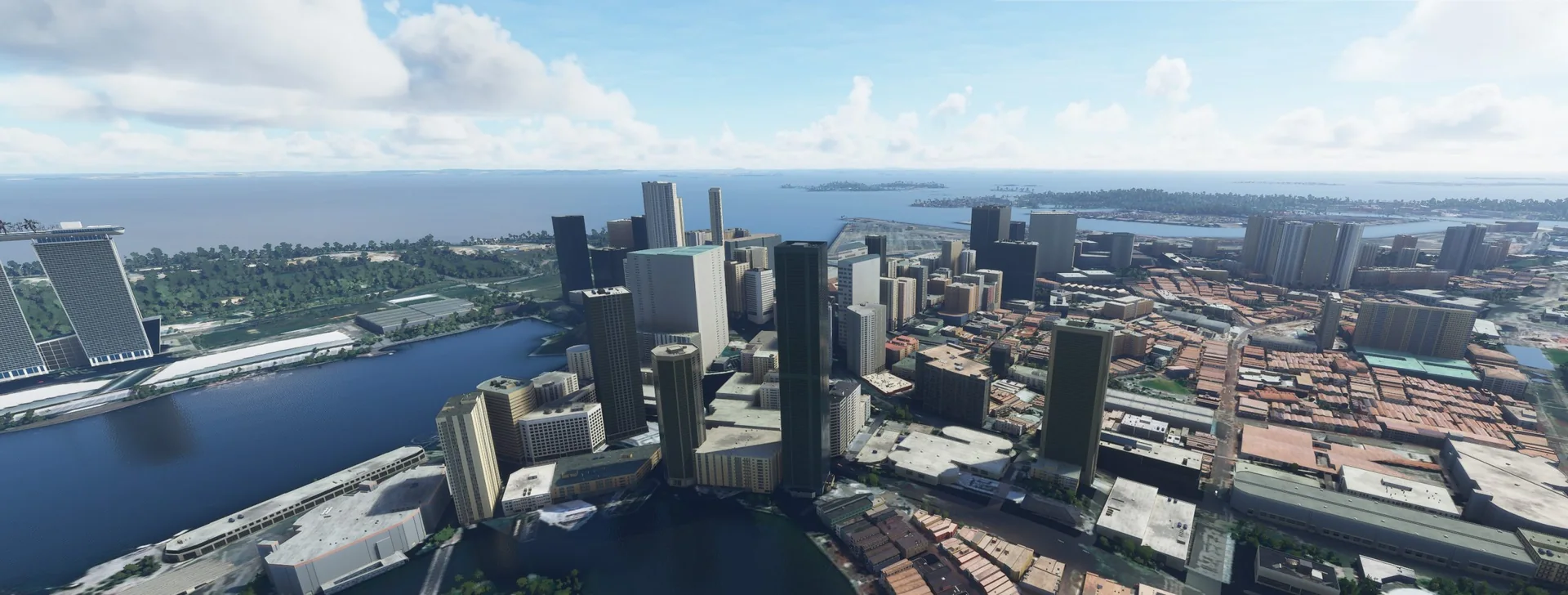
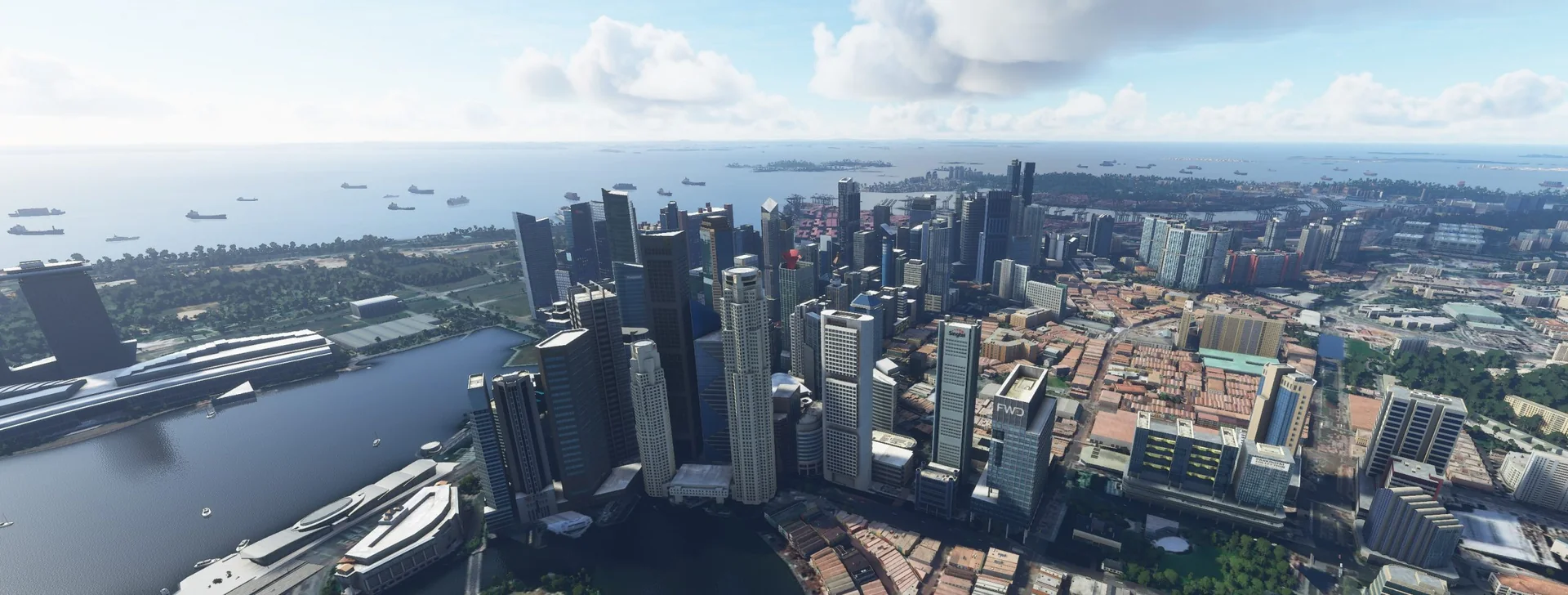
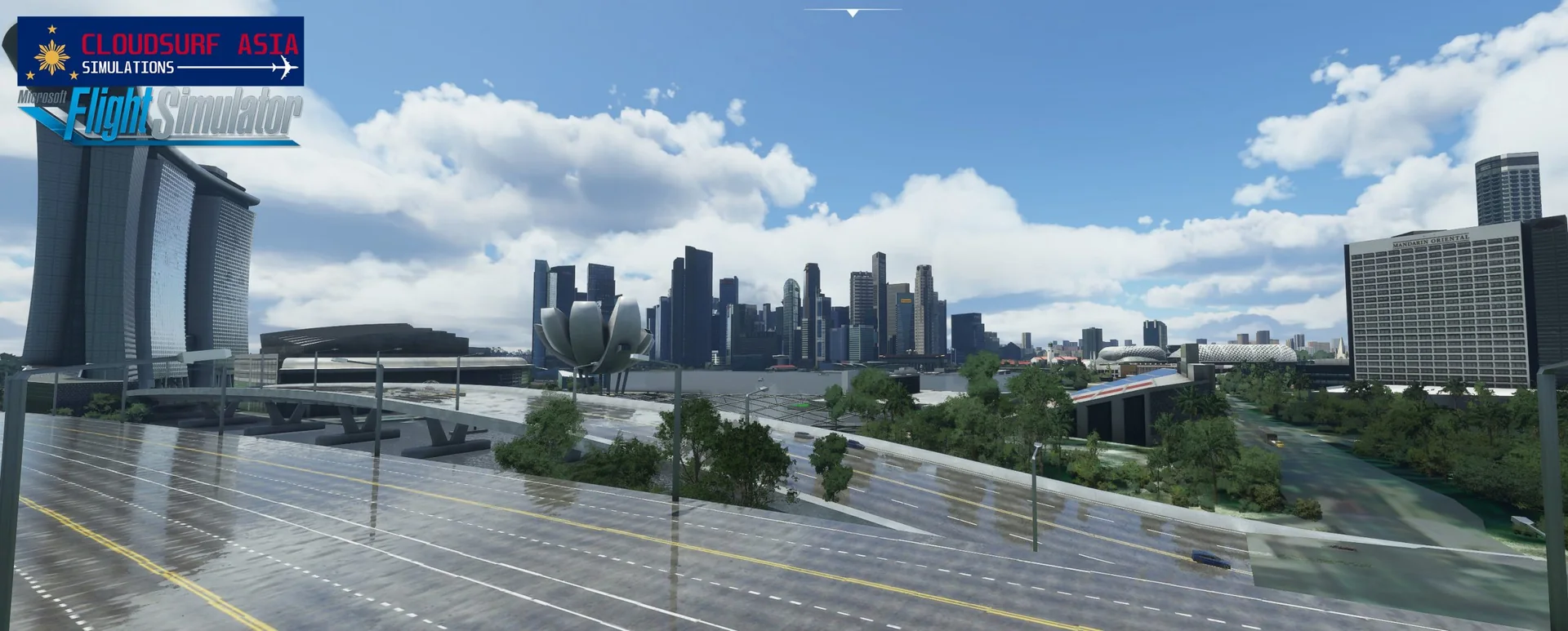
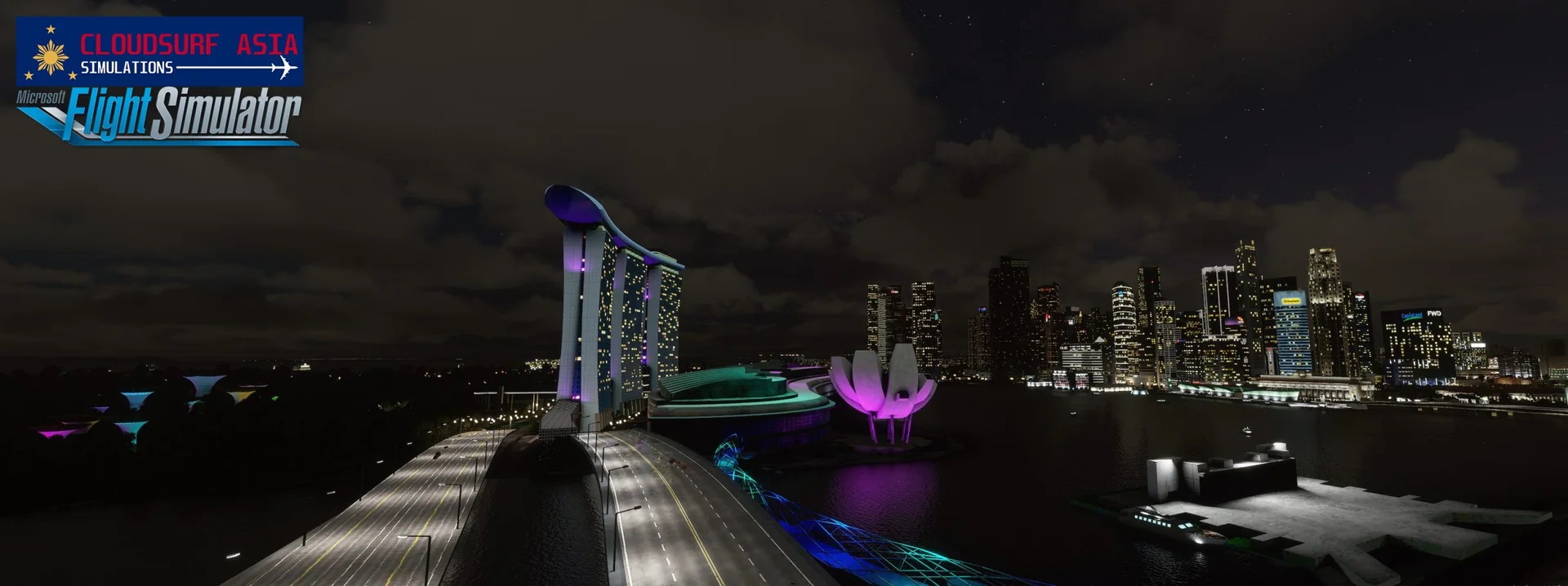
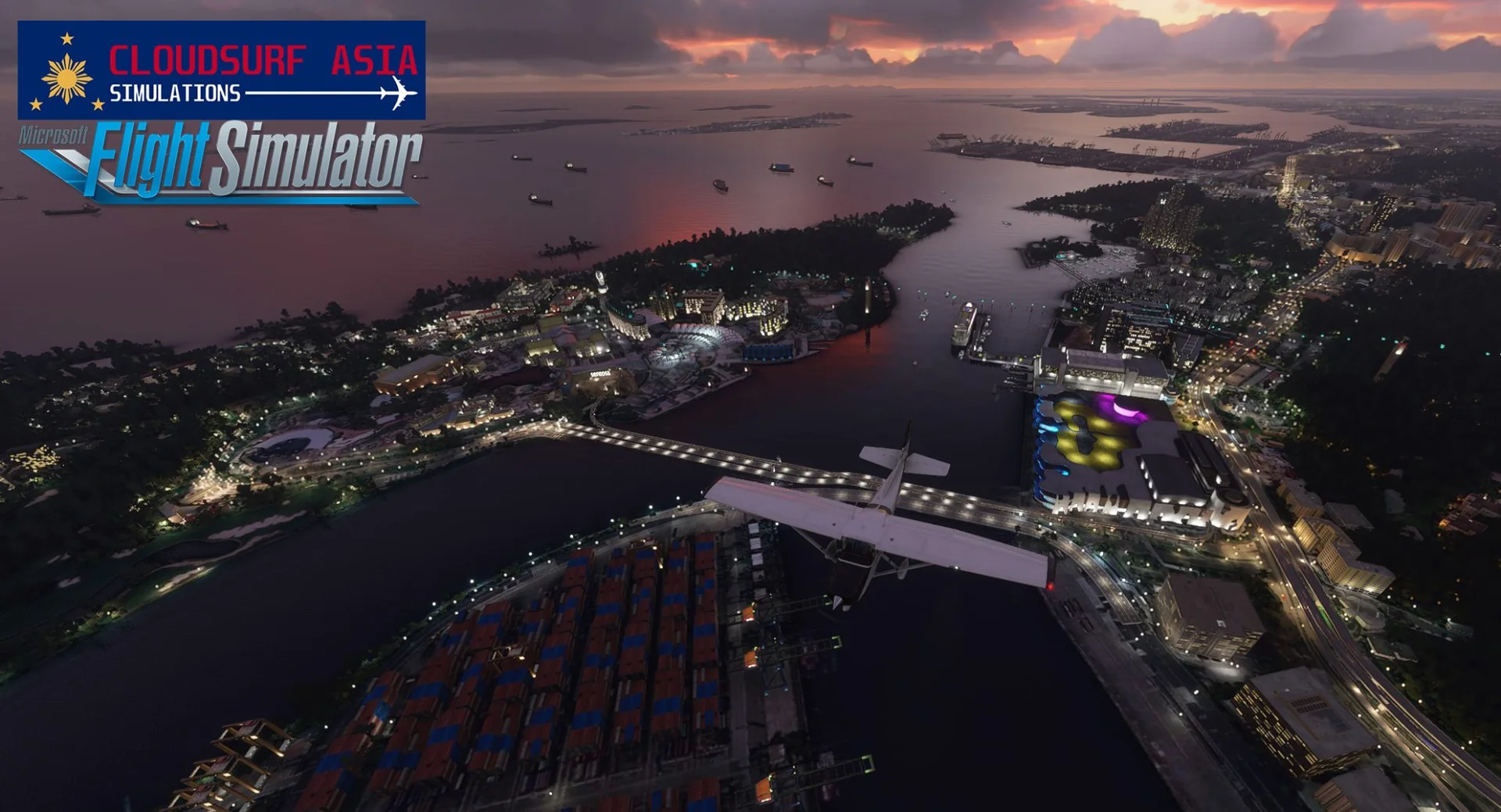
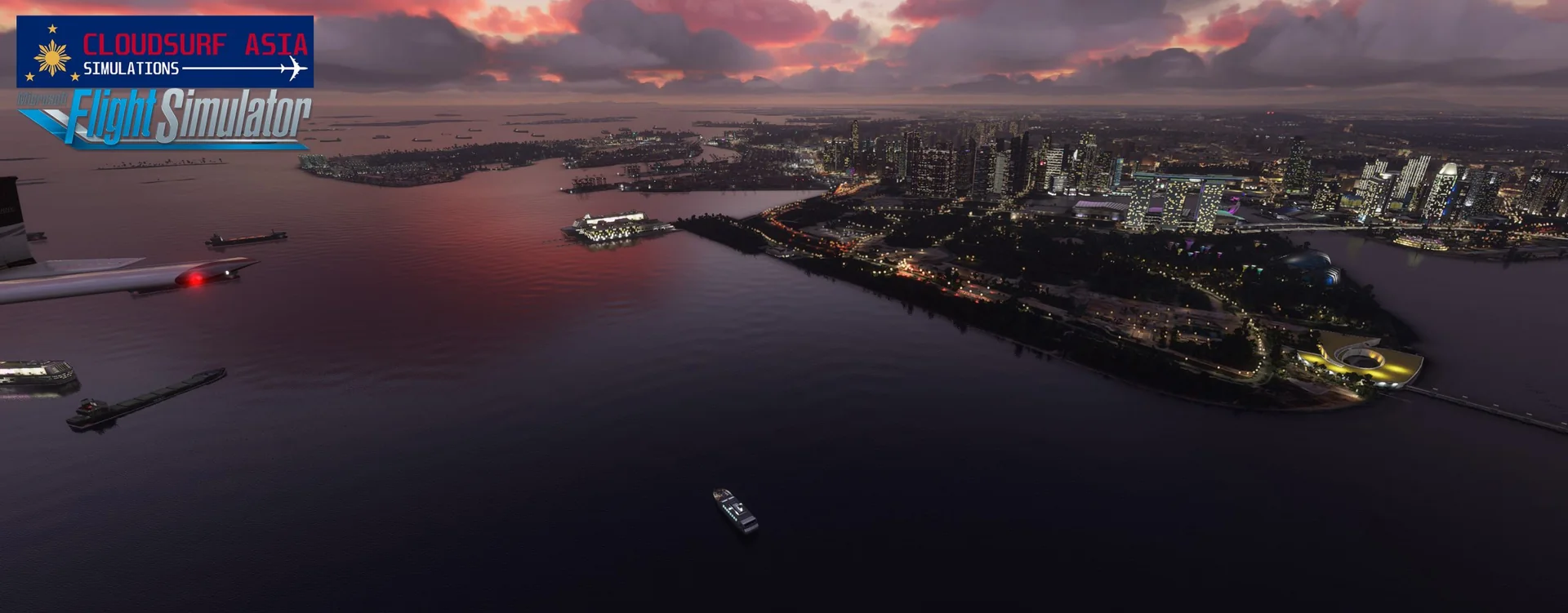
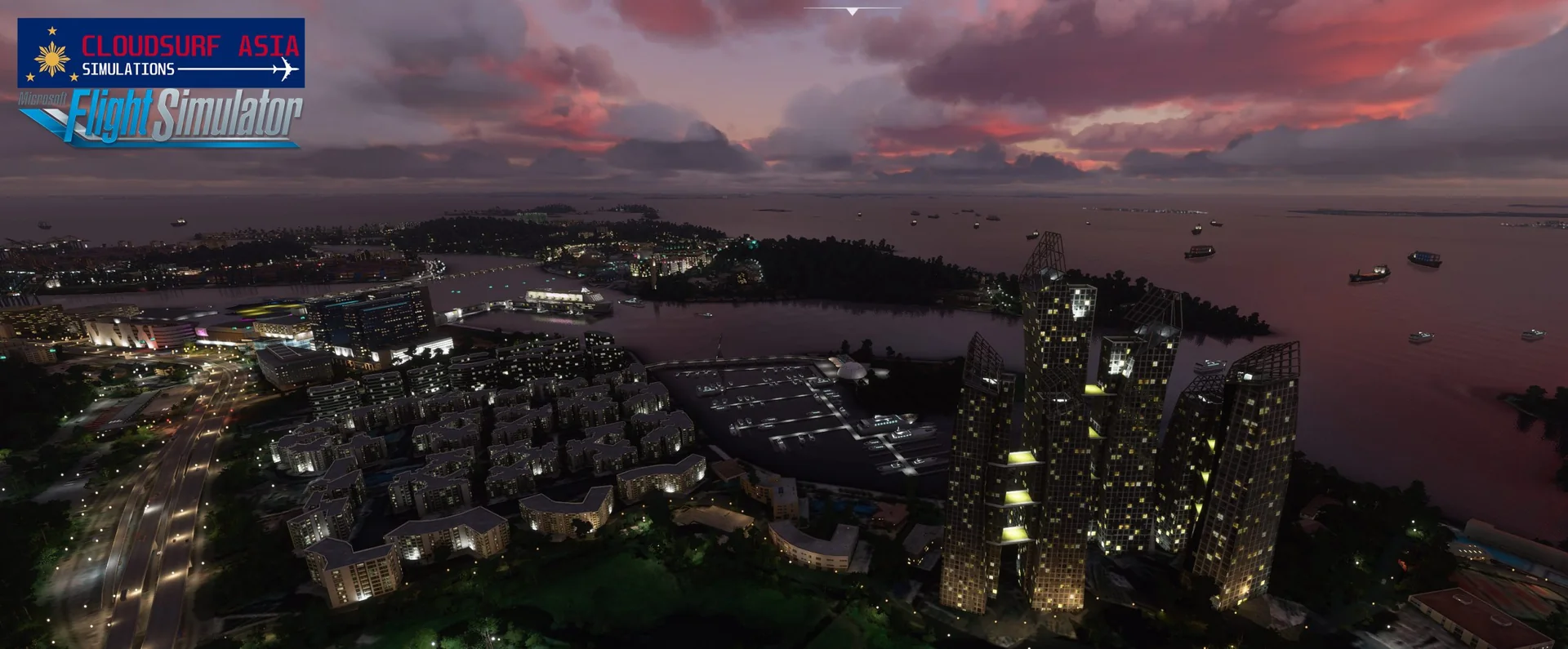
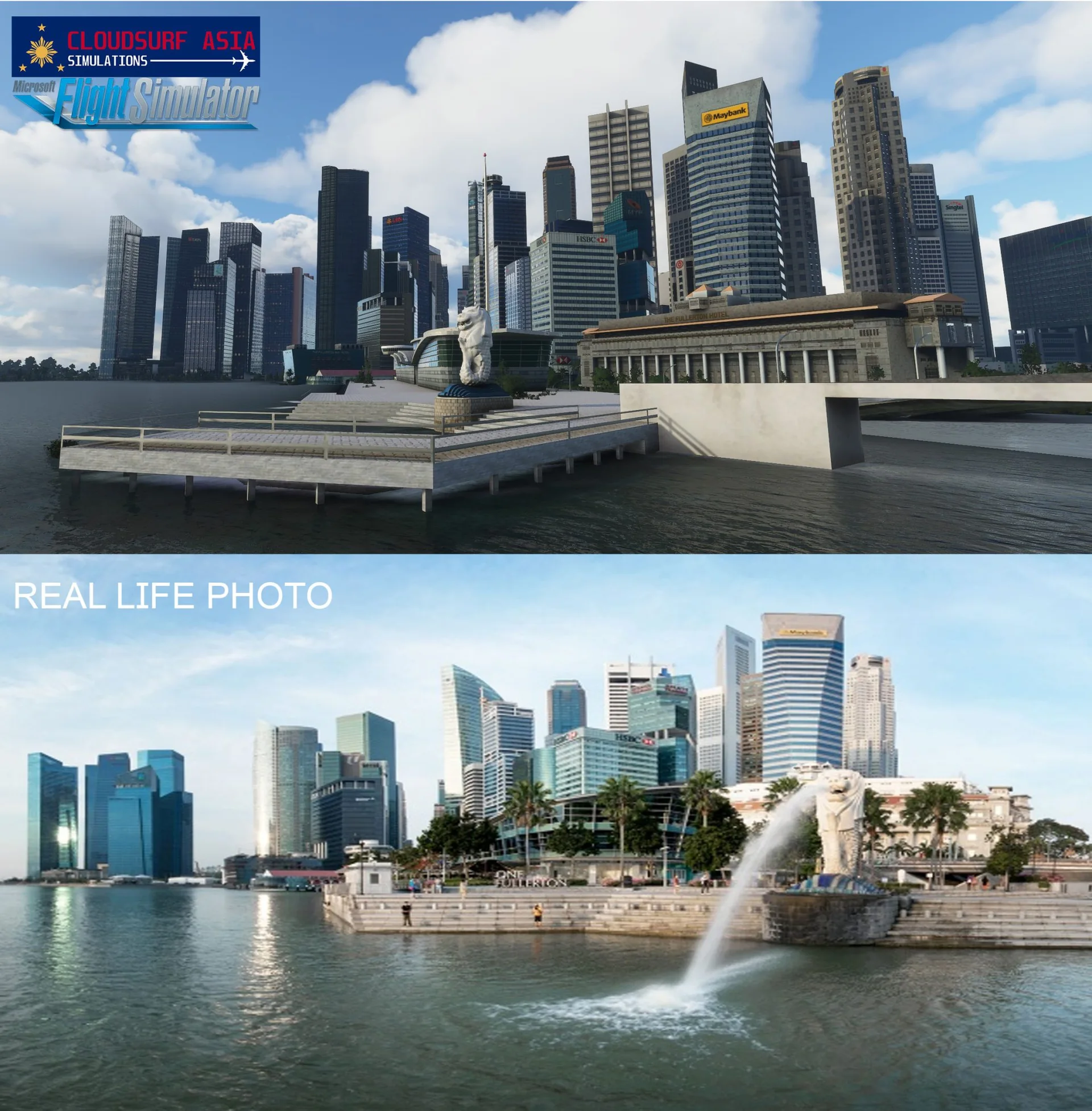
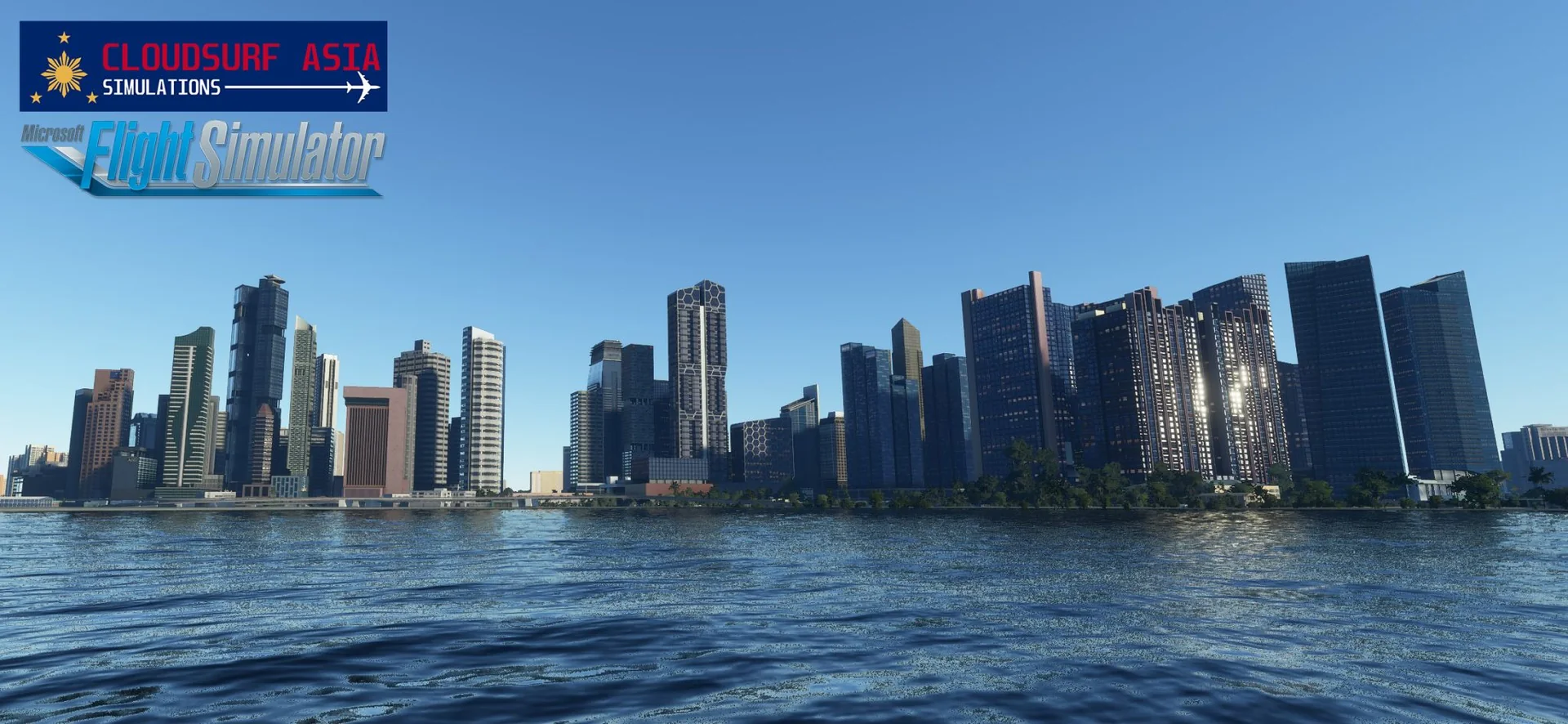
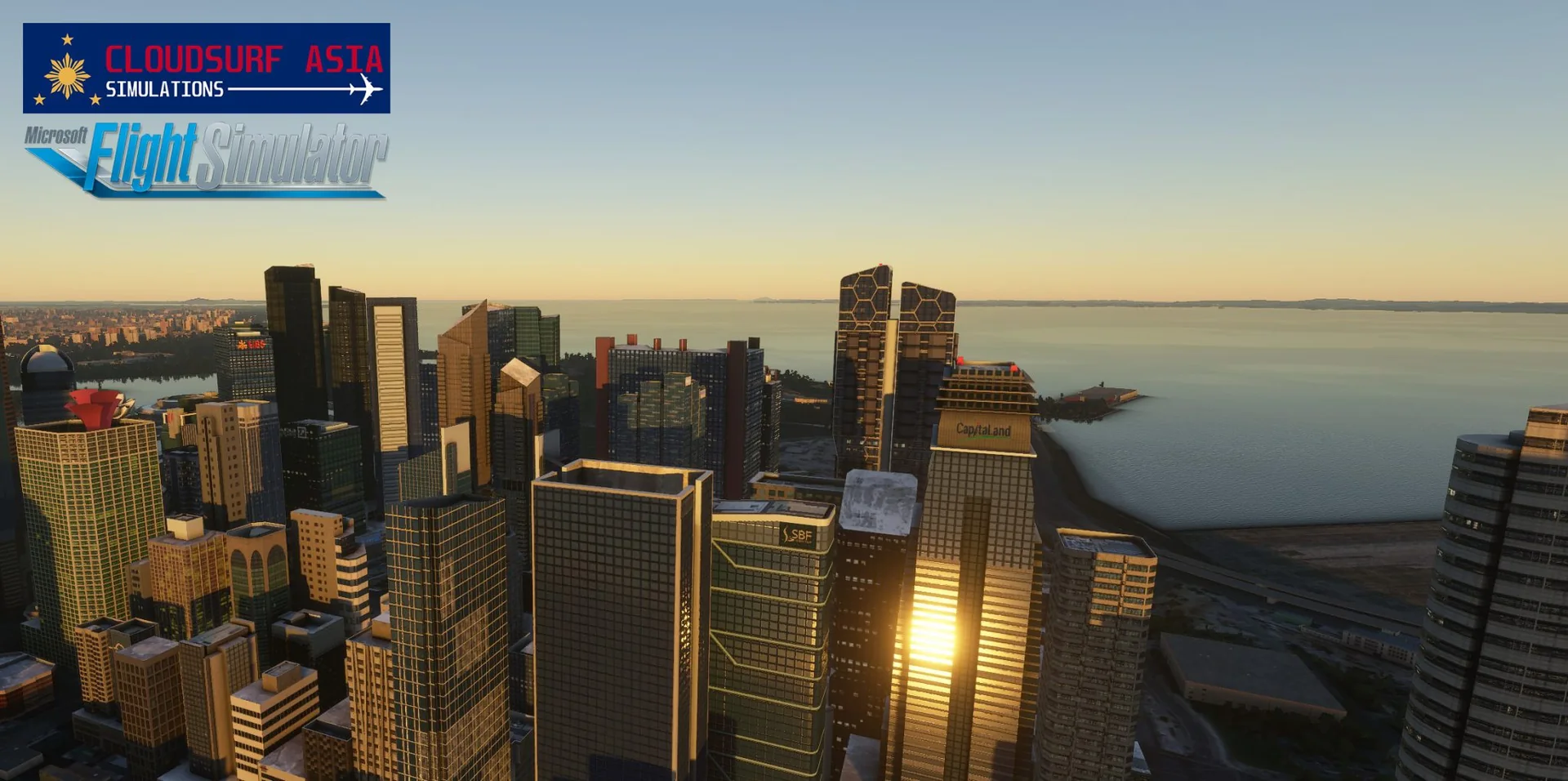
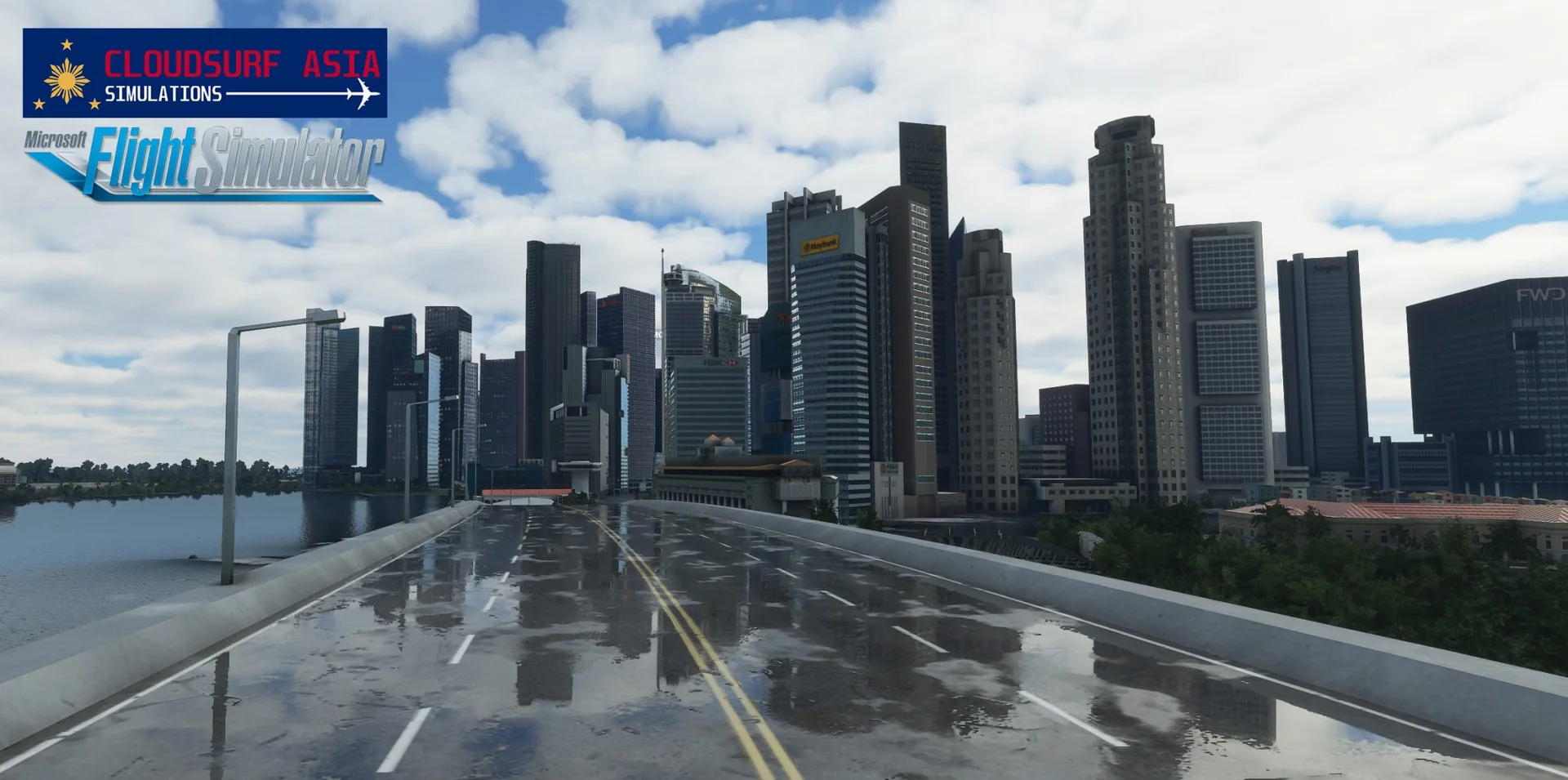
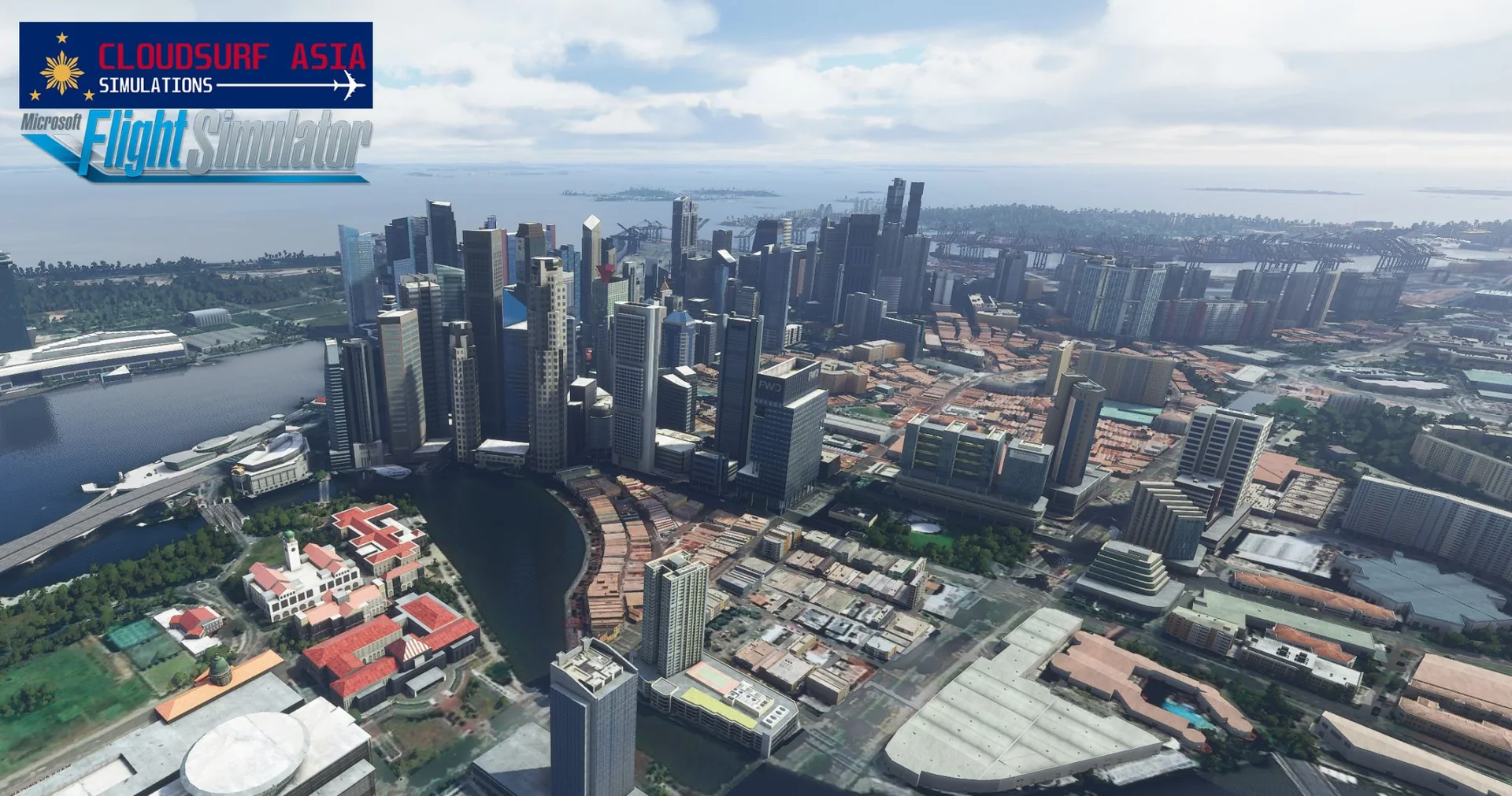
Singapore Downtown is our first handcrafted scenery for MSFS, made with passion. It is packed with hundreds of custom handmade objects, tailored carefully to represent Singapore Downtown as real as possible.
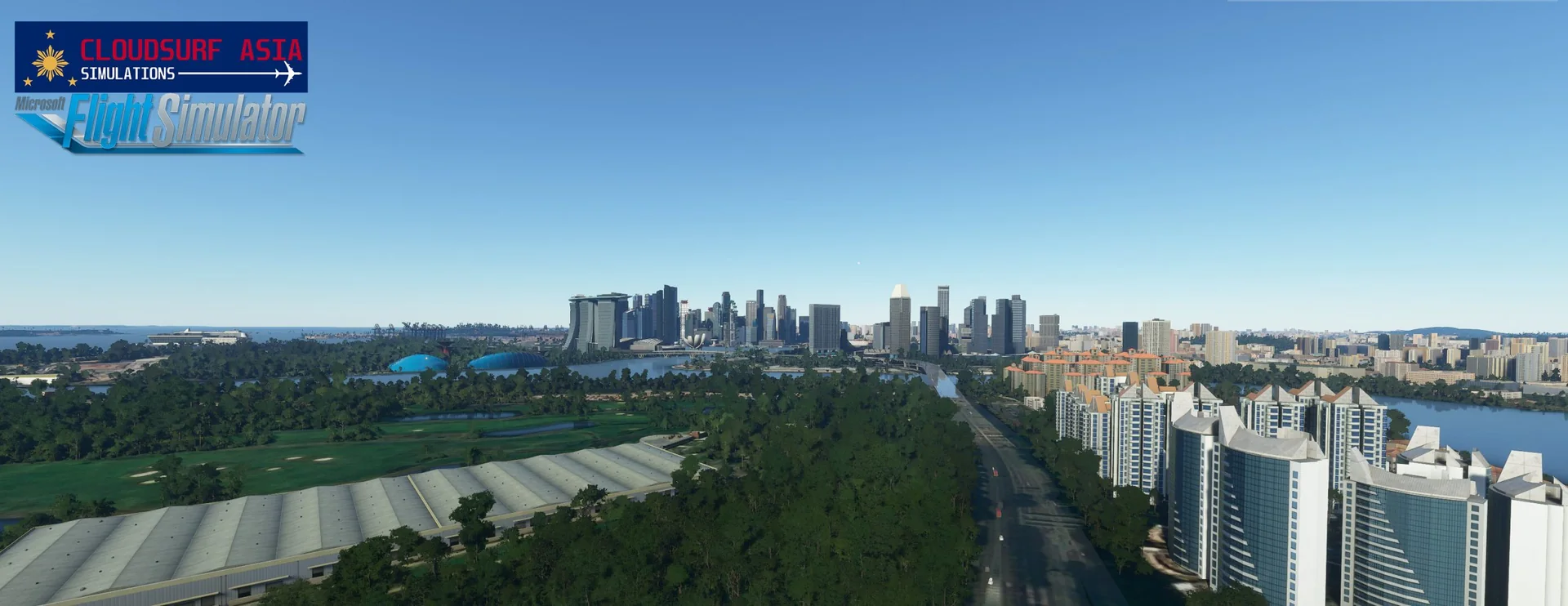
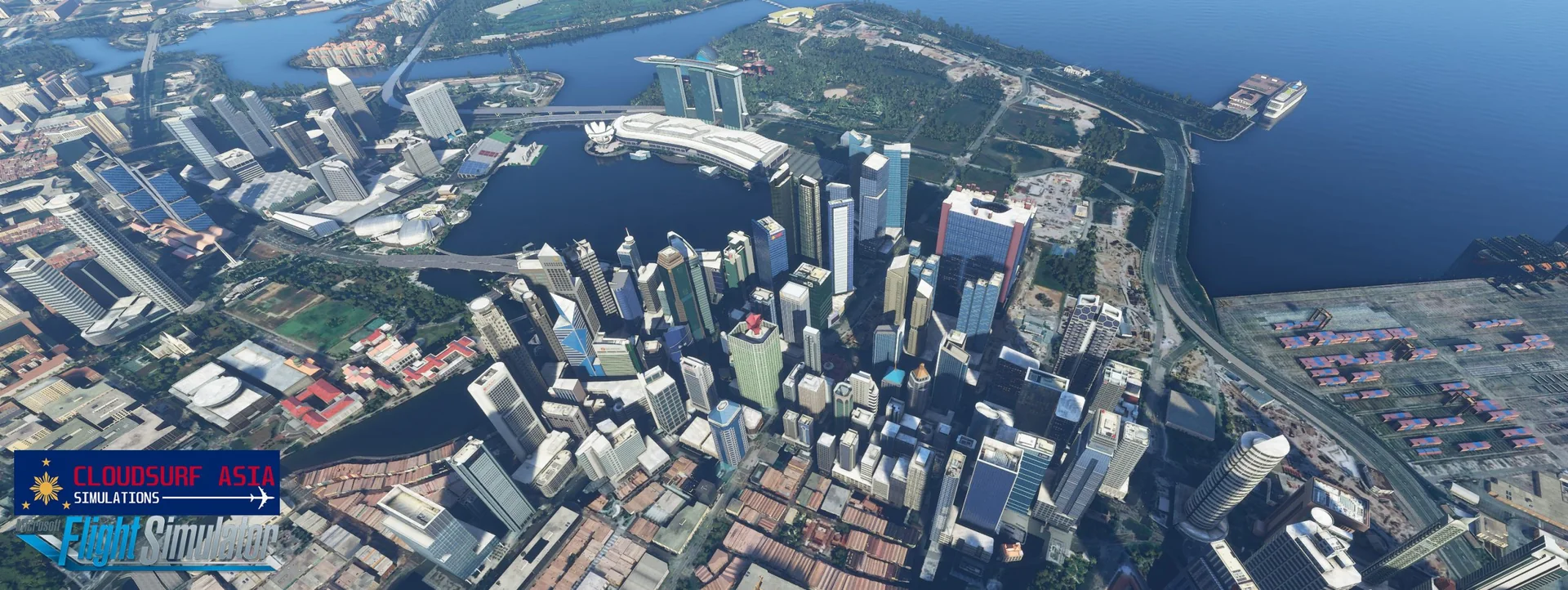
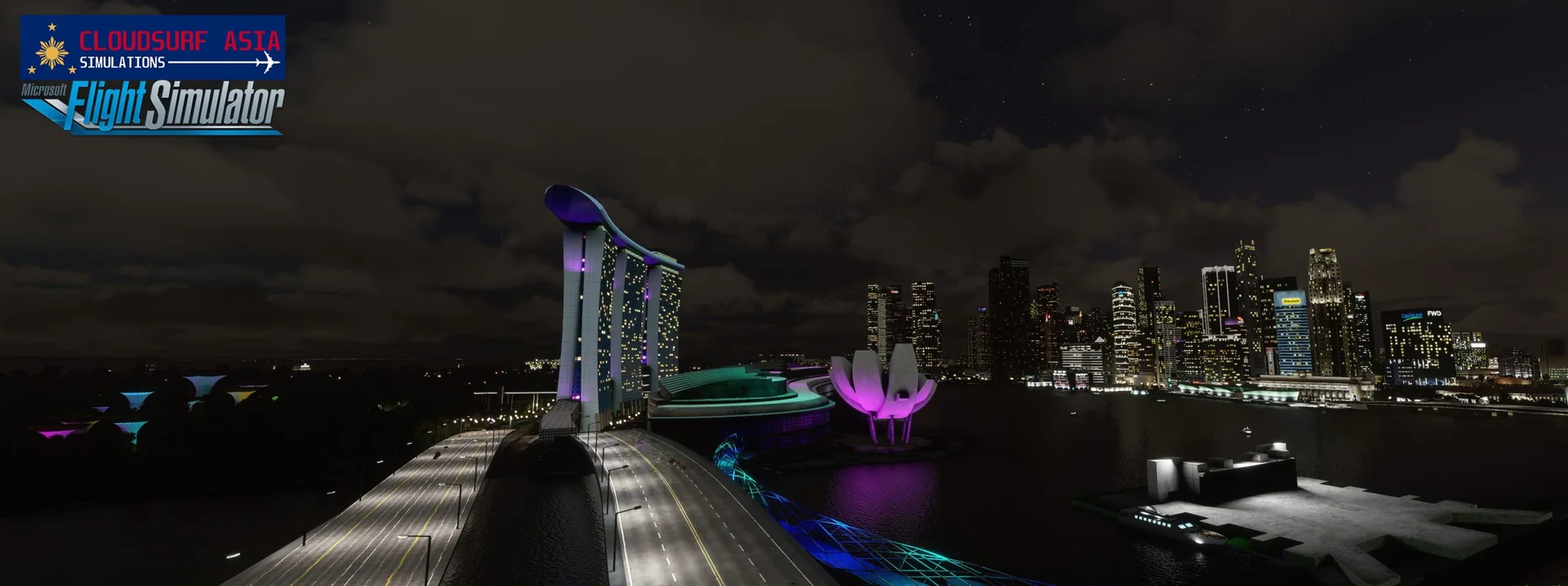
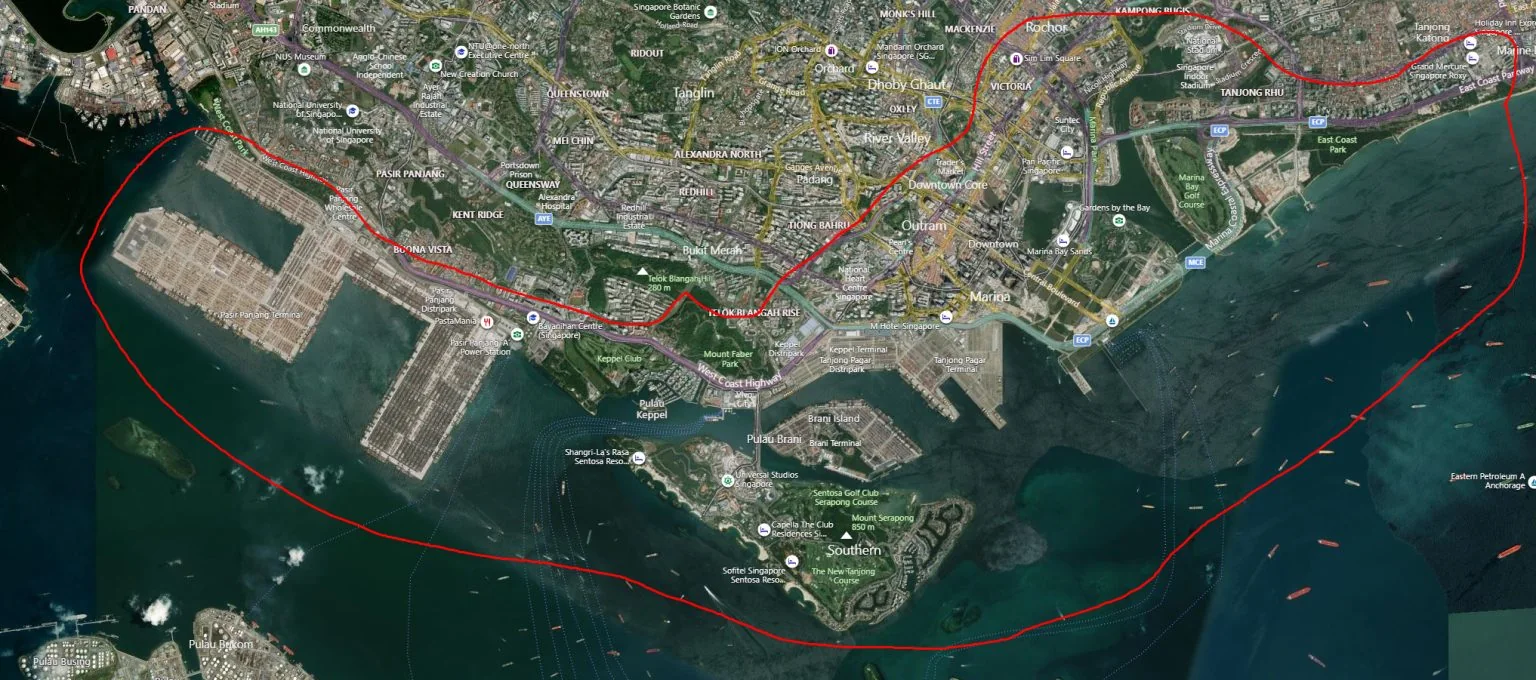
The Downtown Core is the historical and downtown centre of the city-state of Singapore and its main commercial area, with integrated resorts such as Marina Bay Sands. Many skyscrapers stand in Raffles Place, Tanjong Pagar and the Marina Bay CBD, with a height limit of 280 m.
Features
Built from scratch for MSFS
Hand-built for Microsoft Flight Simulator 2020 and 2024, with the native Microsoft Flight Simulator SDK.
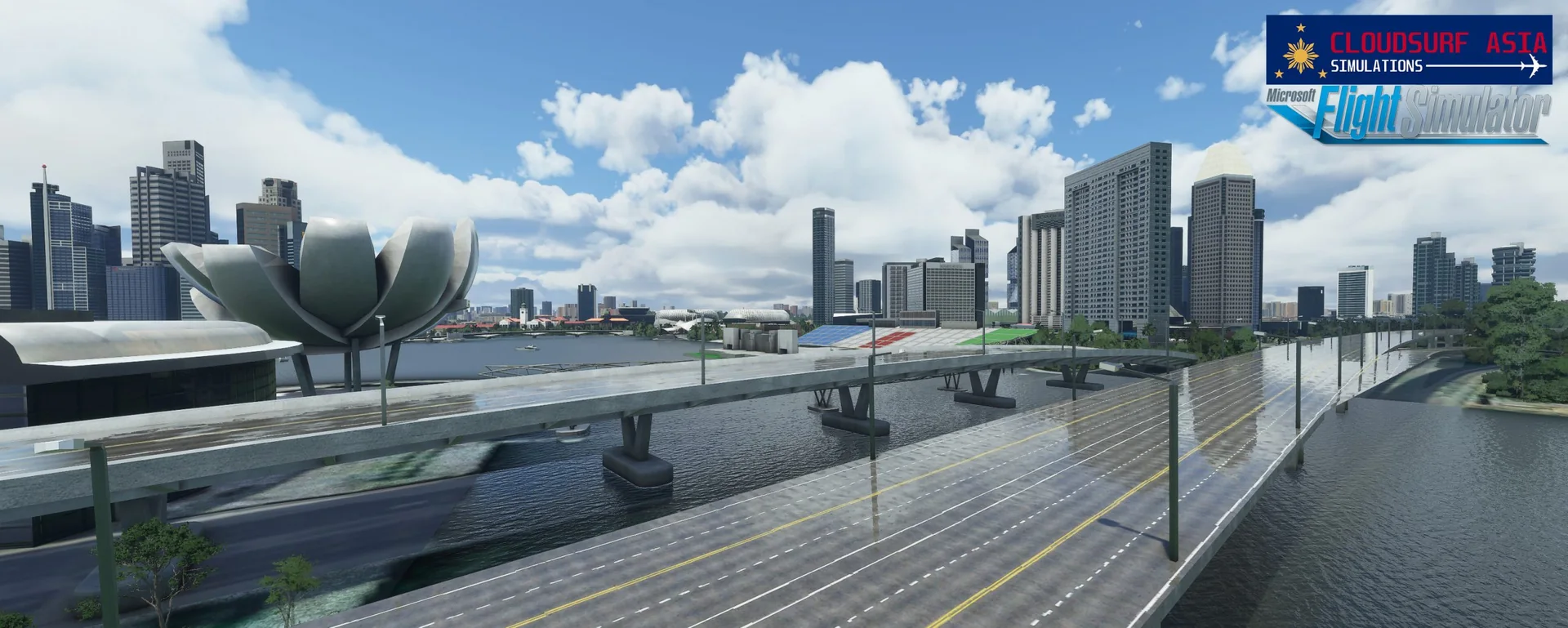
Hundreds of 3D models
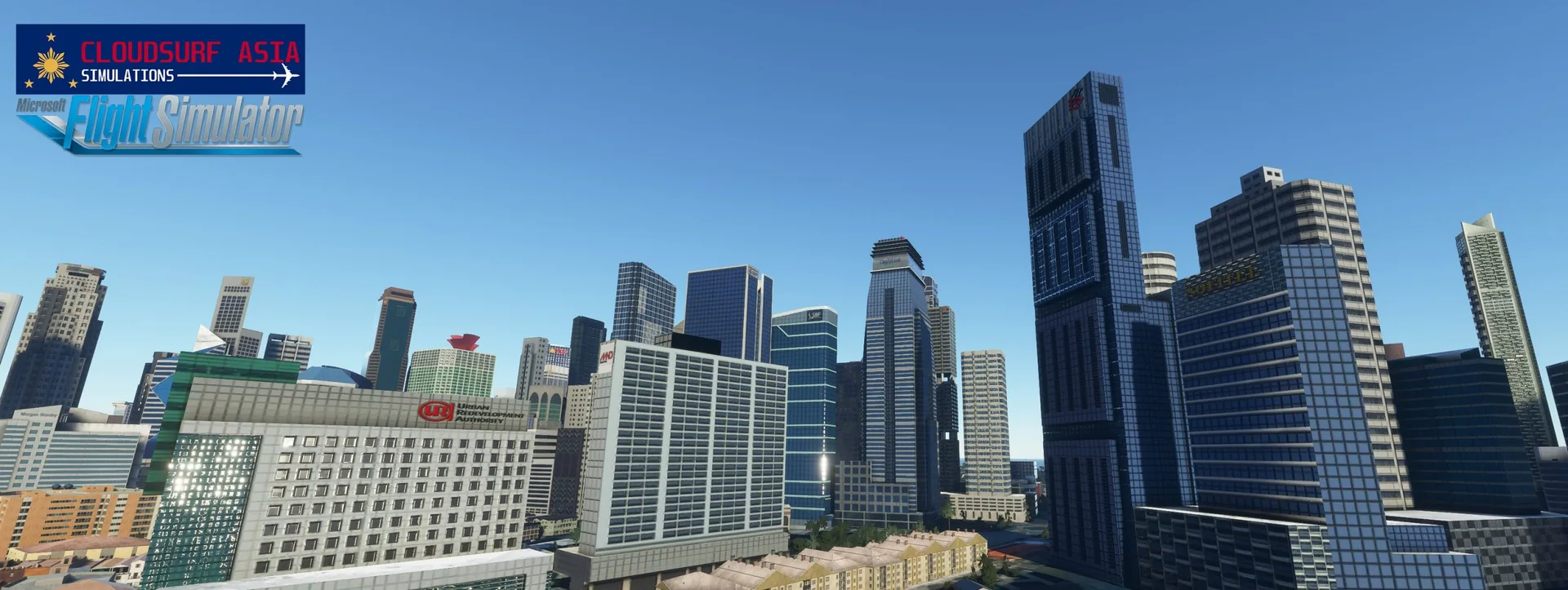
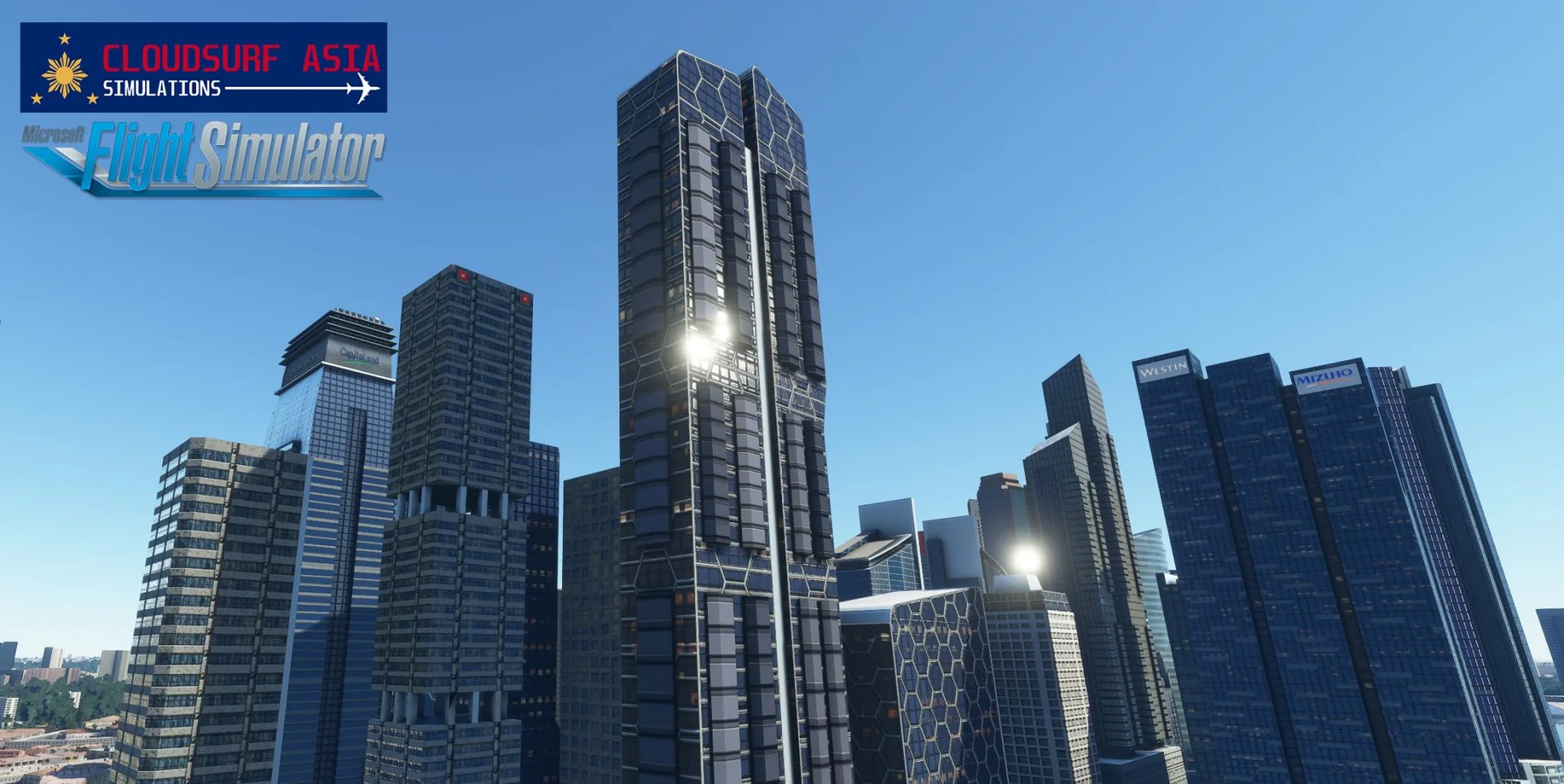
Hundreds of high-quality, authentic 3D models.
HD textures
High-definition textures in 2K-4K resolution.
Full PBR
Every single object in full PBR materials.
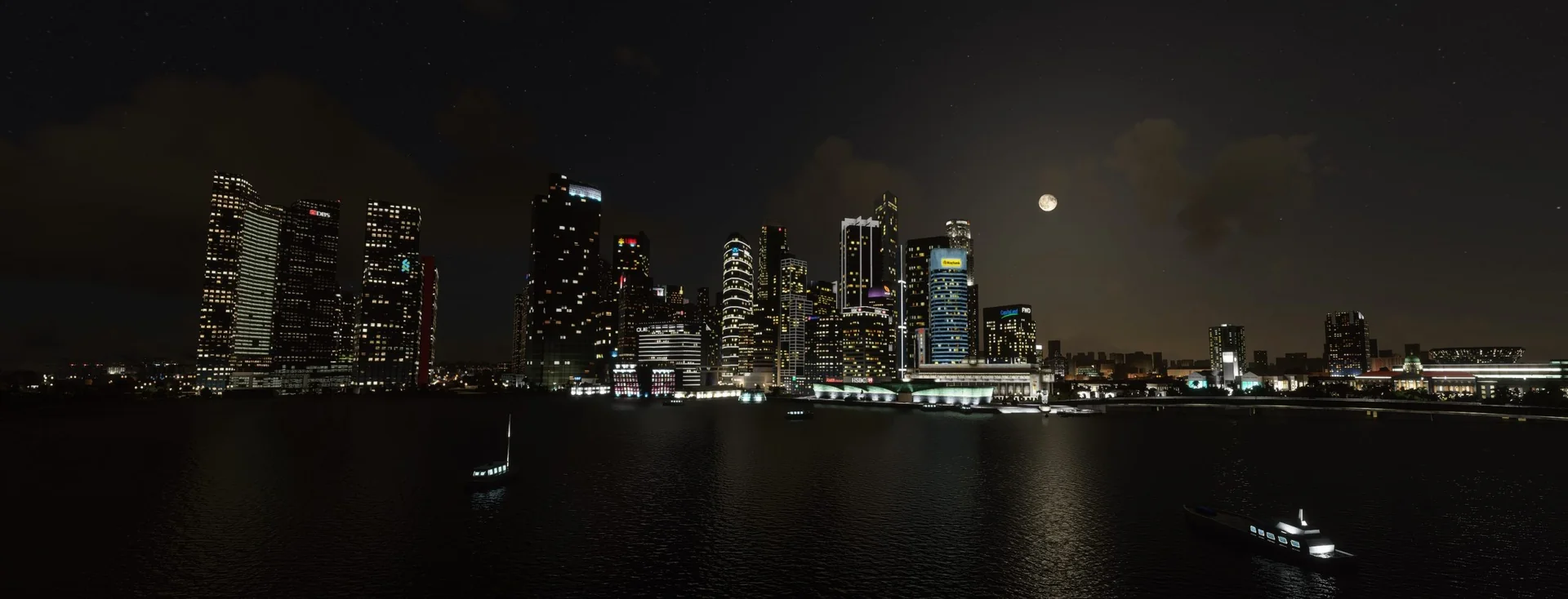
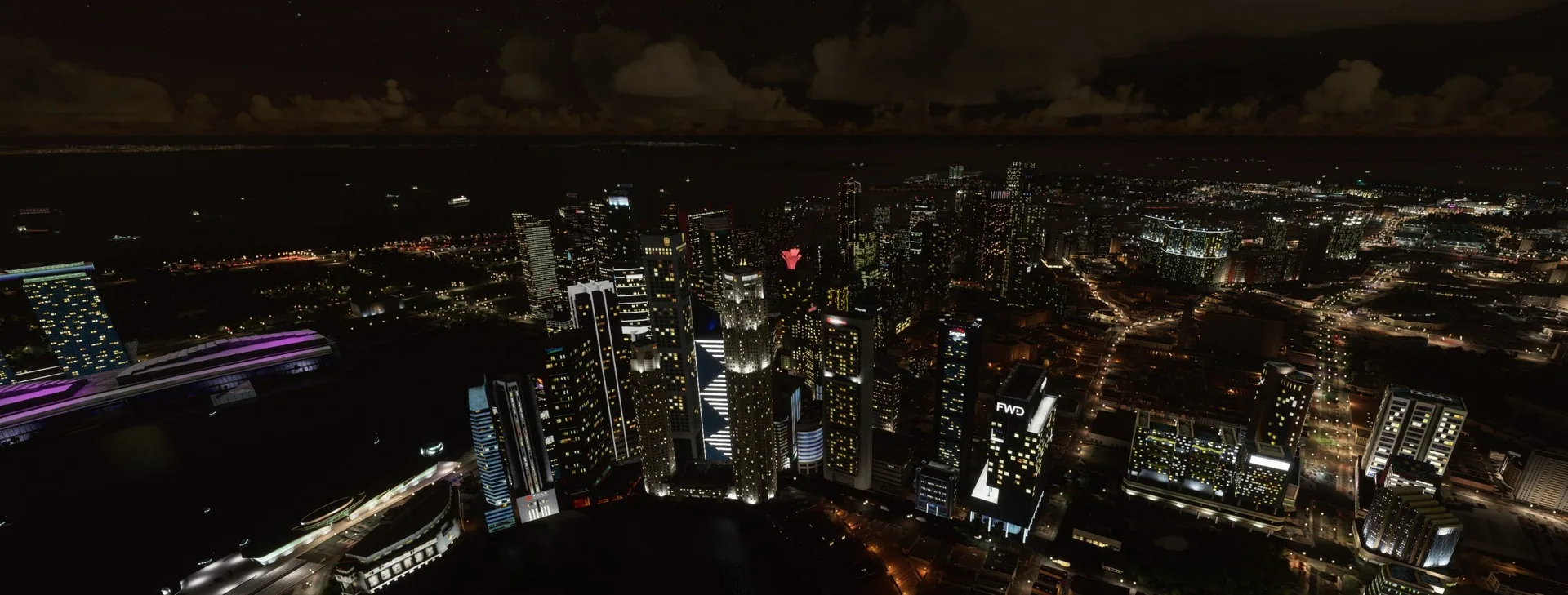
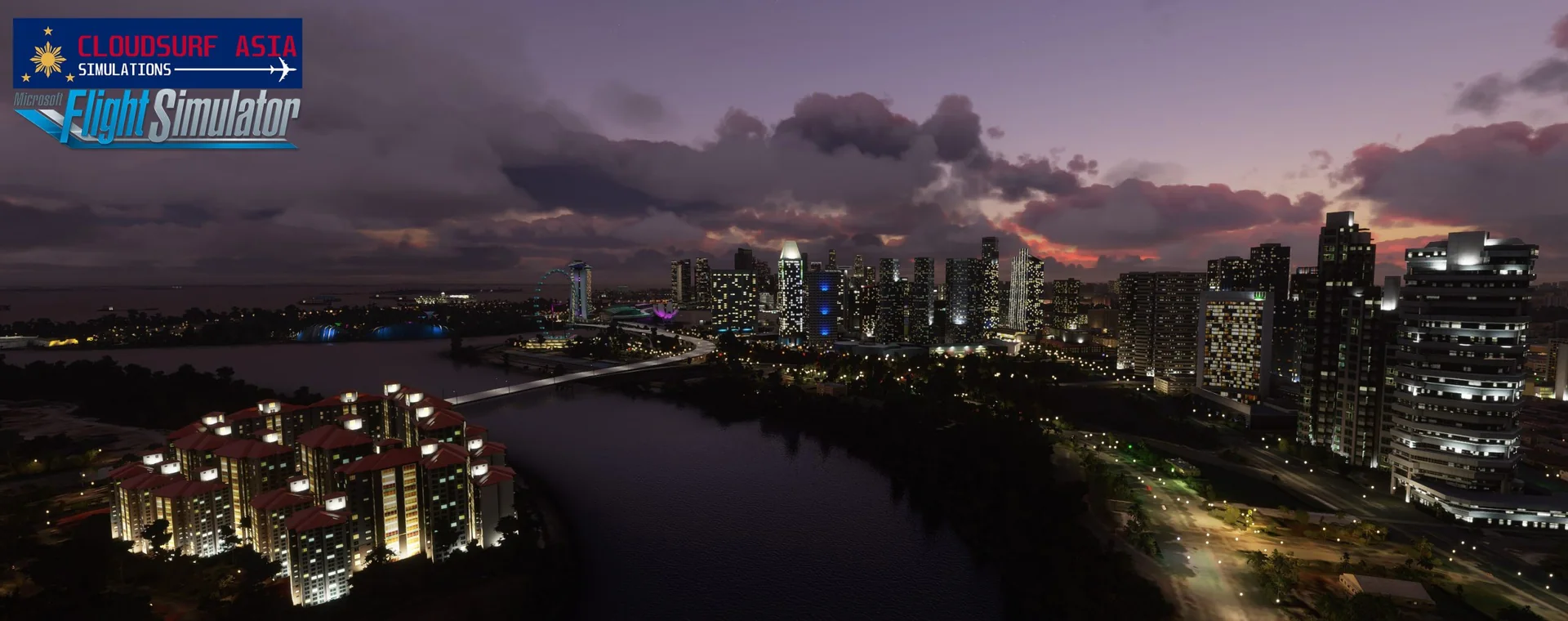
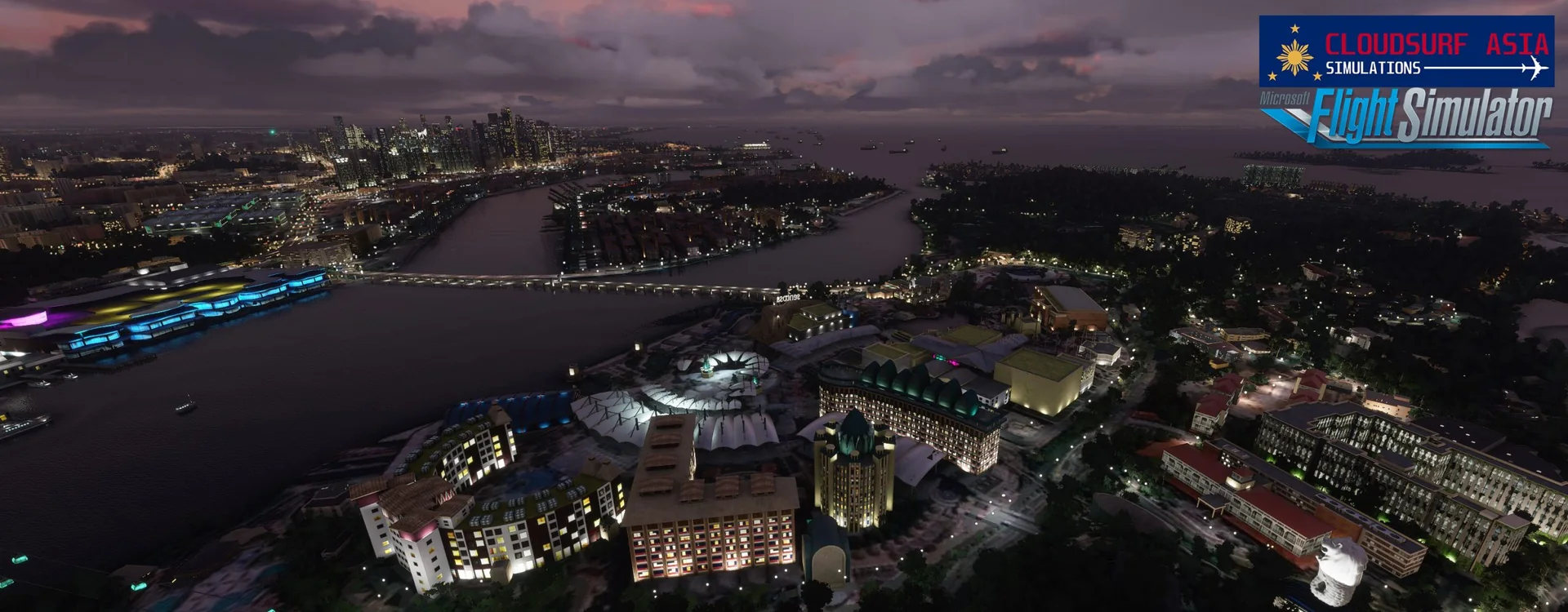
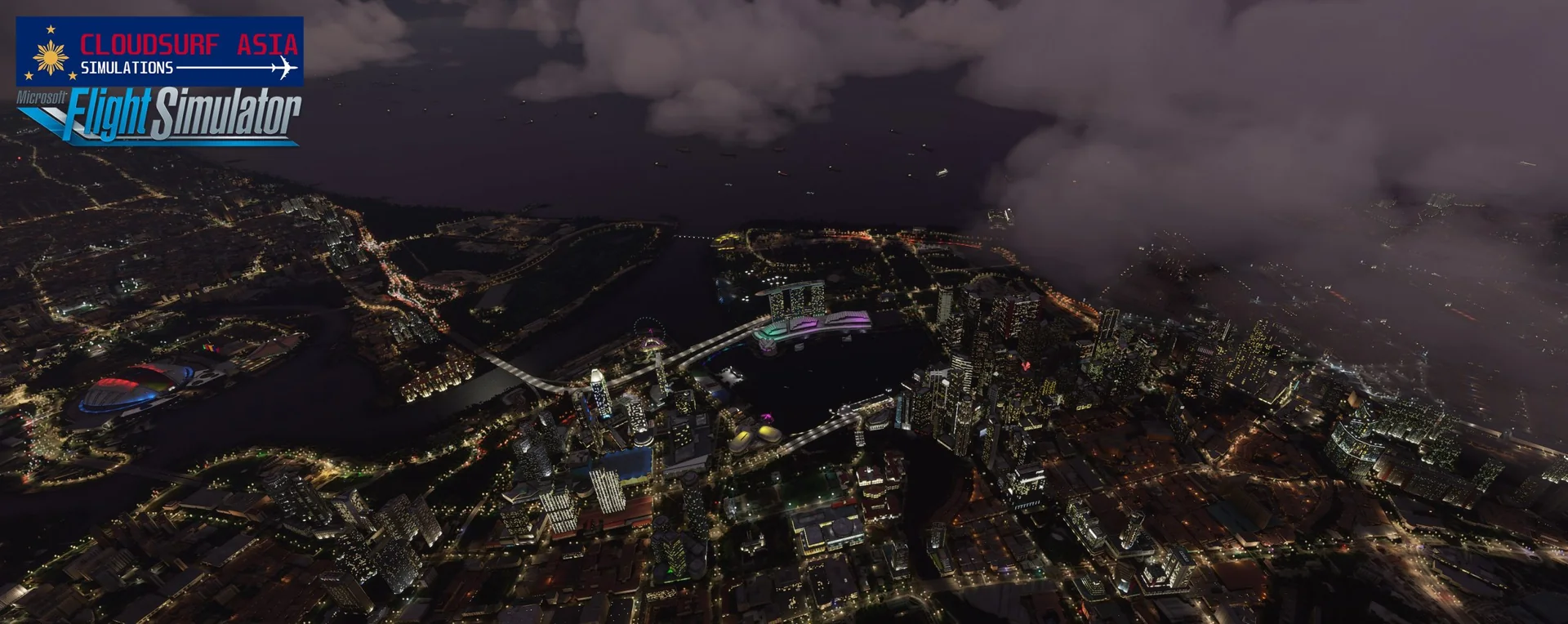
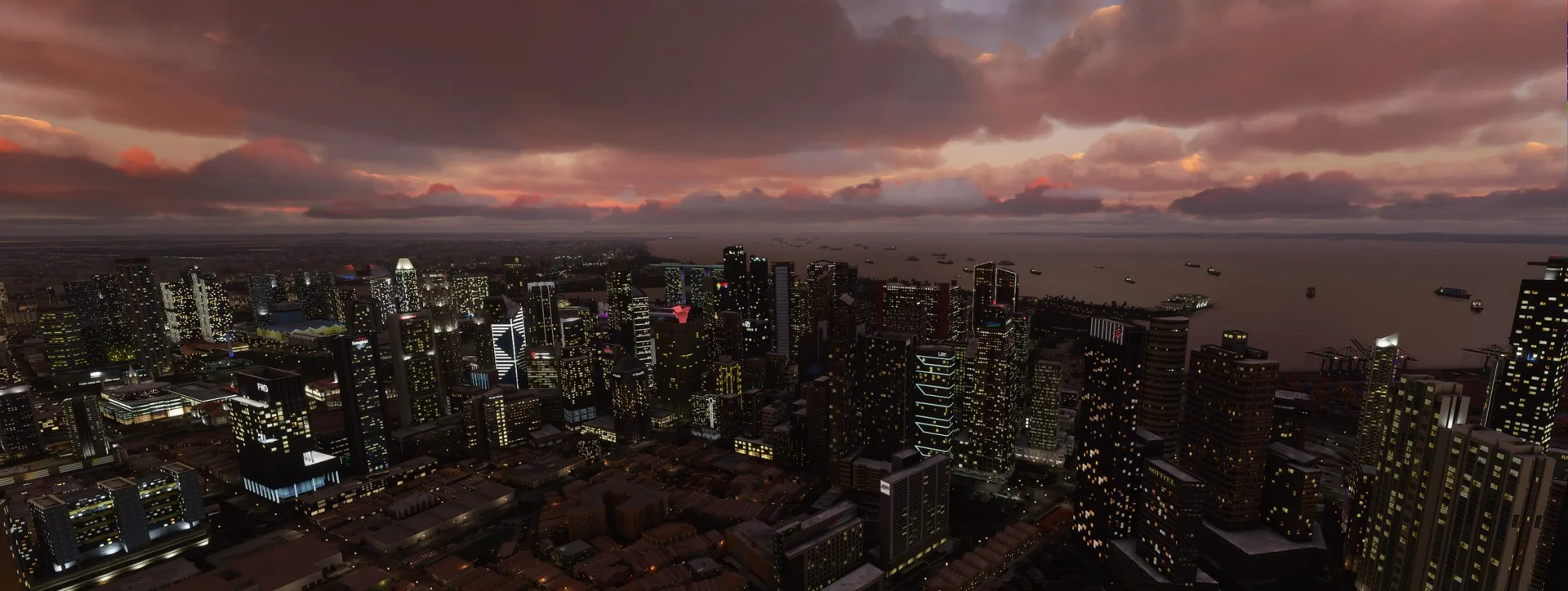
Night lighting
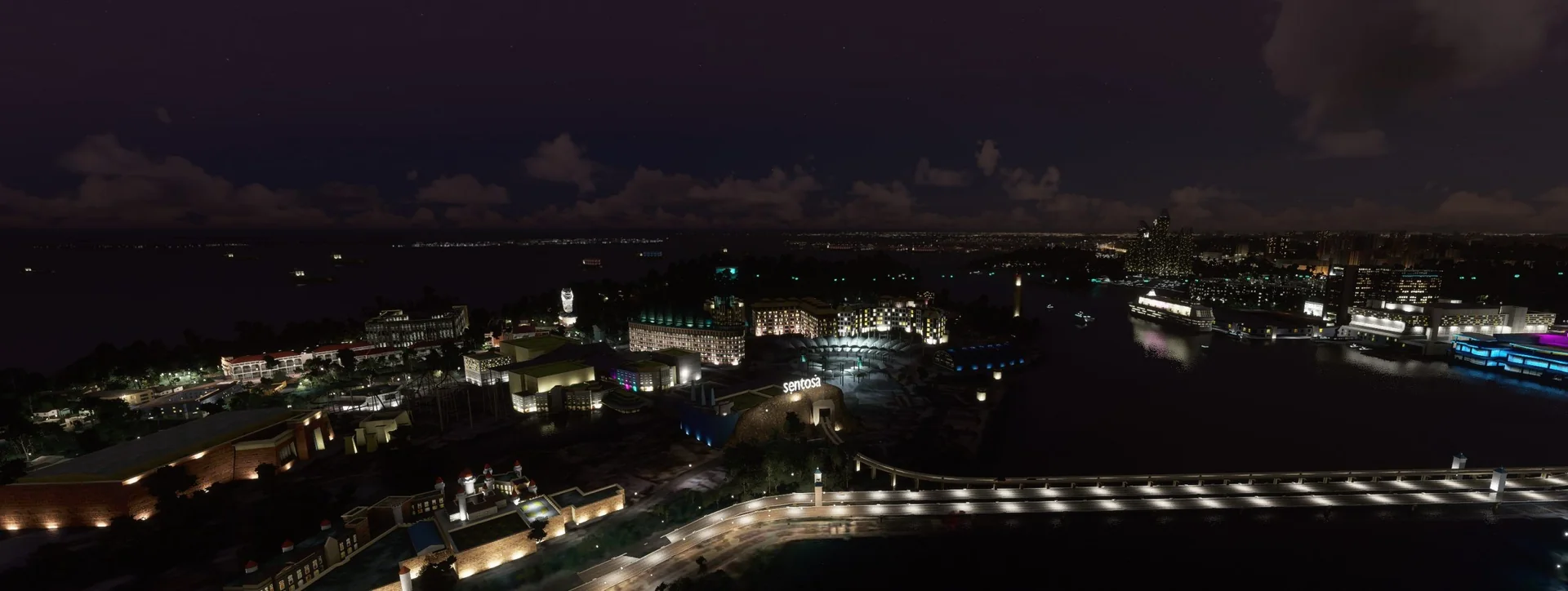
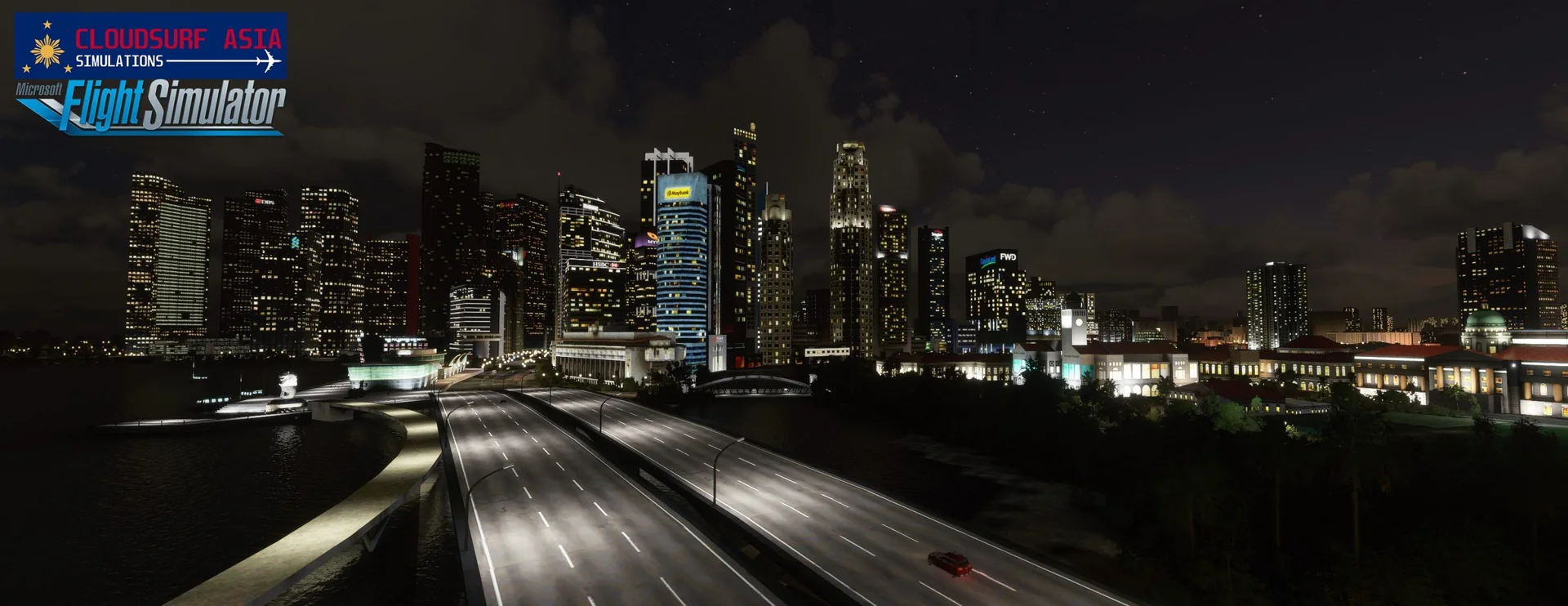
Night lighting effects based on real-life data.
Enhanced locations
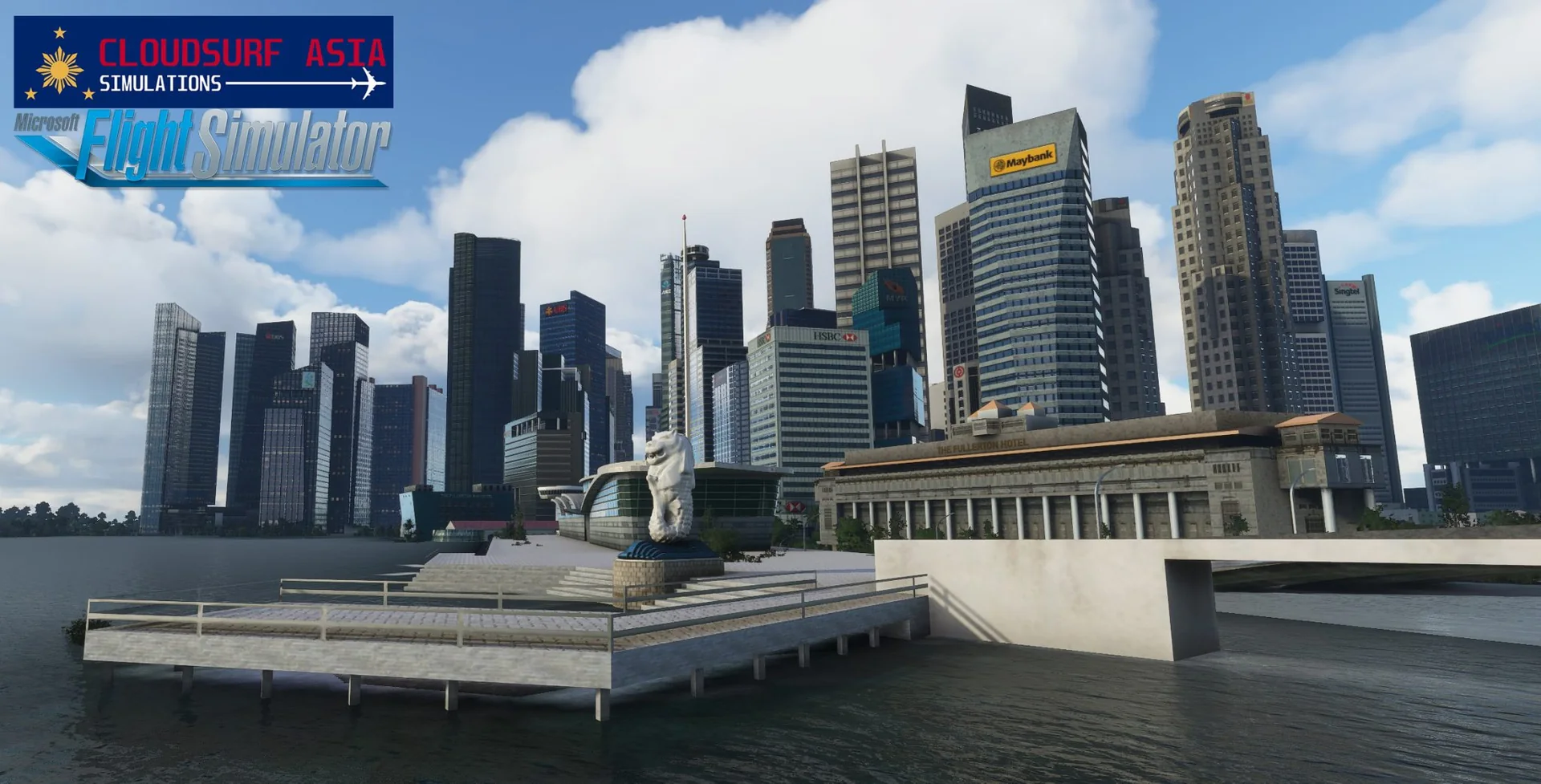
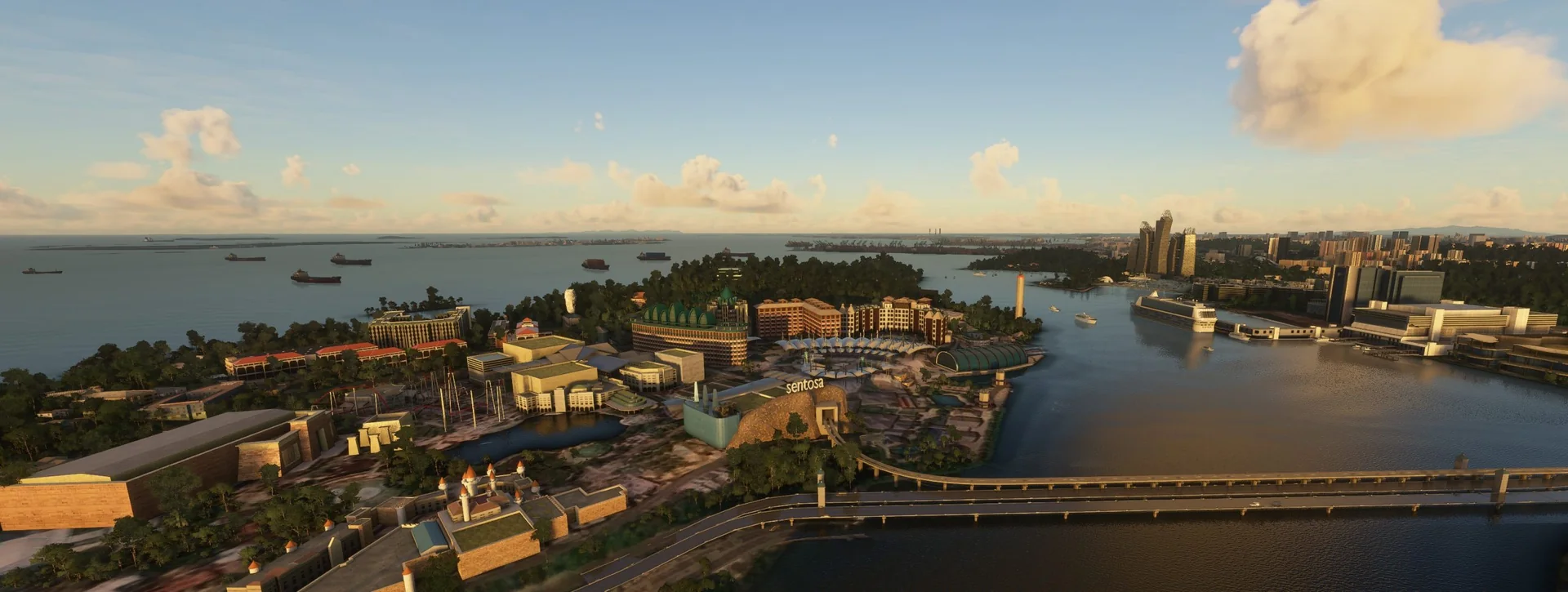
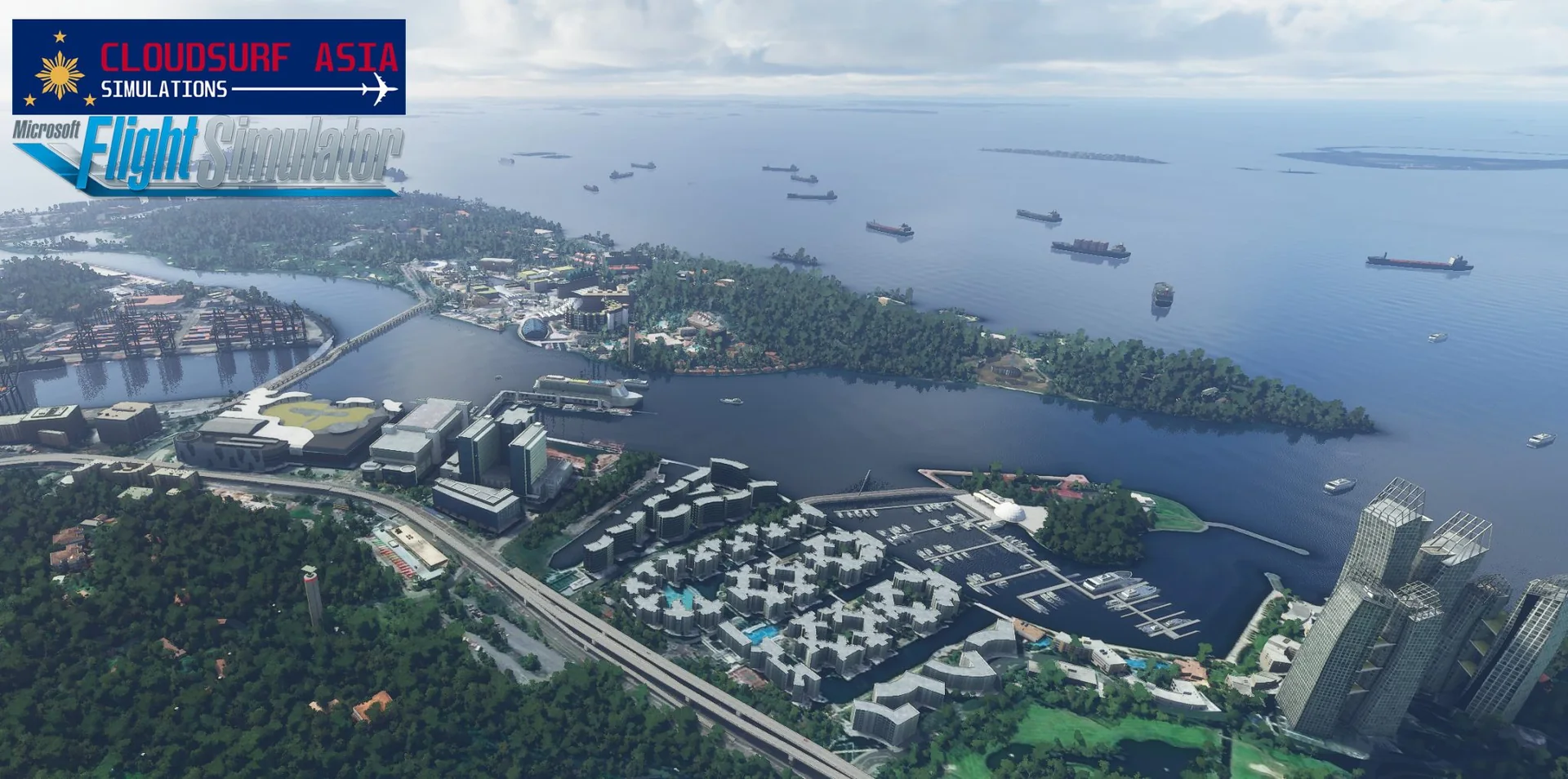
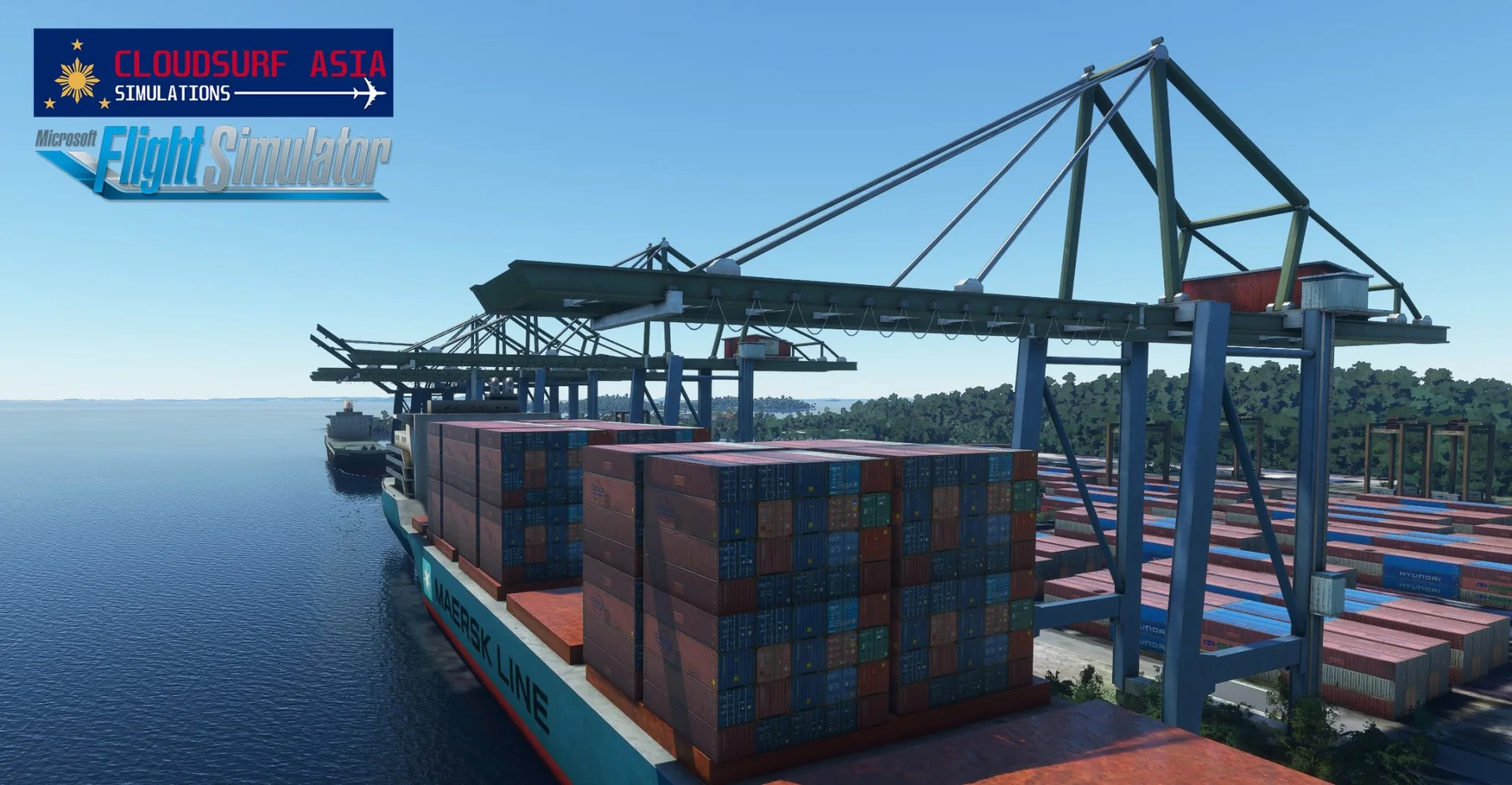
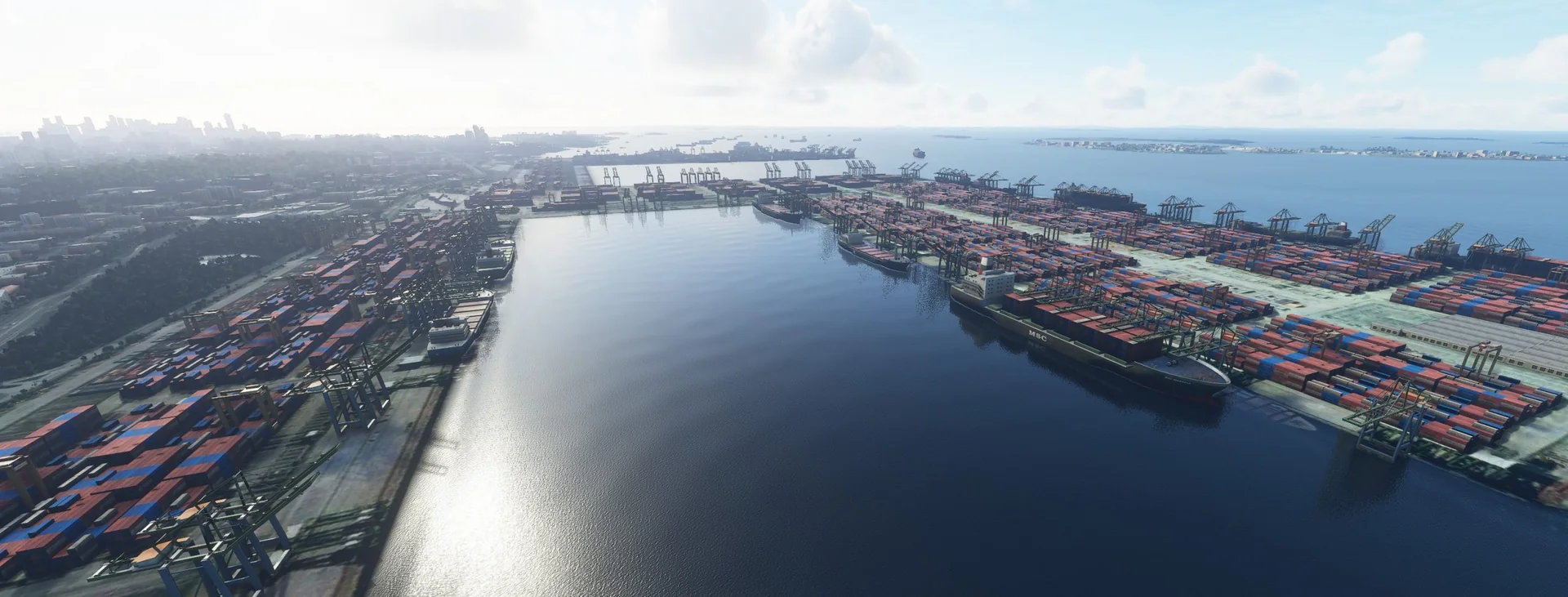
Marina Bay, Marina Square, Gardens by the Bay, SATS Cruise, the ports, Sentosa Island, VivoCity, the cable cars and the National Stadium.
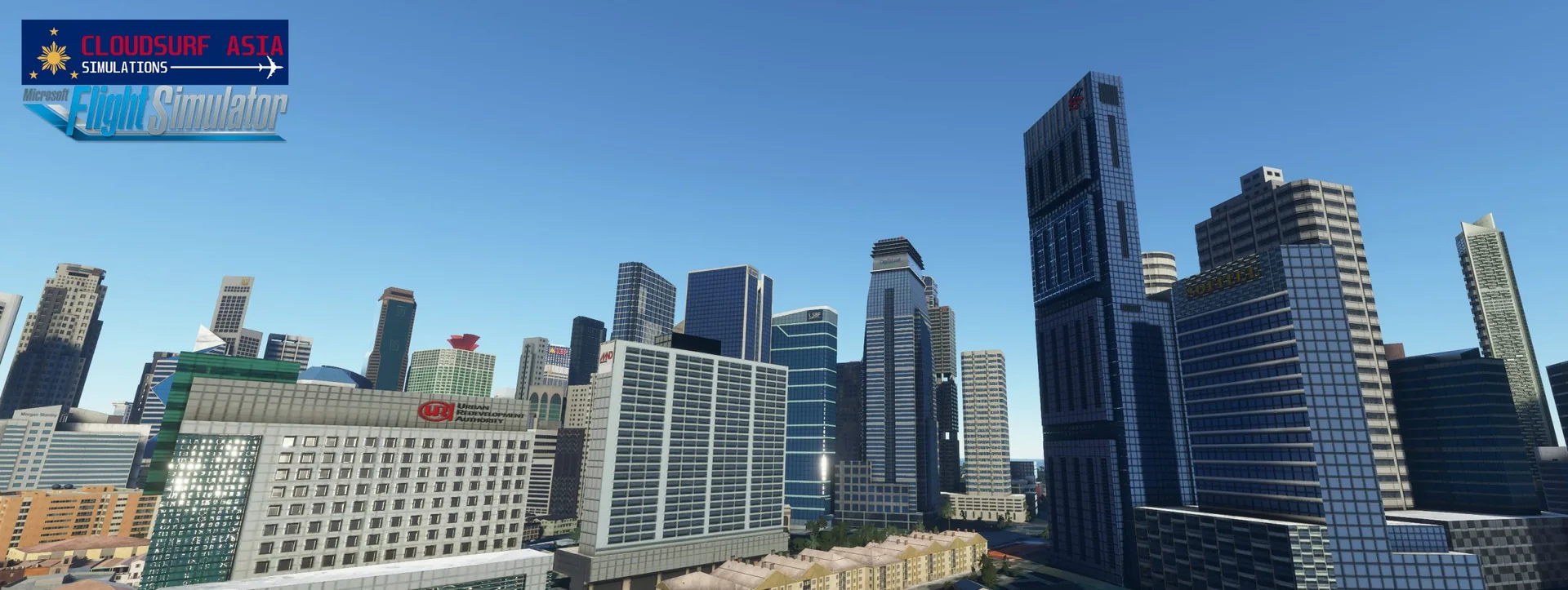
Marina skyline
Hundreds of skyscrapers along the Marina coastline.
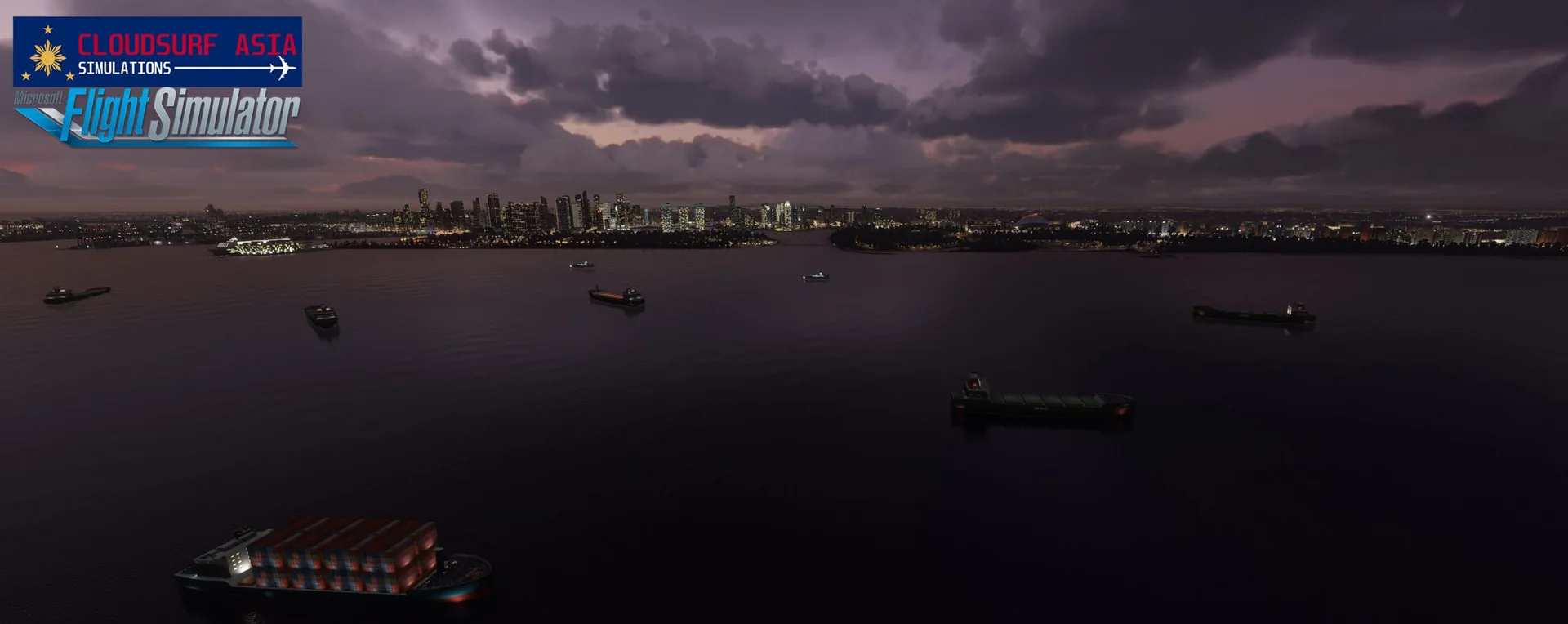
On the water
Cargo ships, cruise ships and yachts, and many more.
Free updates
Free lifetime updates; our team keeps improving our sceneries over time.
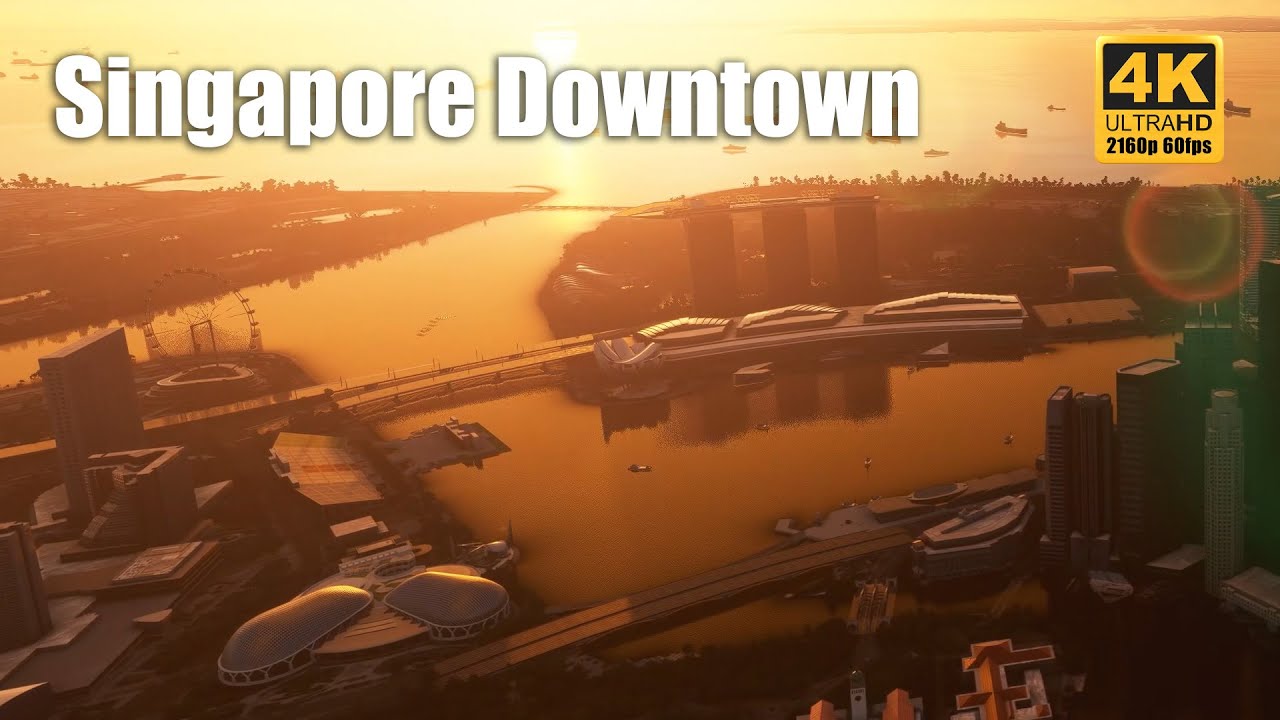
Official trailer
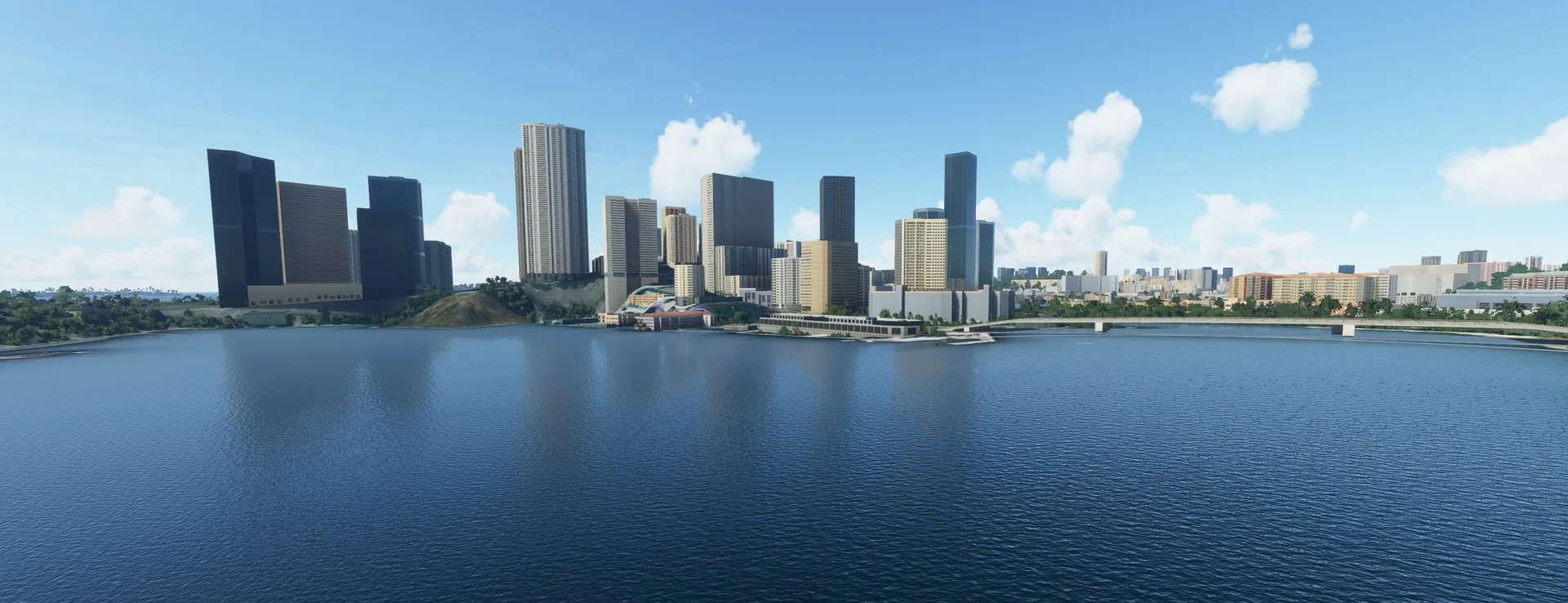
Screenshots
Where to buy
SINGAPORE is sold through our partner stores.
Requirements
- Microsoft Flight Simulator 2020 or 2024
- GTX 1070 with 6-8 GB VRAM or equivalent
- 16 GB RAM
- i5 processor or equivalent
Read before buying
- Please check the screenshots before buying the product.
- Please remove any other Singapore scenery you have; this scenery is not compatible with it.
- Best paired with our Singapore Changi International Airport scenery.
- Please read our refund policy on the Contact Us / FAQ page.
Installation
- Bought on the Microsoft Marketplace: the product installs for you.
- Bought as a download: unzip the file; you will see one folder named cloudsurfasiasimulations-city-singapore.
- Drag and drop this folder into your MSFS Community folder.
- Restart the simulator, and you are done.
Finding the Community folder
Custom install location
If you installed your MSFS content (Packages folder) in a custom location, open that folder; the Community folder is inside it.
Microsoft Store / Xbox app
Type %localappdata% in Windows search, then open Packages\Microsoft.FlightSimulator_8wekyb3d8bbwe\LocalCache\Packages\Community.
Steam
Type %appdata% in Windows search, then open Microsoft Flight Simulator\Packages\Community.
Questions? Email support@cloudsurfasia-simulations.com.