
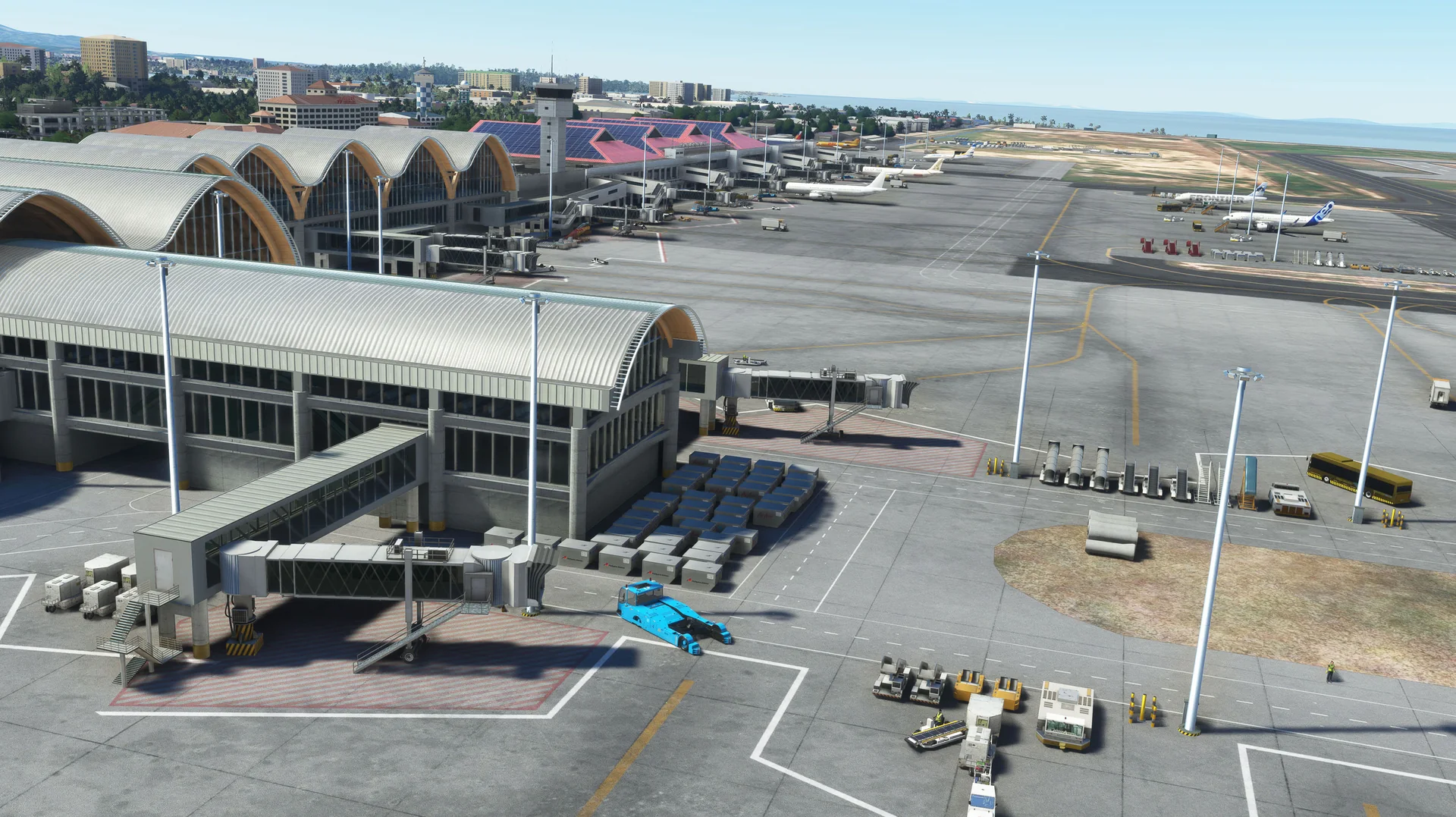
About the scenery
Experience Mactan Airport like never before! This scenery is handcrafted with passion by our team in the Philippines. With extensive knowledge of the local airport and the aid of extensive research, we bring you the best and latest rendition of the airport, with first-class 3D modelling and rendering from real-life geographic data.
Mactan-Cebu International Airport serves Metro Cebu and is the main gateway to the Central Visayas region. Located on a 797-hectare site in Lapu-Lapu City on Mactan, it is the second busiest airport in the Philippines.
Features
Built from scratch for MSFS
Custom-built for Microsoft Flight Simulator 2020 and 2024.
Custom objects
Full custom objects modelled specifically for RPVM.
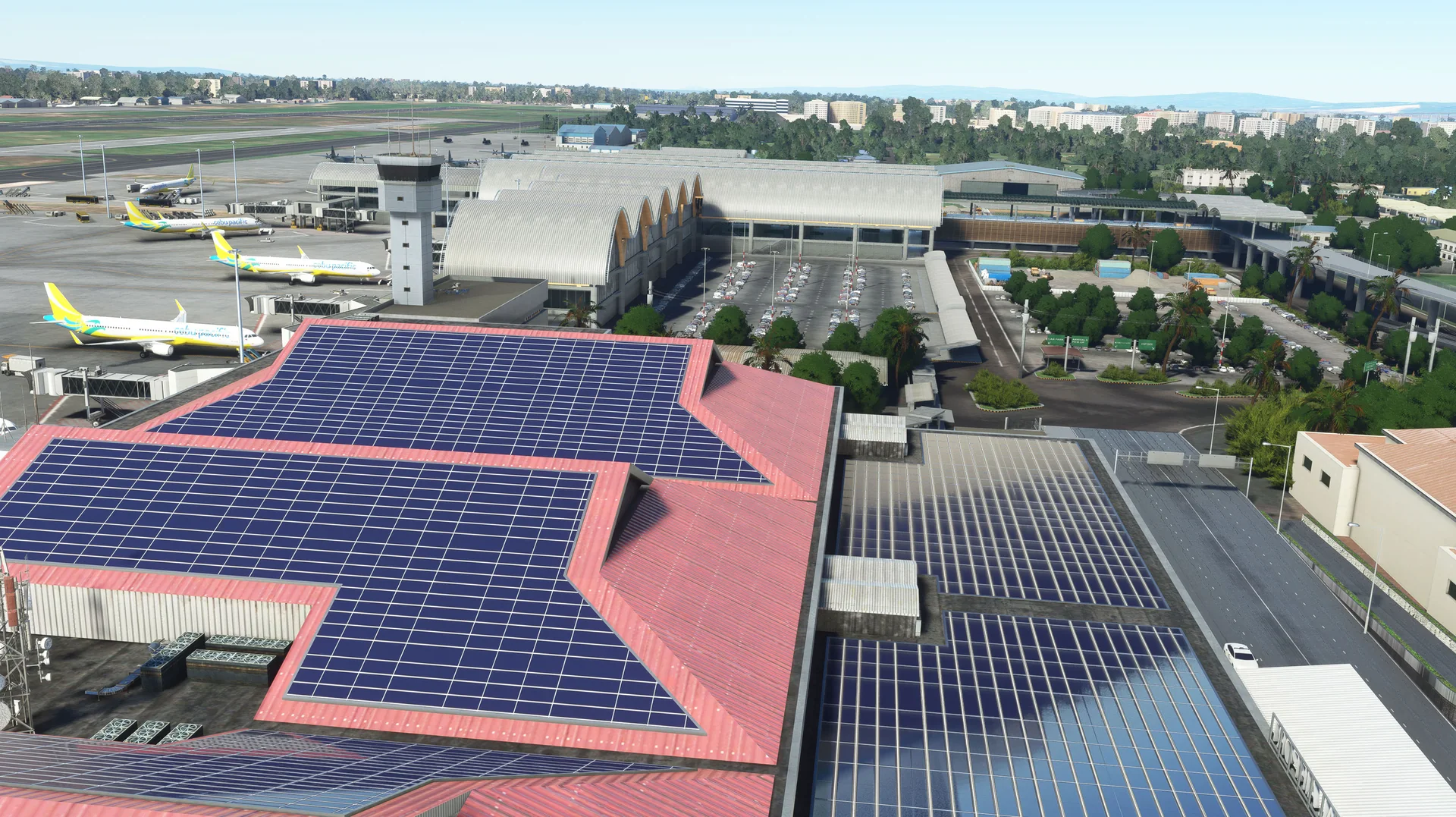
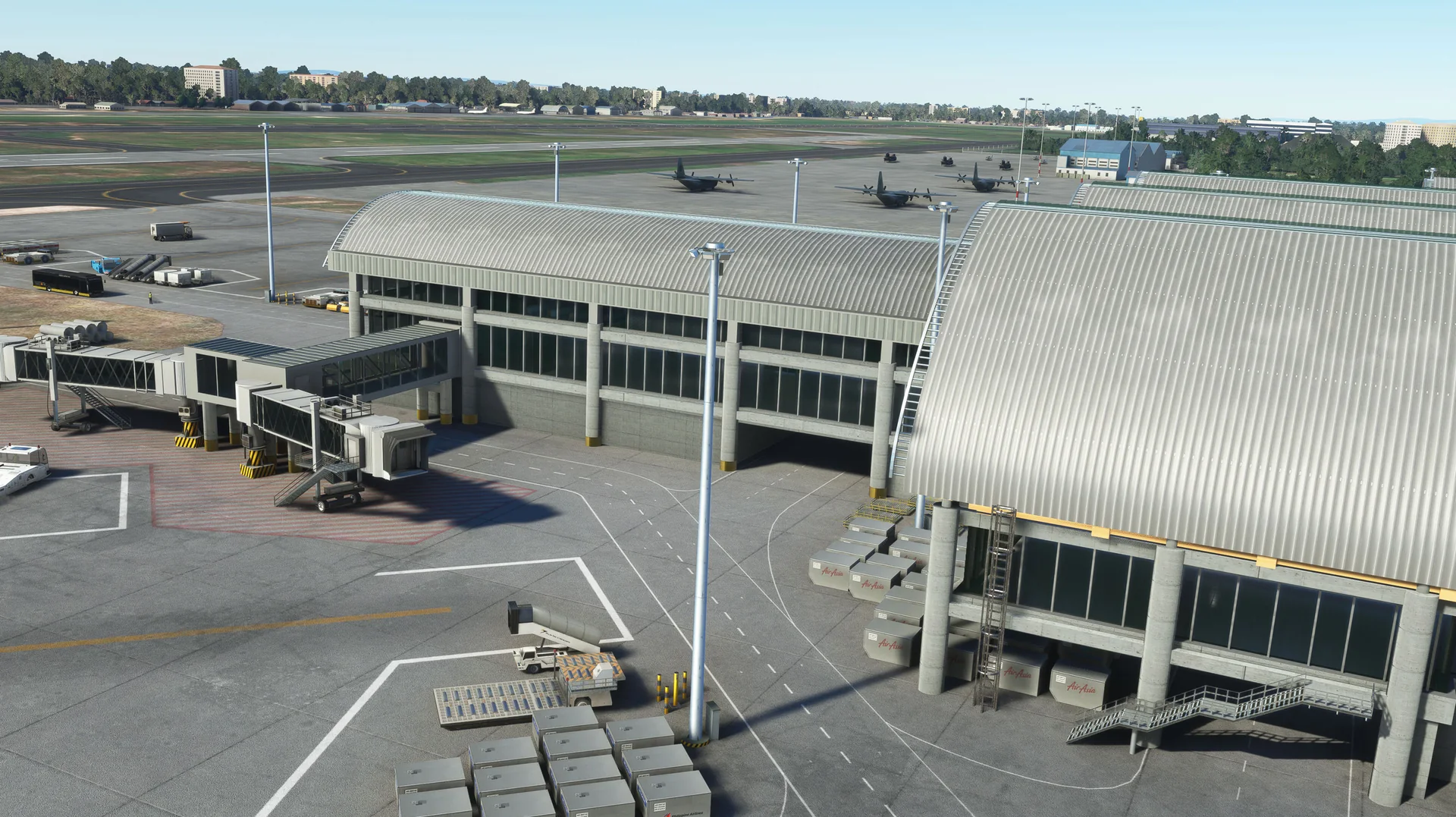
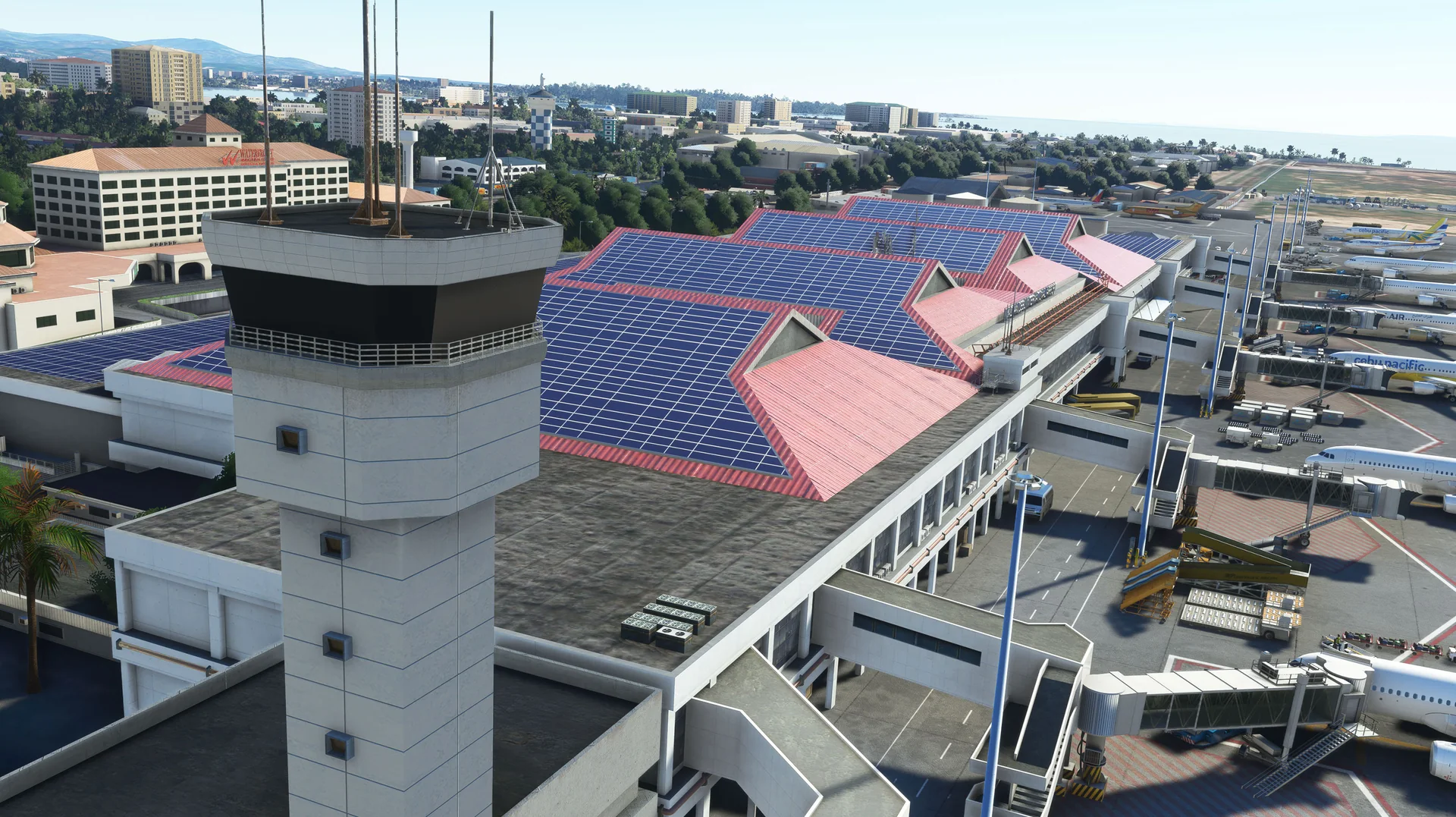
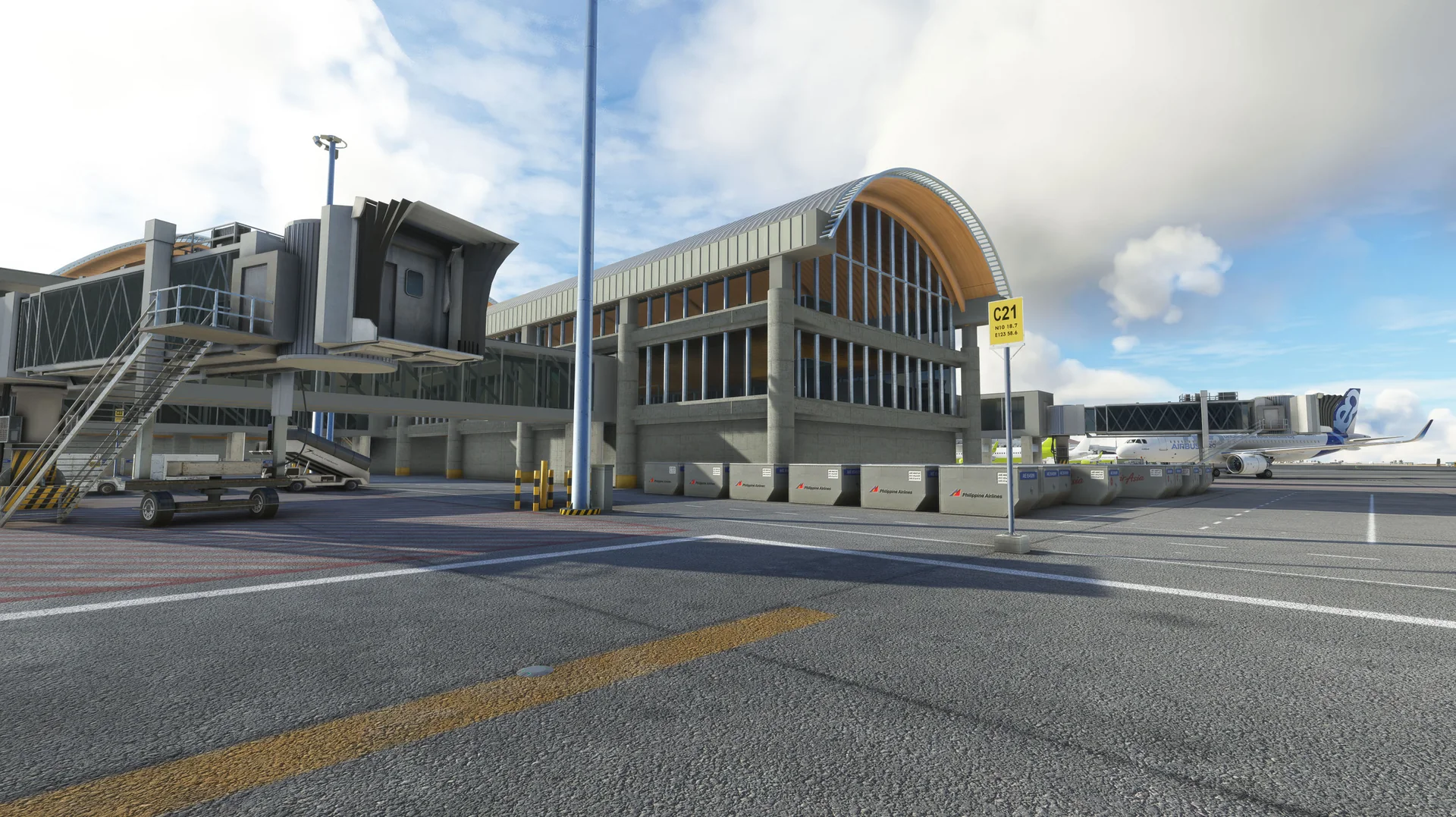
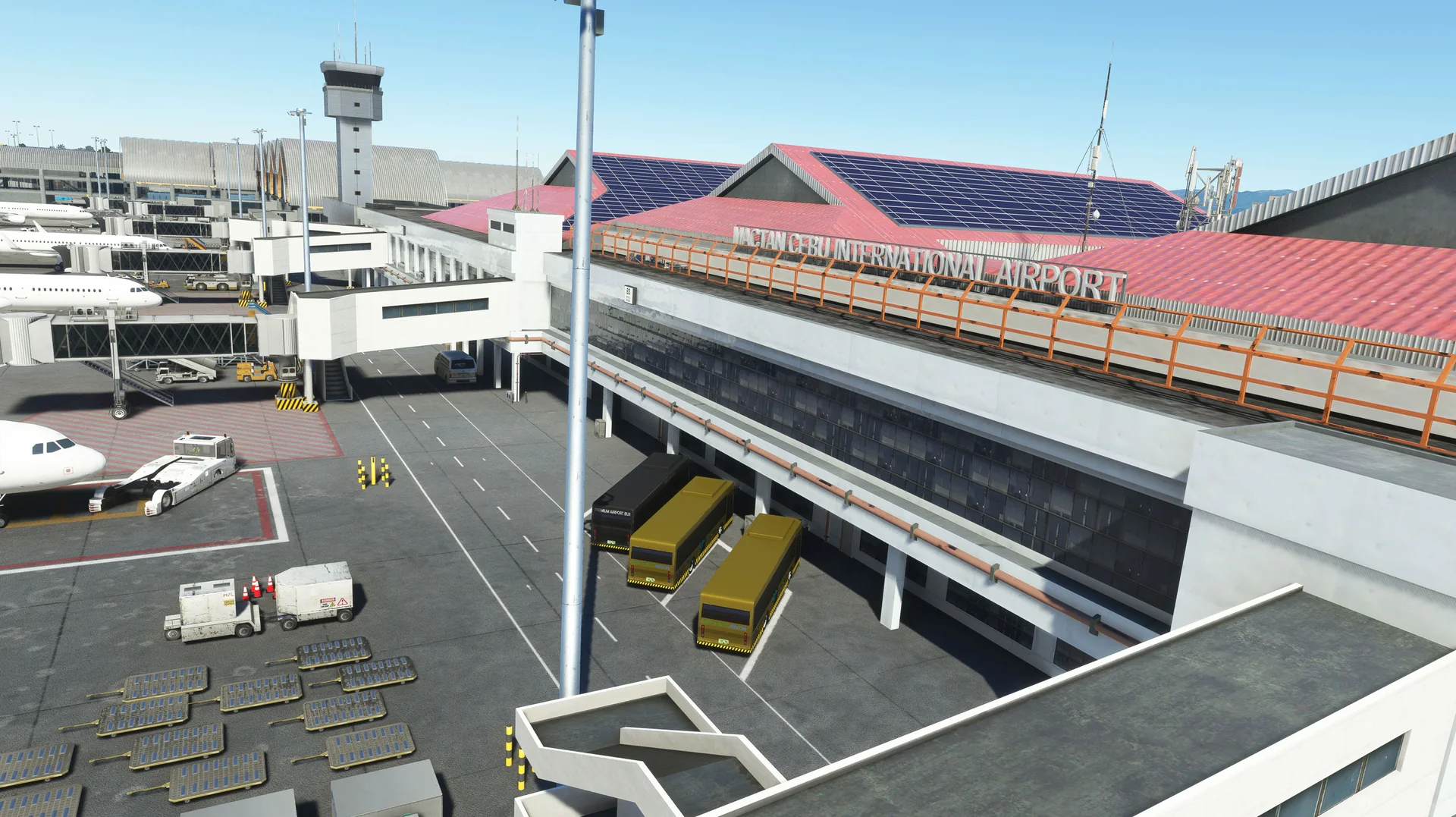
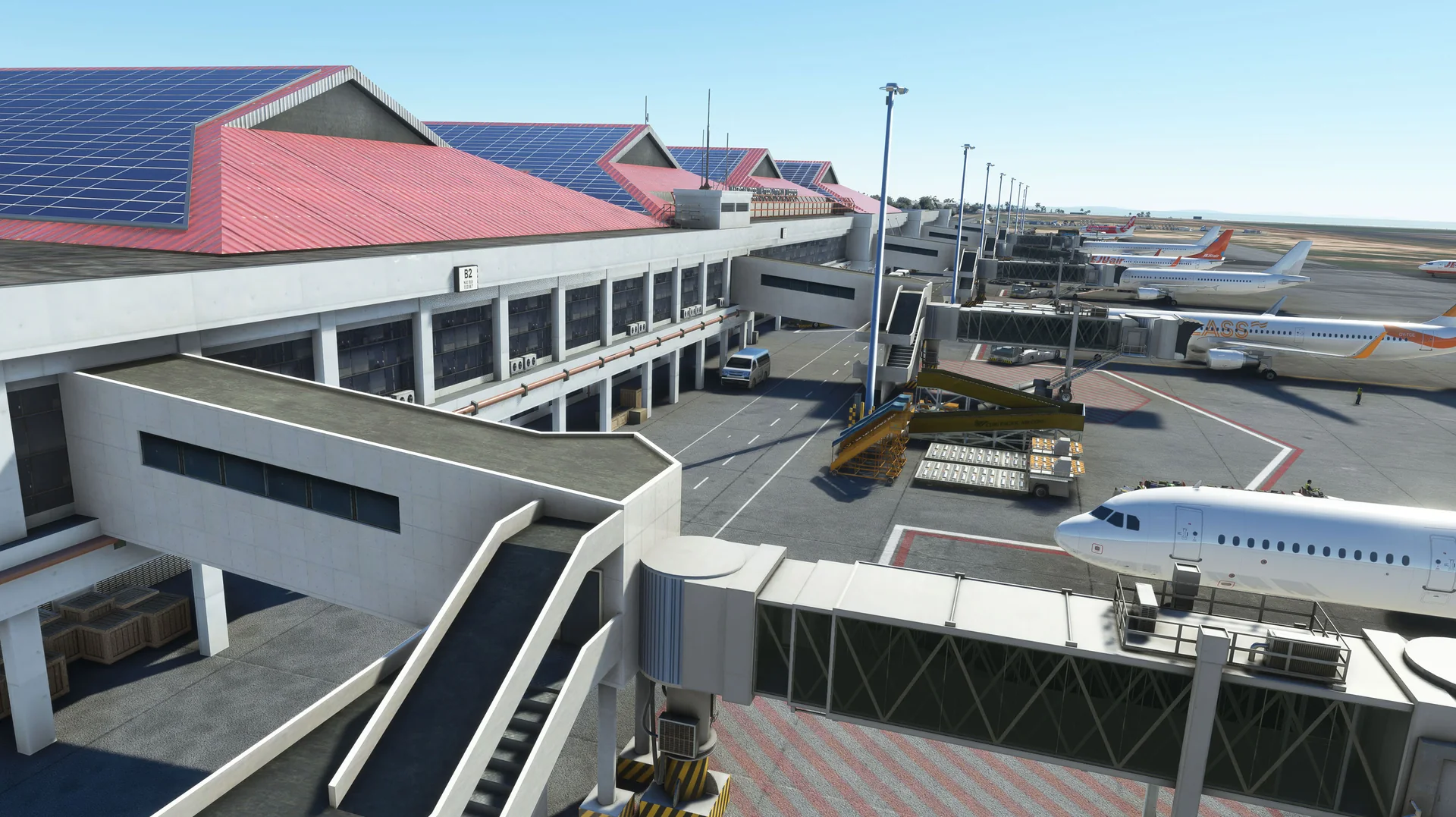
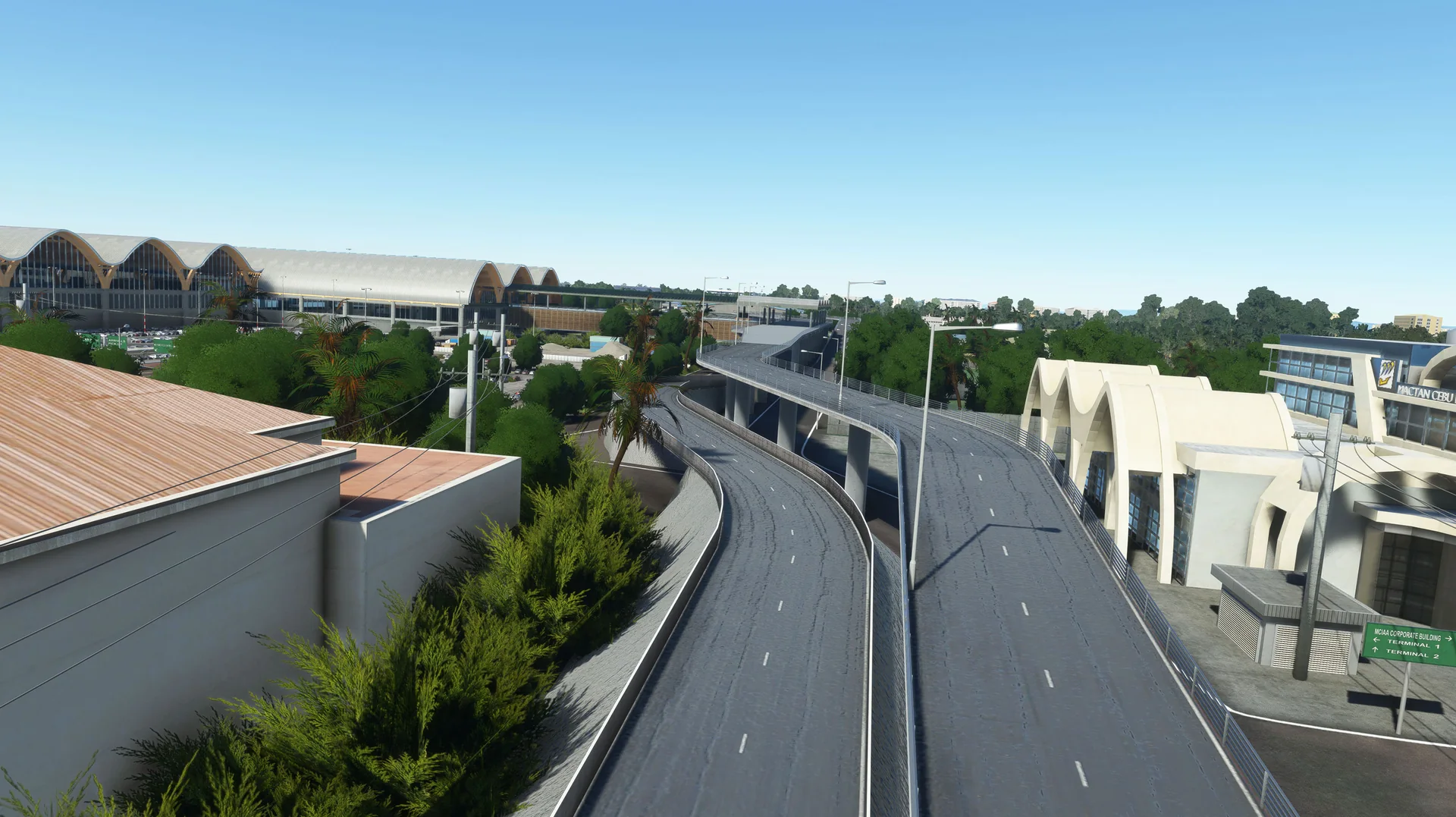
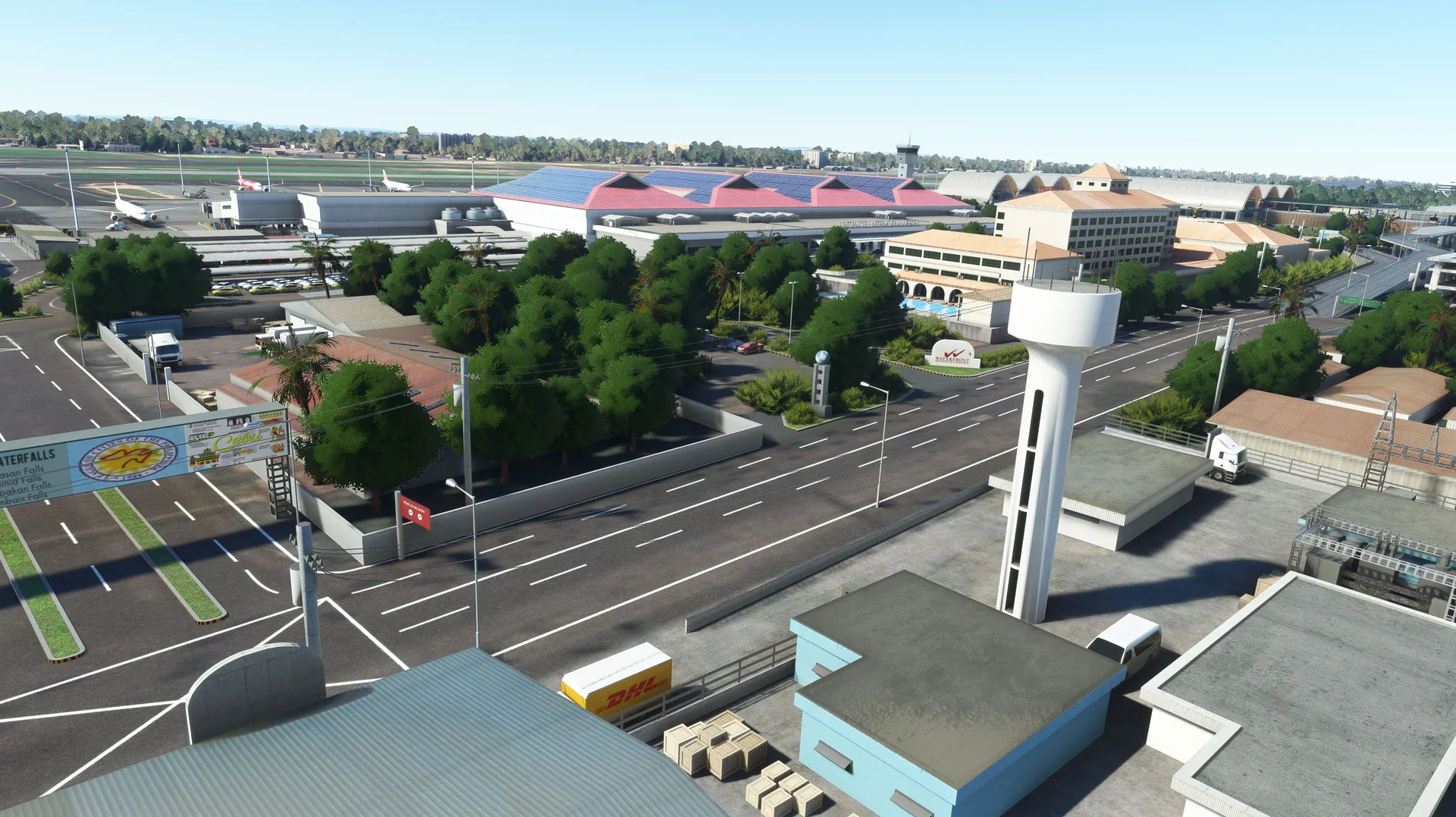
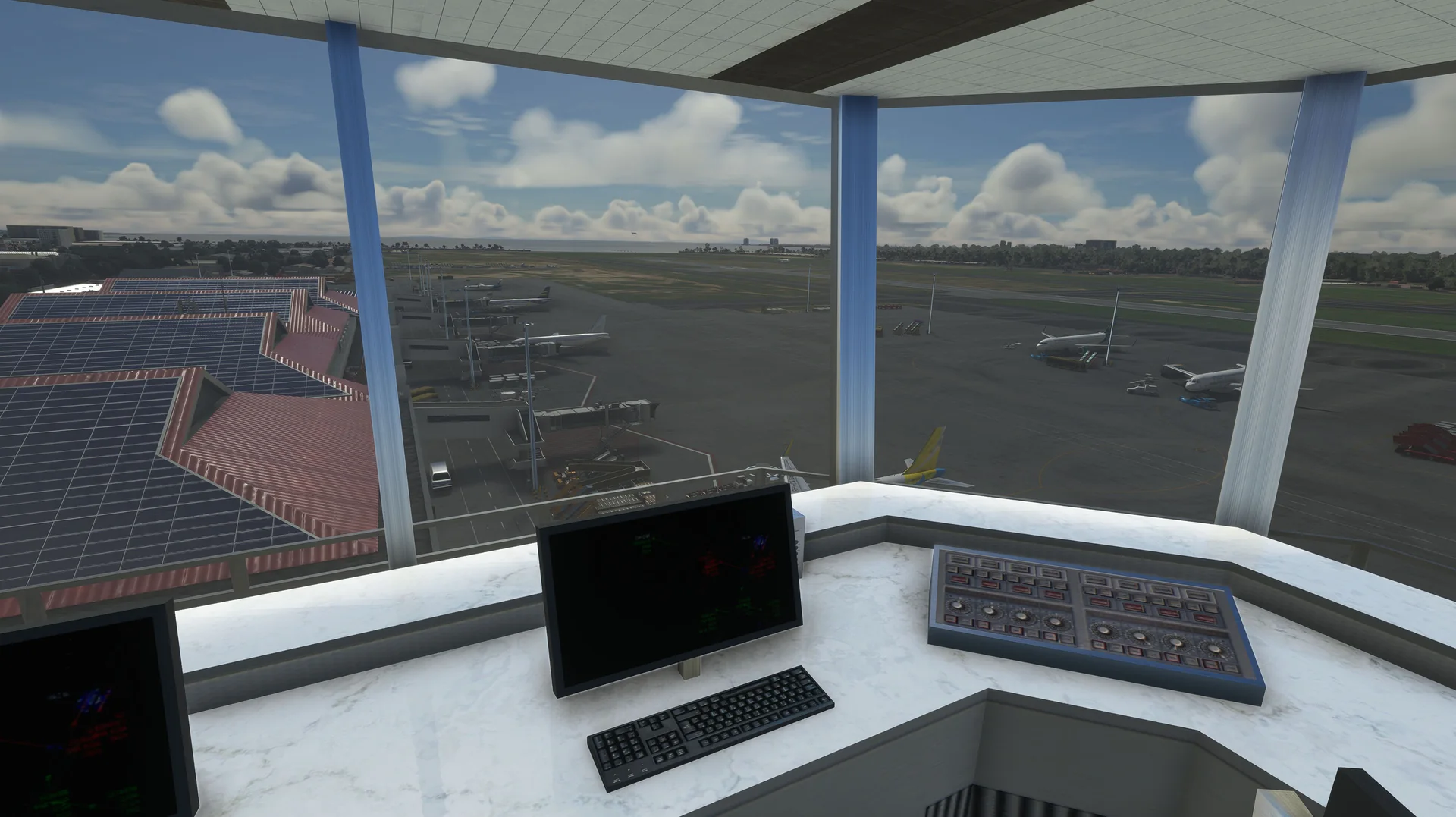
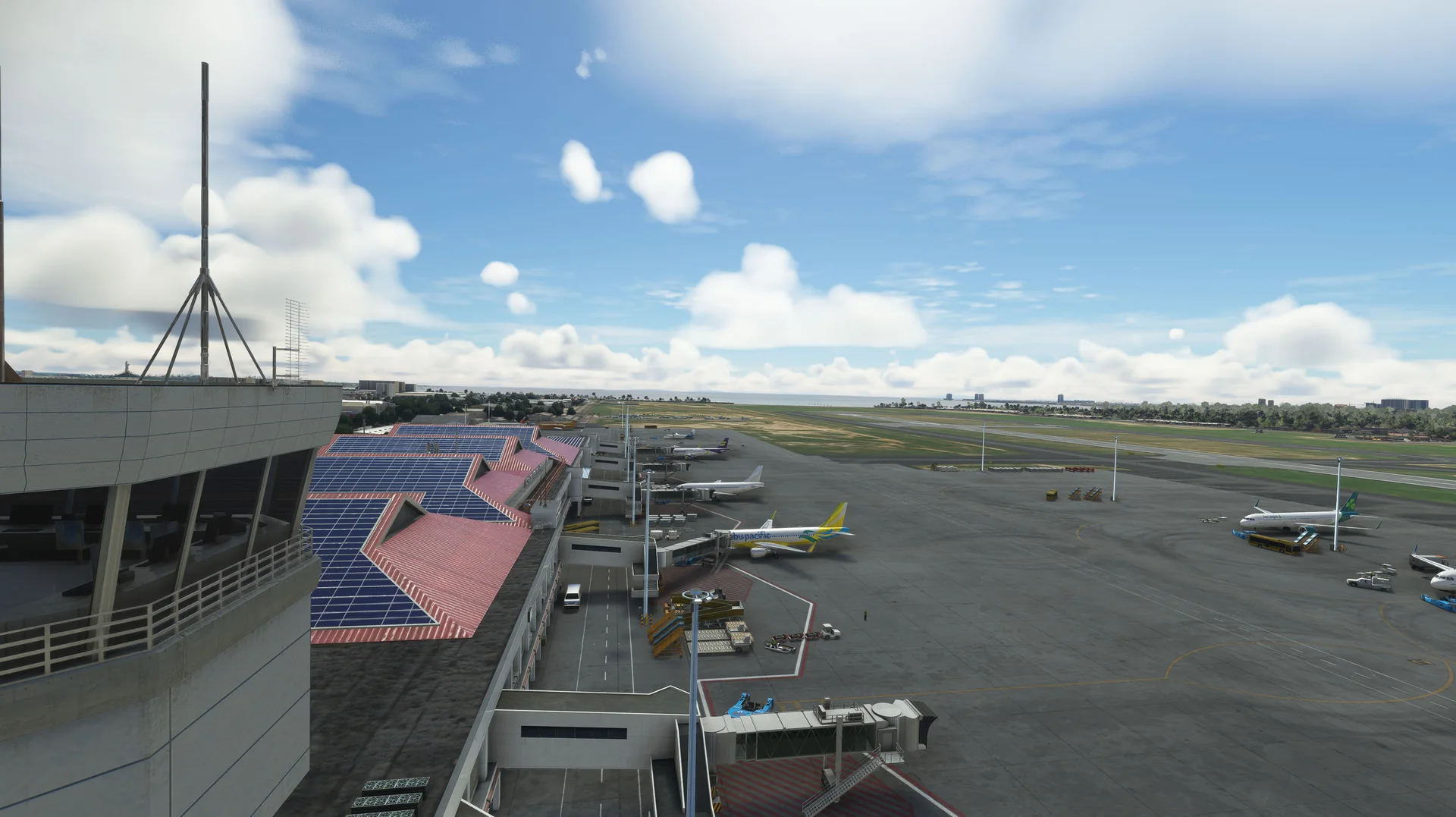
Terminals 1 and 2
Both terminals fully modelled, with the interior of Terminal 2 and half of Terminal 1.
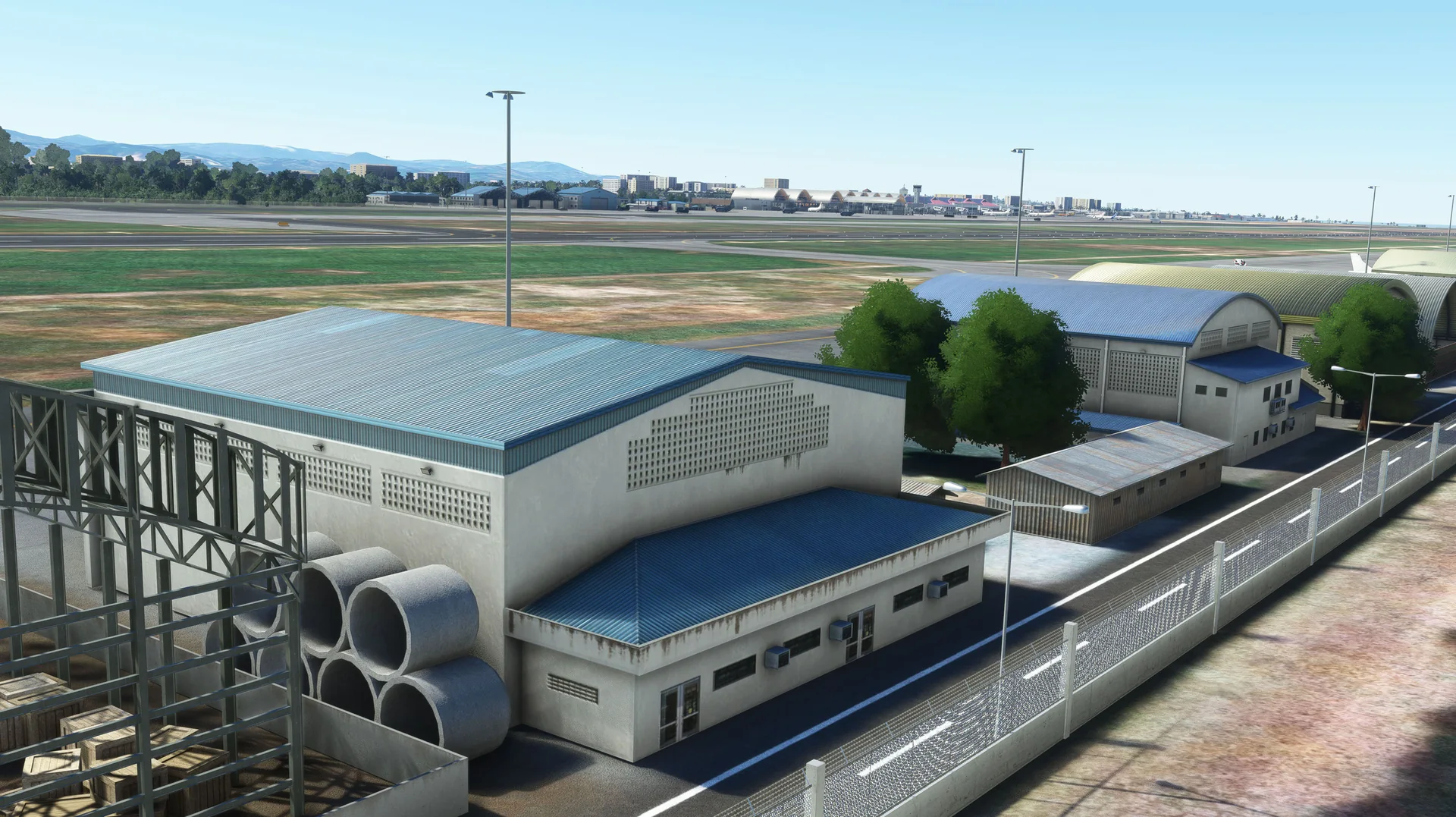
Hangars
General aviation and military hangars fully modelled.
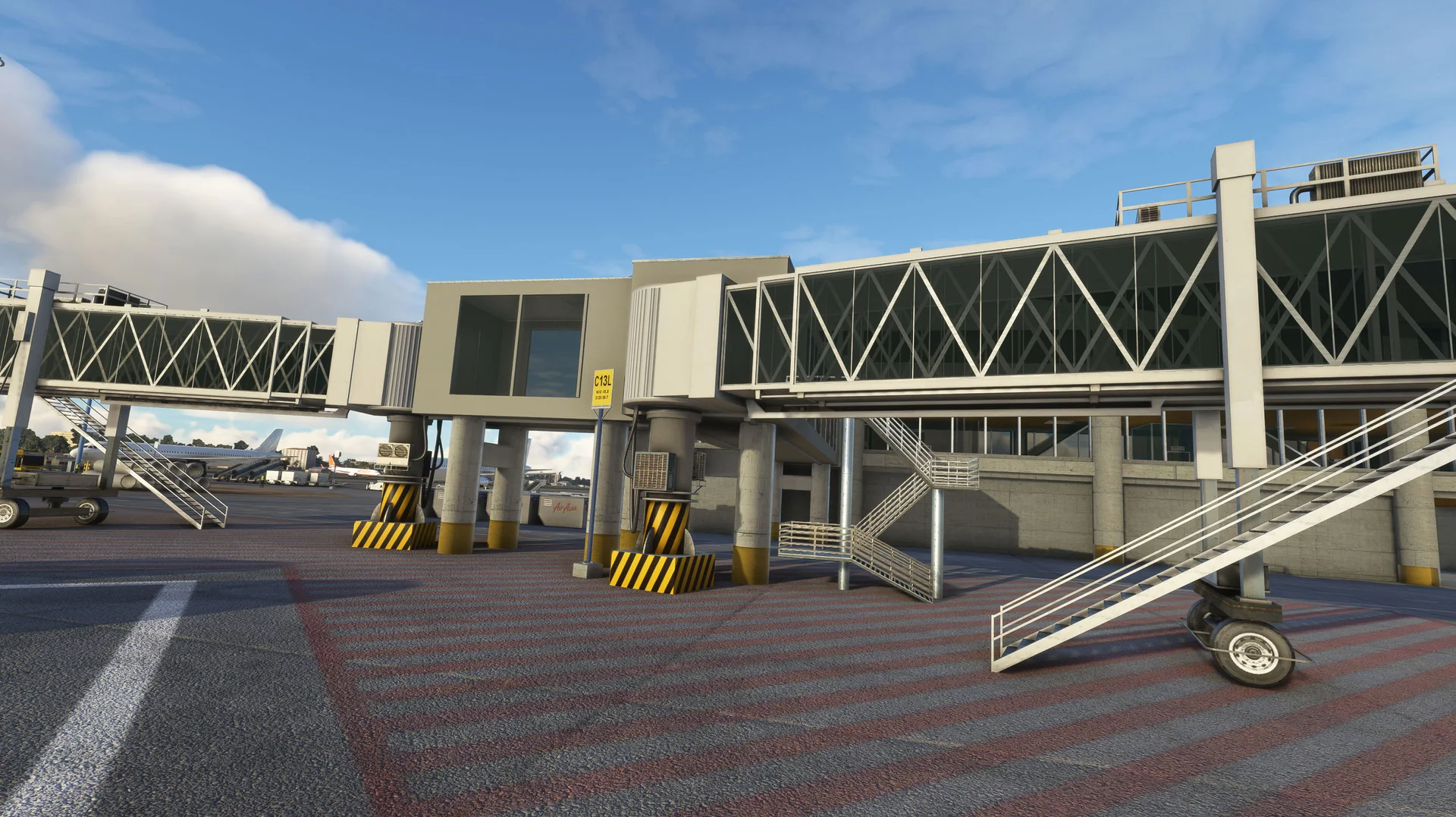
Animated jetways
Custom animated jetways modelled specifically for RPVM to maximize immersion.
Stands and ground
Custom high-quality parking stands, ground textures, ground signs and markings.
PBR textures
Full PBR textures across all 3D models (2K and 4K).
VATSIM ready
Airport data up to date.
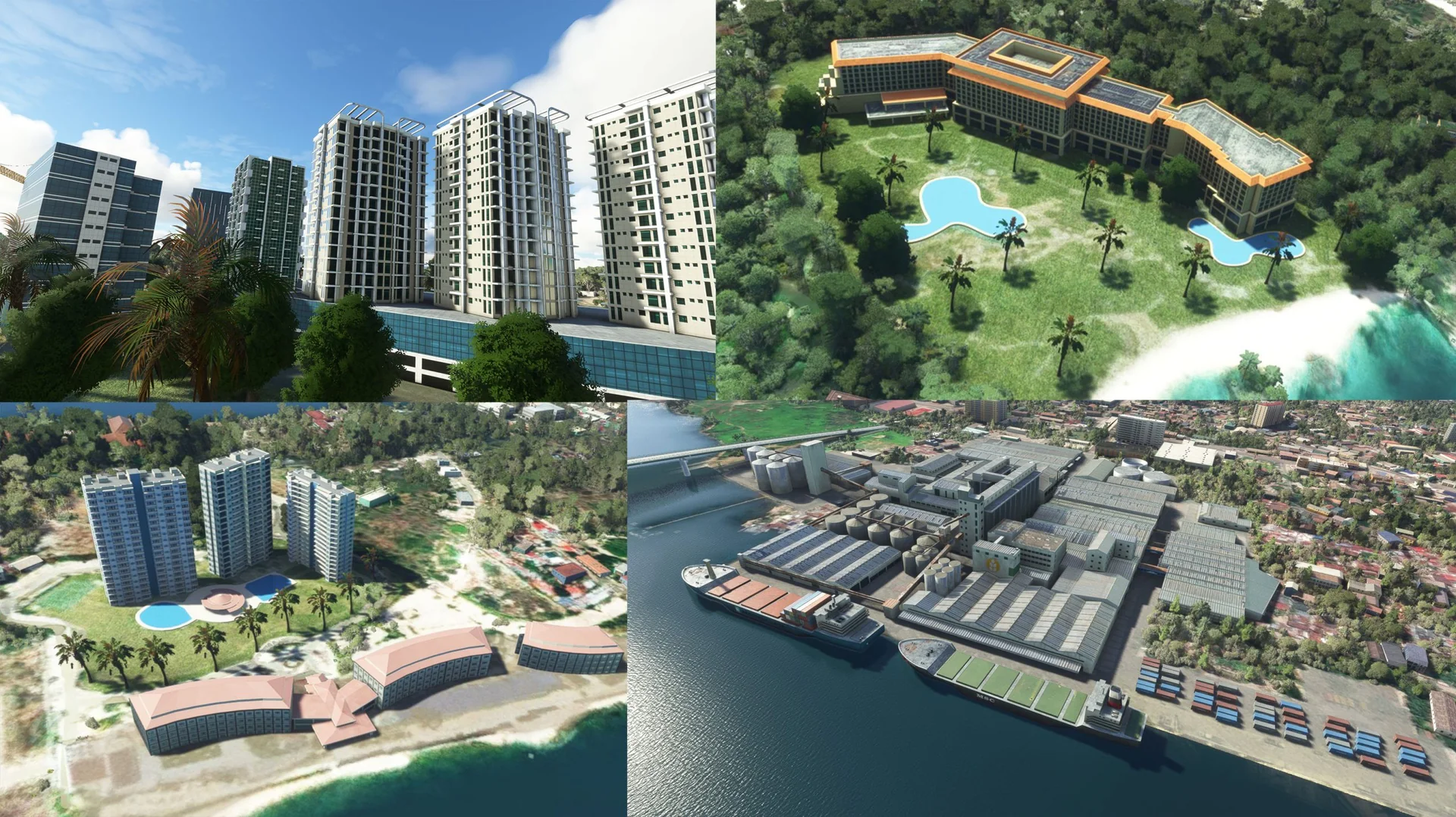
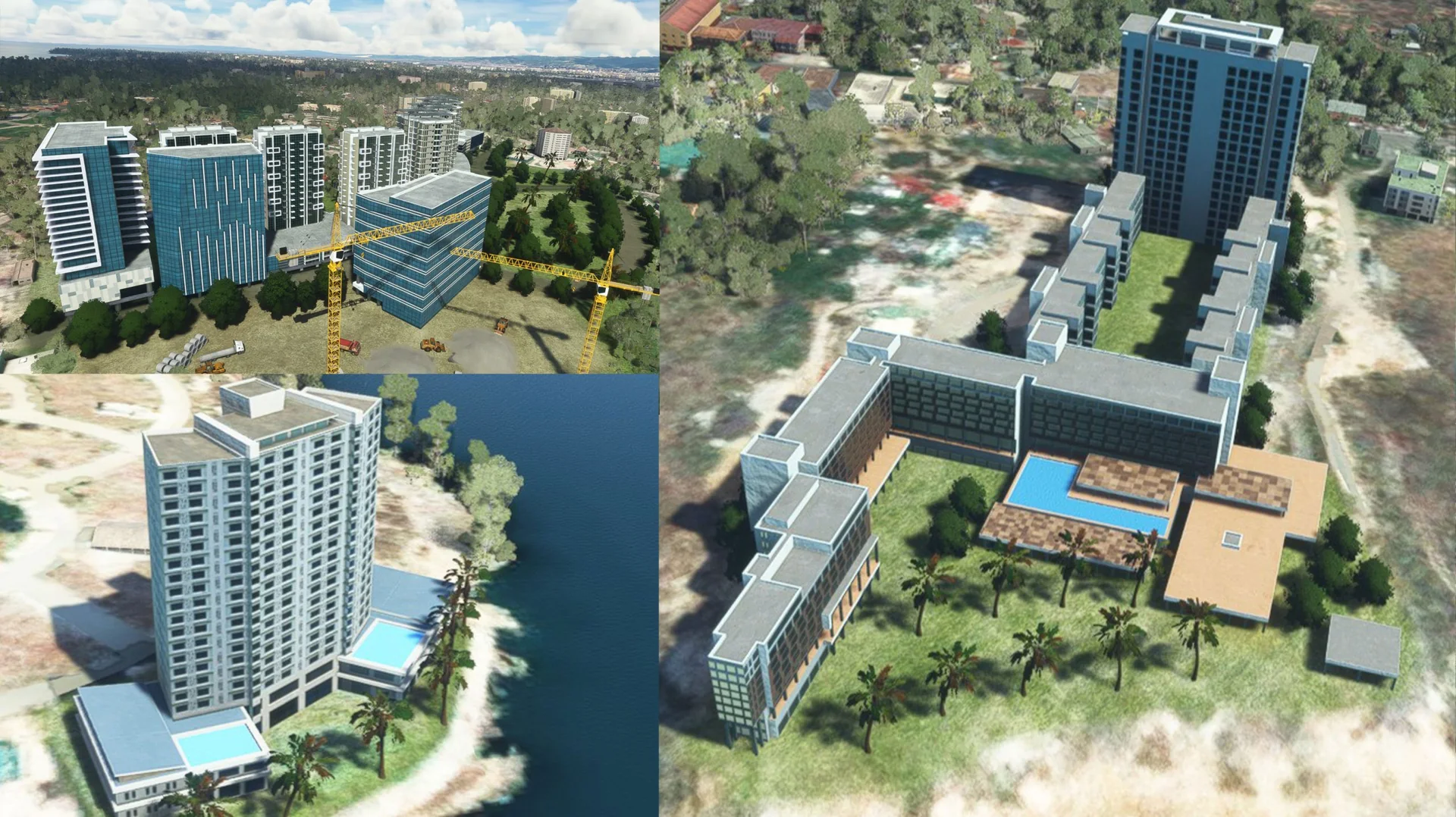
Hotels and resorts
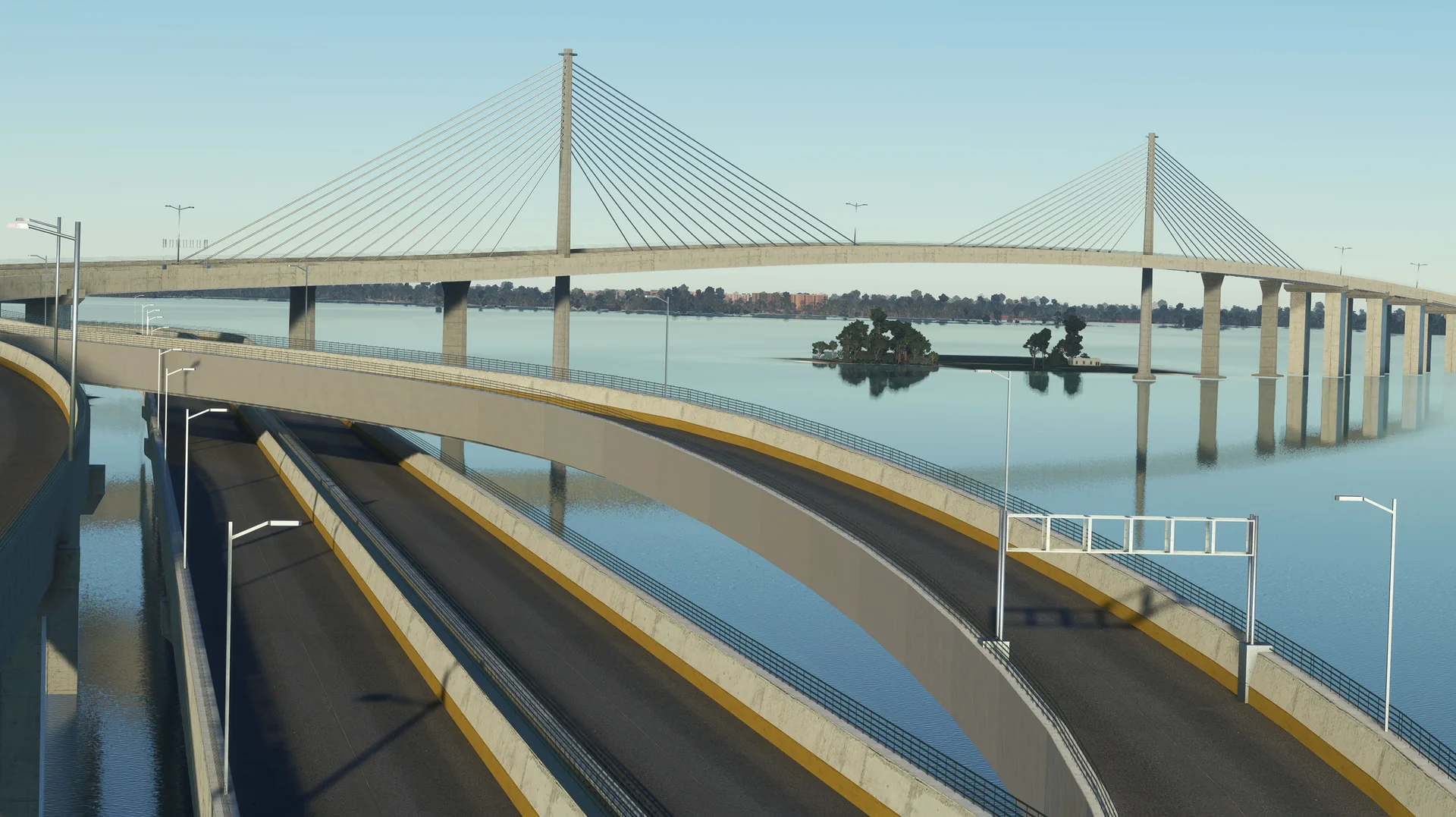
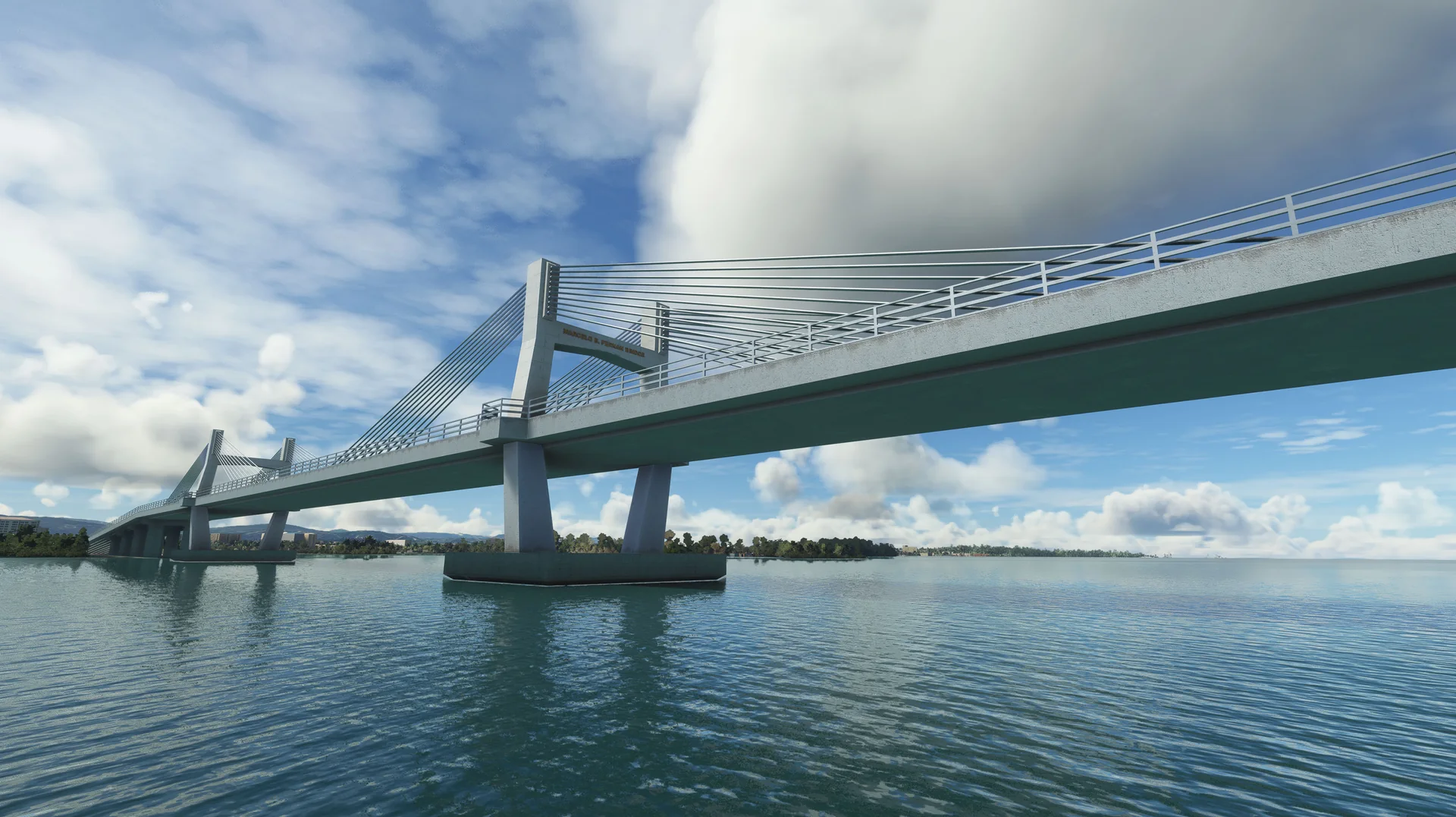
Modelled hotels and resorts around Mactan Island, including Mactan Newtown, Arterra, Sheraton, Shangri-La and more.
Free updates
Future updates for bug fixes and compatibility at no cost.
New in version 1.1.0
- NewSecond runway 04L/22R: real markings and tyre marks, approach lights at both ends, PAPIs on their concrete pads, runway guard lights at all 13 holds, start positions. AI traffic and ATC use the new runway.
- NewTaxiway crossings between the runways (B6/R2, B4/A3/R1, B3/A2, B2/A1) rebuilt to the current layout: pavement, grass, centre and edge lines, holding positions with red runway boxes, smooth rapid exits R1 and R2.
- NewMactan aircraft park: F-86F Sabre, C-123K, GAF Nomad, UH-1H and the PAF monument; the C-130 moved to its real spot.
- NewLow buildings and open walkway shelters beside Terminal 2.
- UpdatedRunway 04R/22L moved onto its real painted thresholds.
- UpdatedAirport data to the 2025 charts: taxiway names C, A1-A6, B2-B7, R1, R2, D1-D3, G1, G2; taxiway signs re-lettered, new holding signs and hold-short points.
- UpdatedParking: heavy bays for widebodies, airline codes at every gate.
- UpdatedTerminal 2 car parks: old construction site removed, paved car parks with painted bays, parked cars and motorcycles.
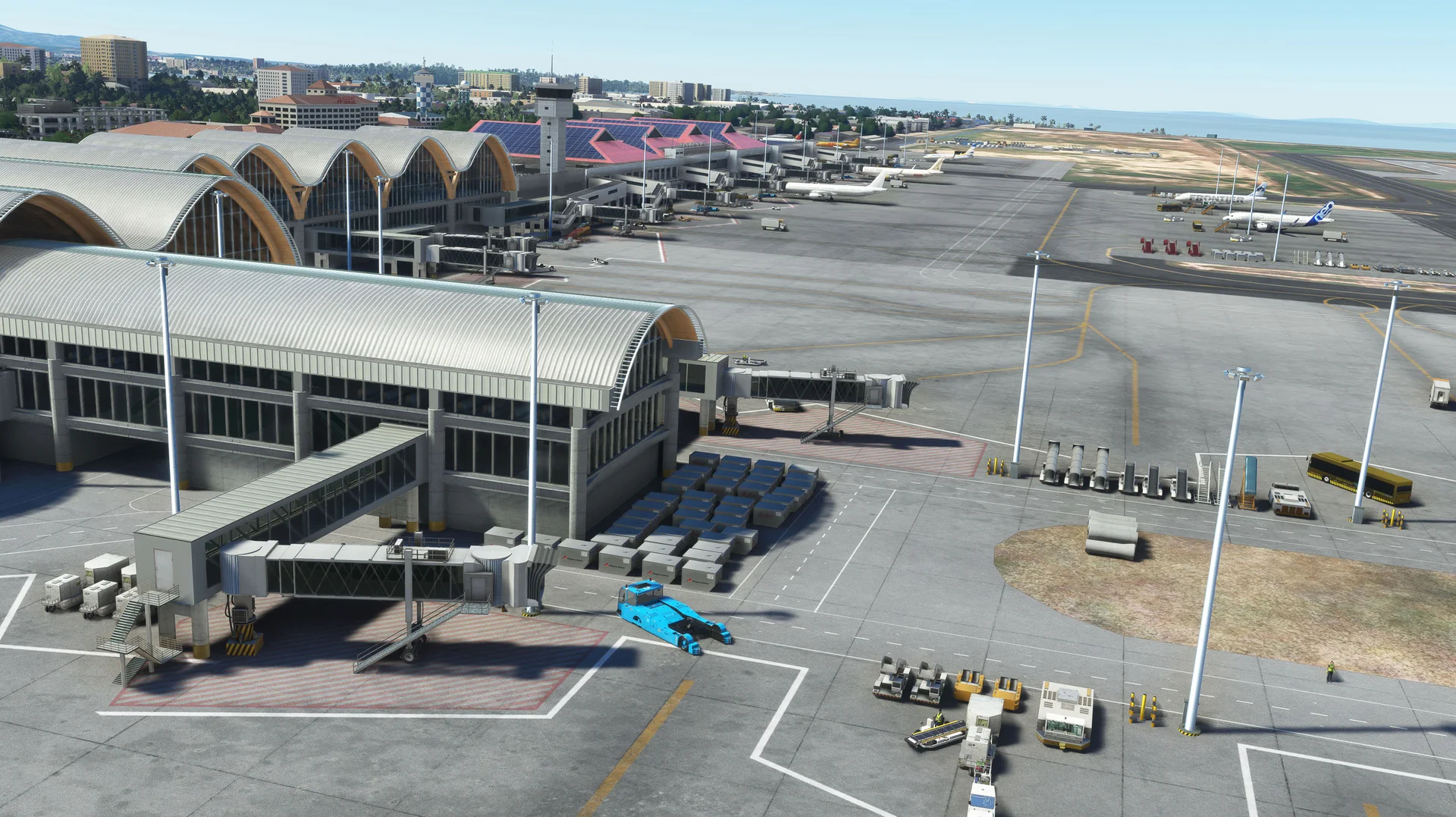
Screenshots
Where to buy
RPVM is sold through our partner stores.
Requirements
- Latest version of Microsoft Flight Simulator 2020 or 2024
- Core i5 or equivalent, at least
- 6-8 GB RAM at least; 16 GB or more is best
- GPU: GTX 1050 or better with at least 6 GB VRAM (lower GPUs not tested, but reported to work)
- MSFS settings Medium to High recommended (depends on your machine)
Read before buying
- Please check the screenshots before buying the product.
- Please read our refund policy on the Contact Us / FAQ page.
- Free updates are provided for bug fixes and compatibility issues.
Installation
- Install the product with the app of the store you bought it from (ORBX, iniBuilds, Contrail, Simmarket).
- Remove any other Cebu scenery to avoid conflicts.
- Restart the simulator after installing.
Finding the Community folder
Custom install location
If you installed your MSFS content (Packages folder) in a custom location, open that folder; the Community folder is inside it.
Microsoft Store / Xbox app
Type %localappdata% in Windows search, then open Packages\Microsoft.FlightSimulator_8wekyb3d8bbwe\LocalCache\Packages\Community.
Steam
Type %appdata% in Windows search, then open Microsoft Flight Simulator\Packages\Community.
Questions? Email support@cloudsurfasia-simulations.com.