
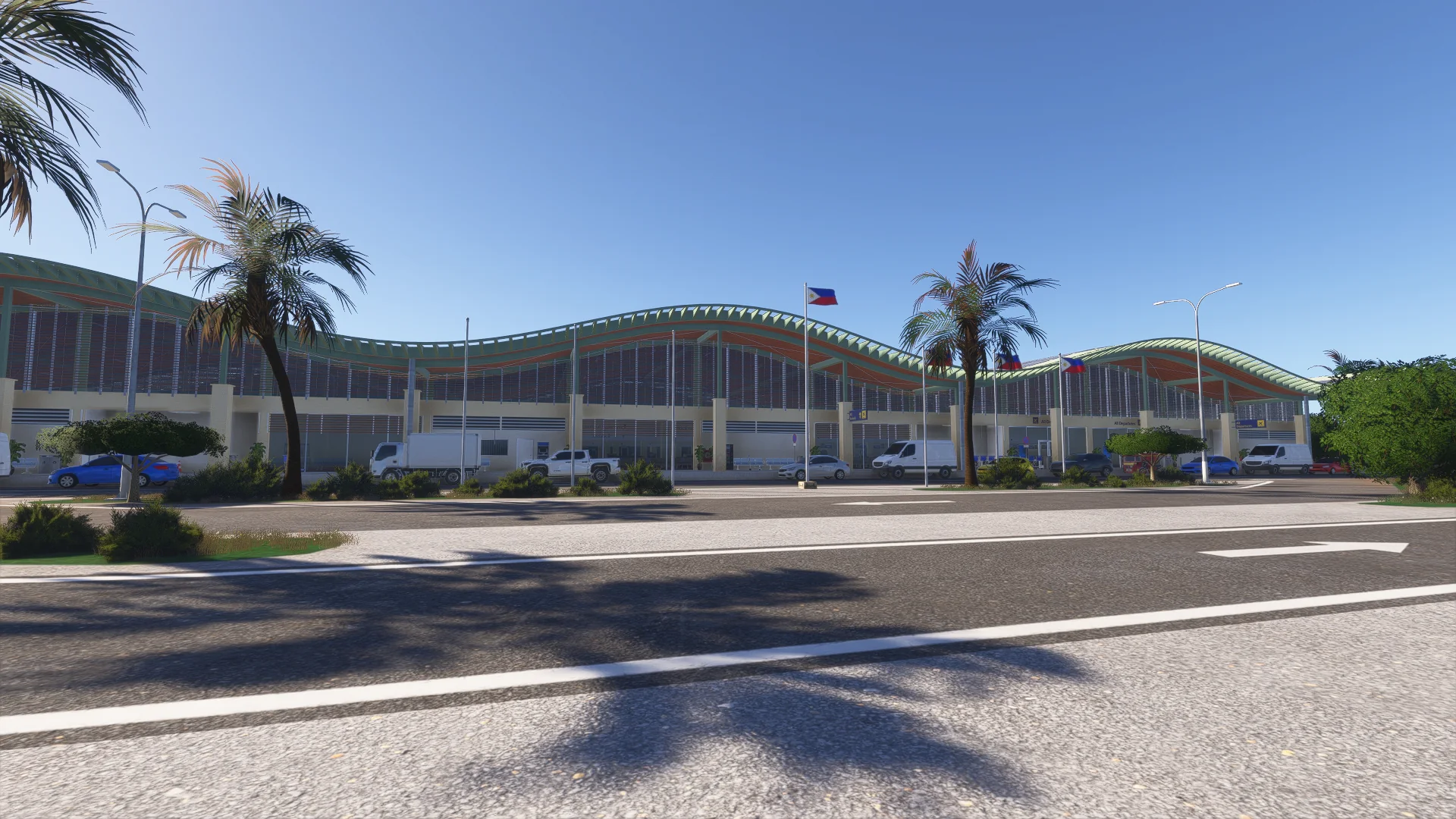
About the scenery
Welcome to Bohol-Panglao International Airport (RPSP), the gateway to Bohol's white beaches and Chocolate Hills. Handcrafted with passion by our team in the Philippines, this scenery brings the island's airport to Microsoft Flight Simulator 2024, built from real-world photos and data down to the kerbside details.
Opened in November 2018 to replace Tagbilaran Airport, Bohol-Panglao International serves the province of Bohol from Panglao Island in the Central Visayas, Philippines.
Features
Built from scratch for MSFS 2024
Every building, prop and marking made for the 2024 simulator, from real-world photos and data.
Terminal inside and out
Check-in hall, departure lounge, baggage reclaim and arrivals, all modelled and furnished.
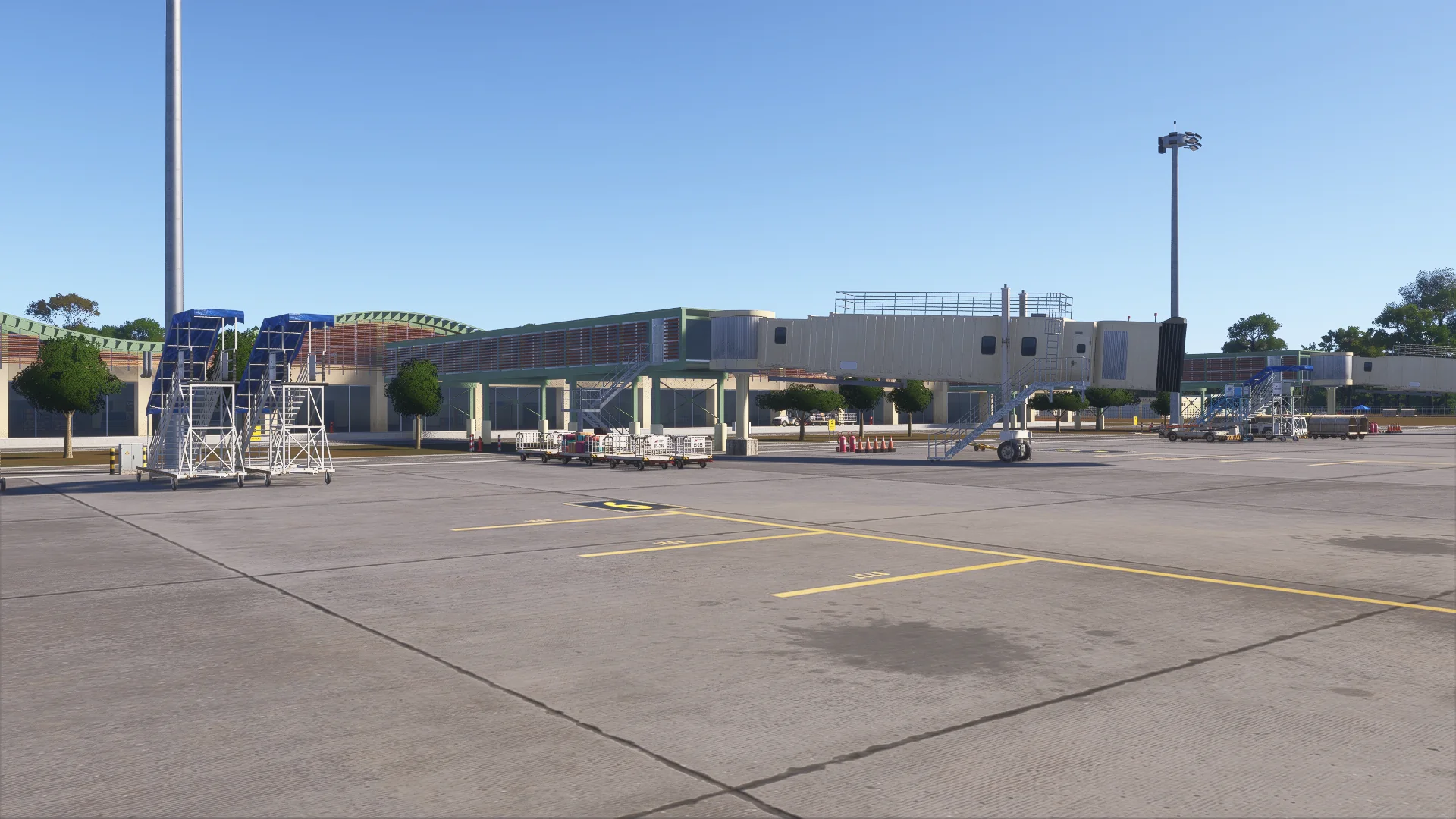
Three animated boarding bridges
The jet bridges at the terminal move to your aircraft.
7 stands, real markings
Custom stand numbers, lead-in lines and stop bars for each aircraft type.
Runway 03/21 and taxiways
Custom signs and markings, and working windsocks at both runway ends.
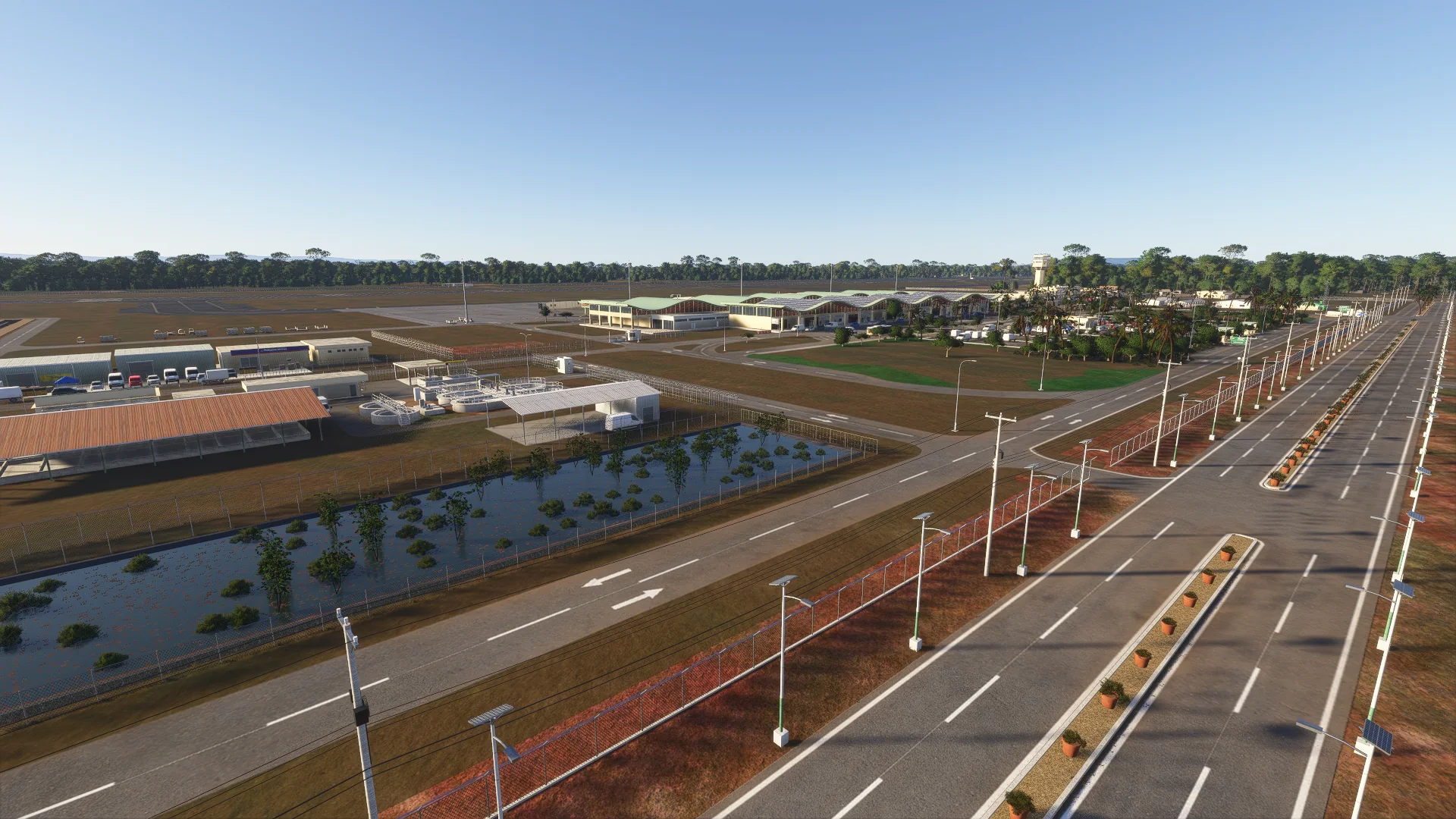
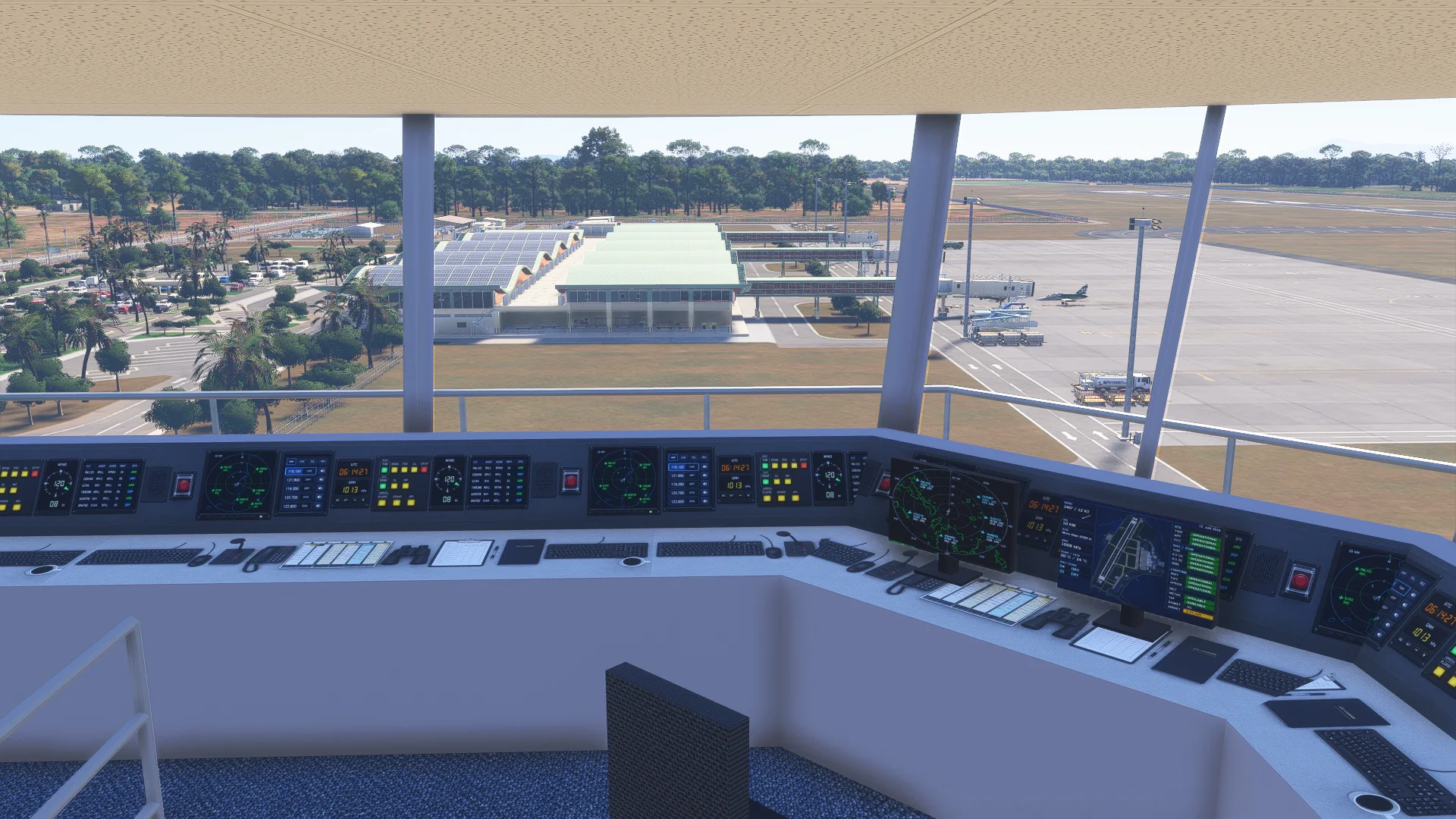
Every building on the field
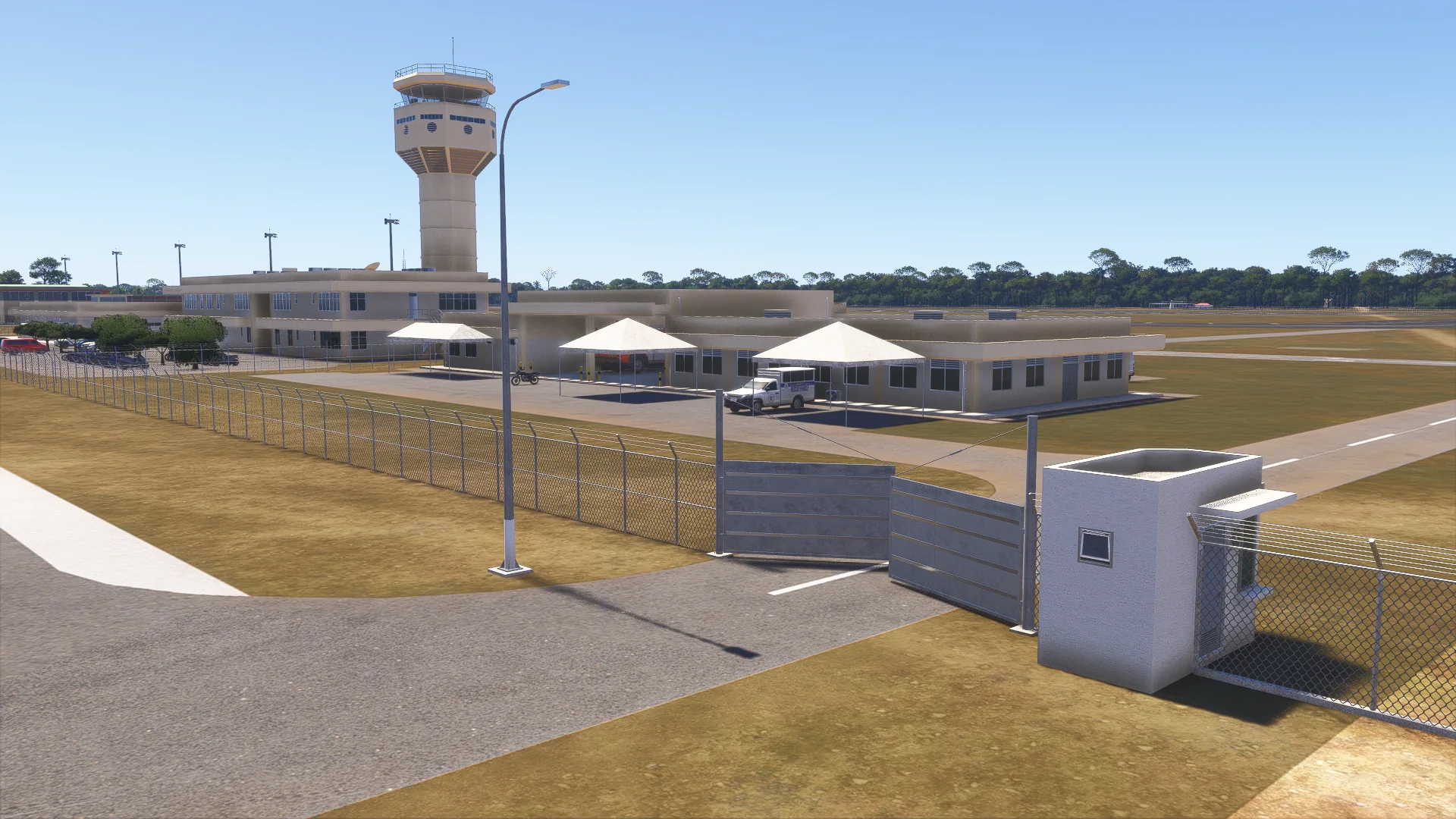
ATC tower, fire station with its crash fire-rescue trucks, cargo building, power house, water tank, sewage plant and police compound.
Philippine apron equipment
From airline stairs and baggage carts to the fuel truck.
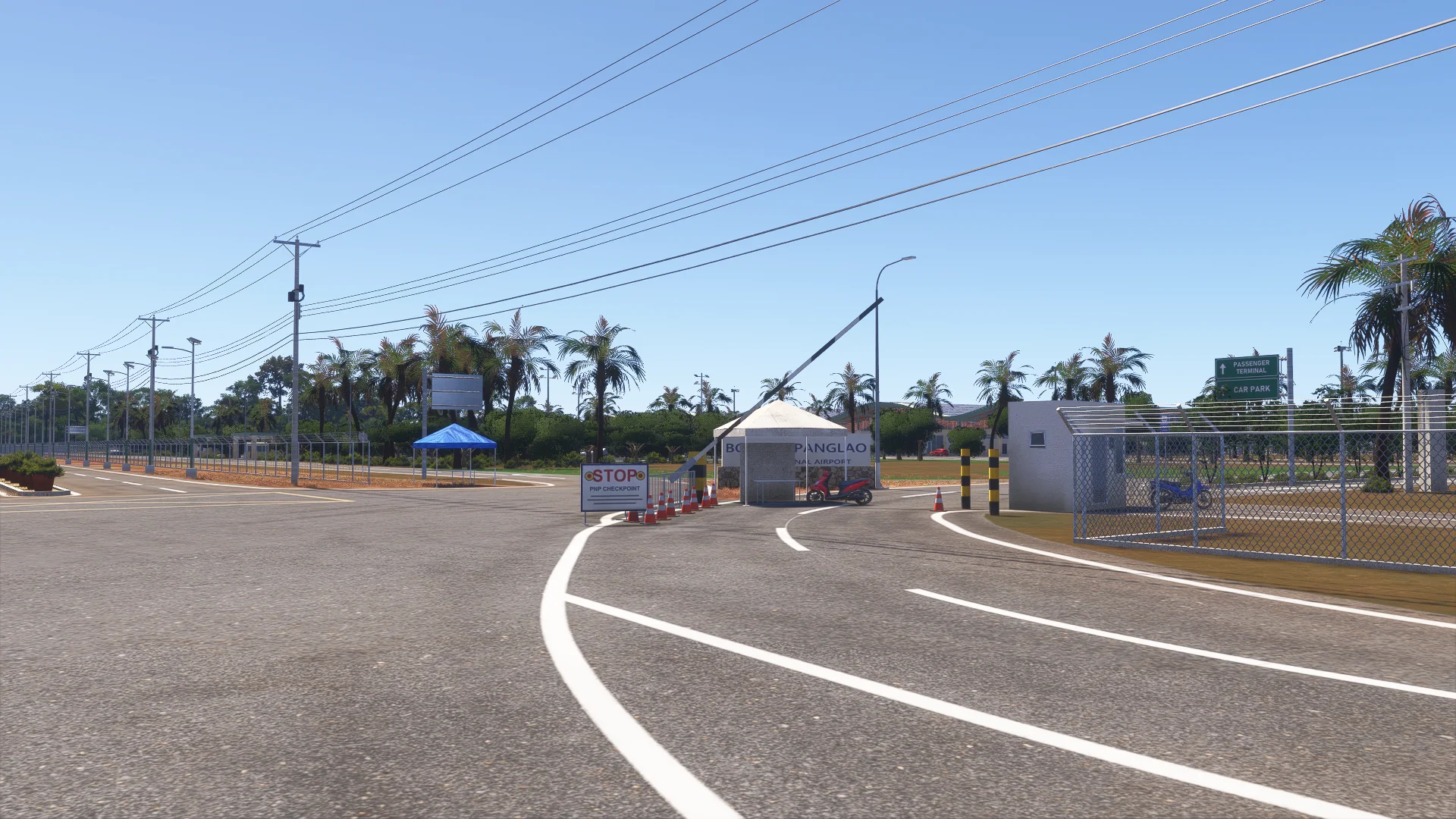
A busy landside
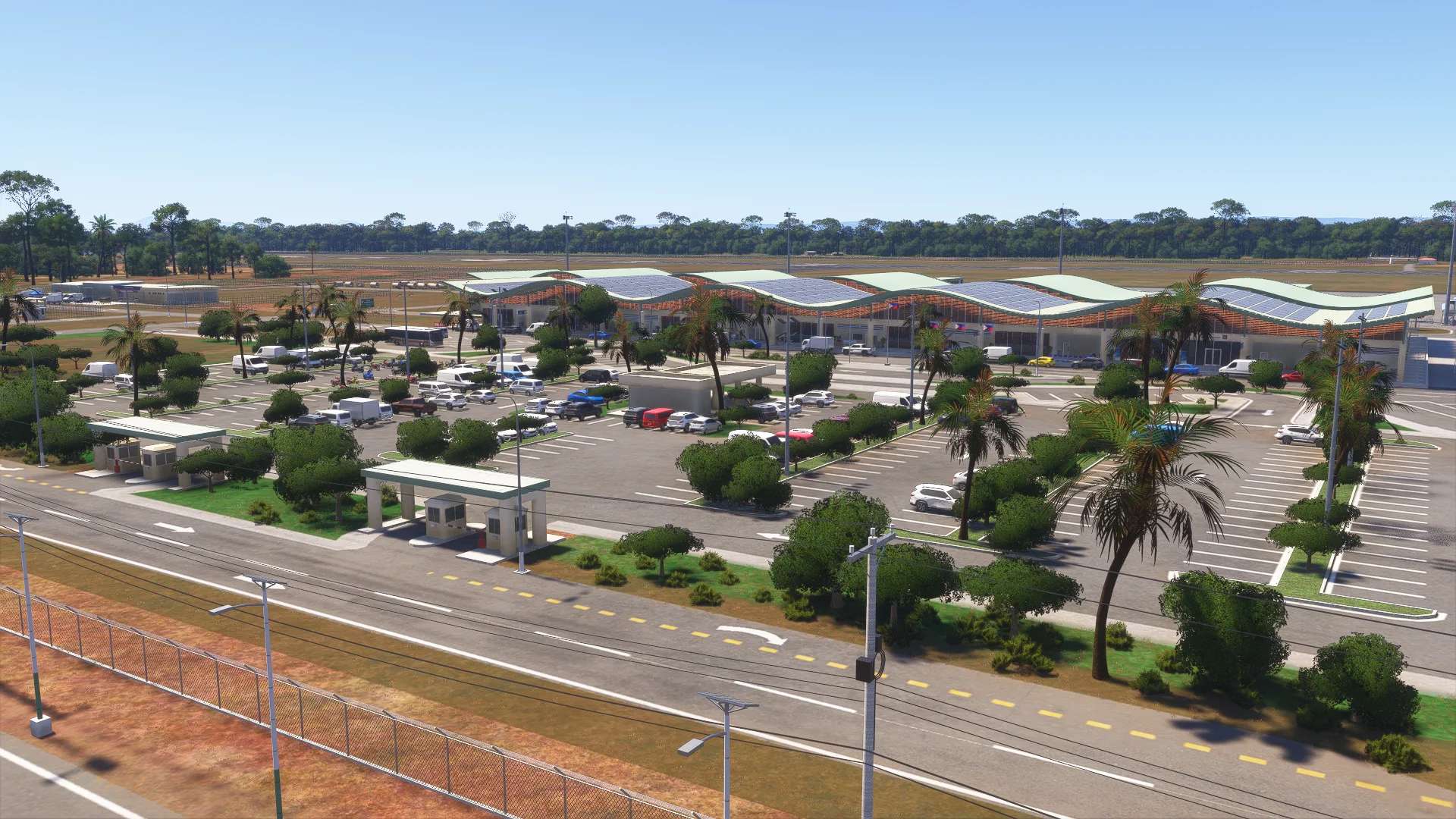
Car park, tricycles, buses, motorcycles, flags and signs.
The surroundings
Palms, wetland, drain canal and the highway with its solar street lights.
Ground detail
Landside dirt, wheel tracks, oil and parking stains.
PBR textures
Physically based materials across all 3D models, day and night.
Free updates
Fixes and compatibility updates at no cost.
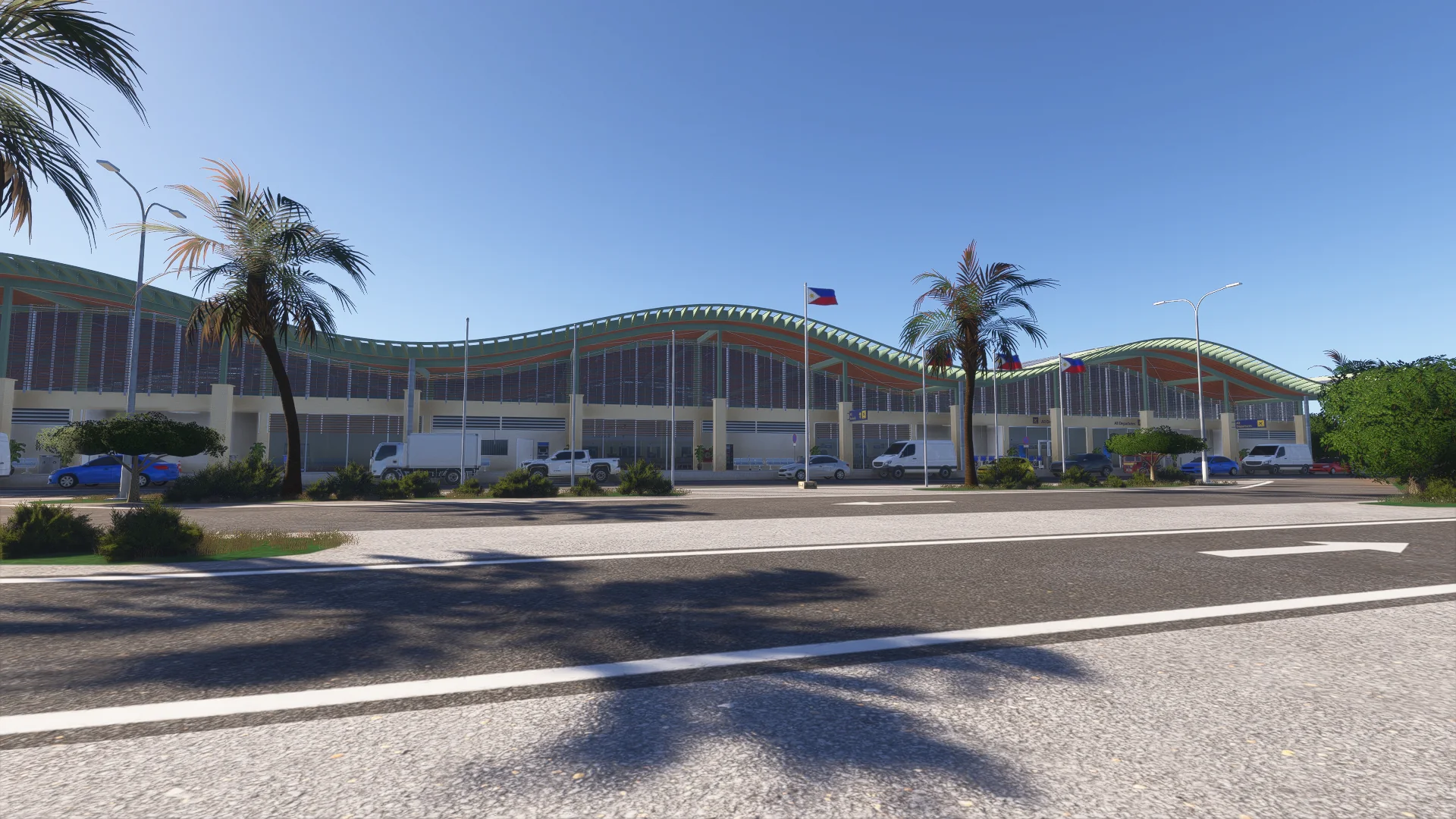
Screenshots
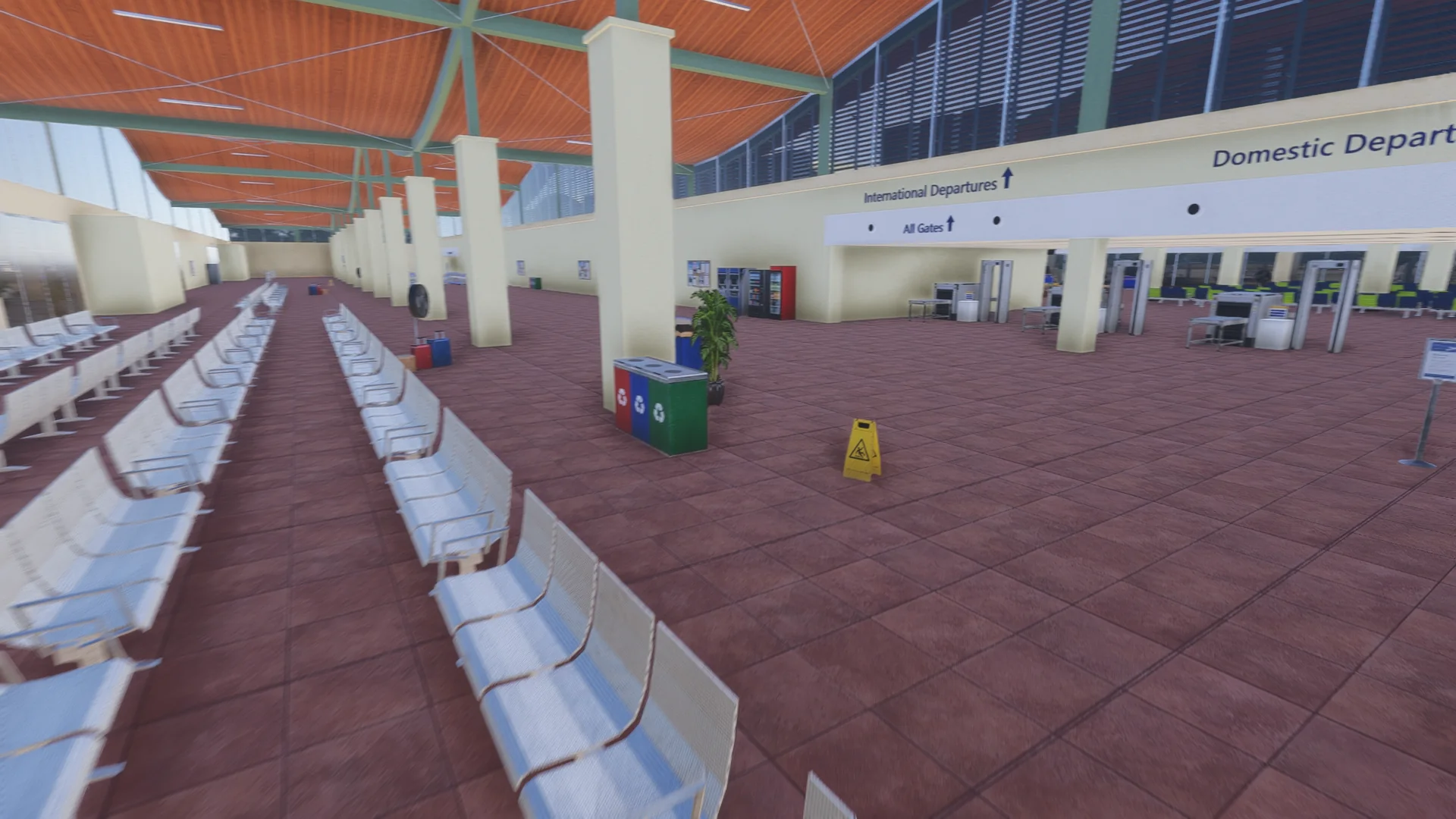
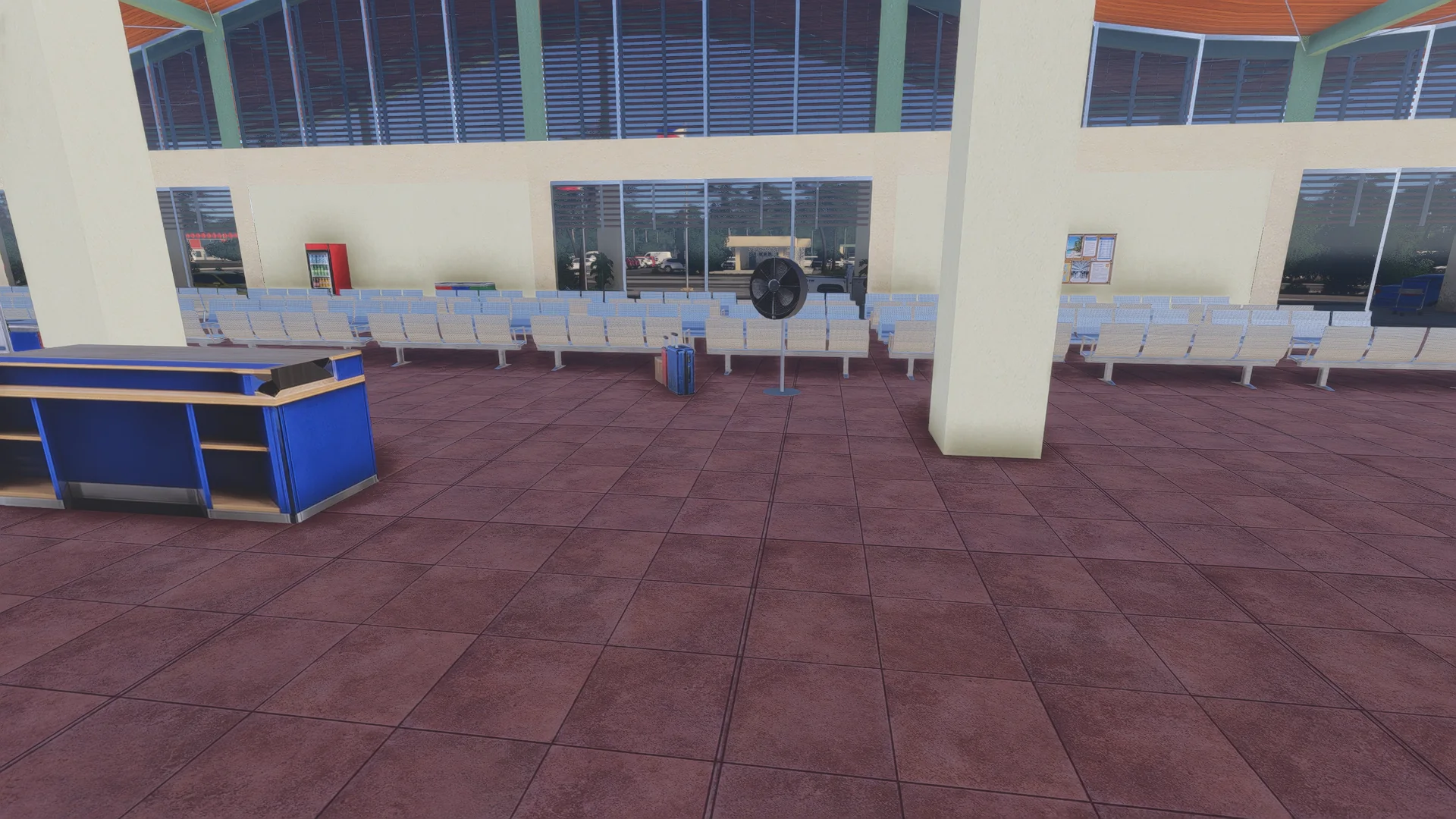
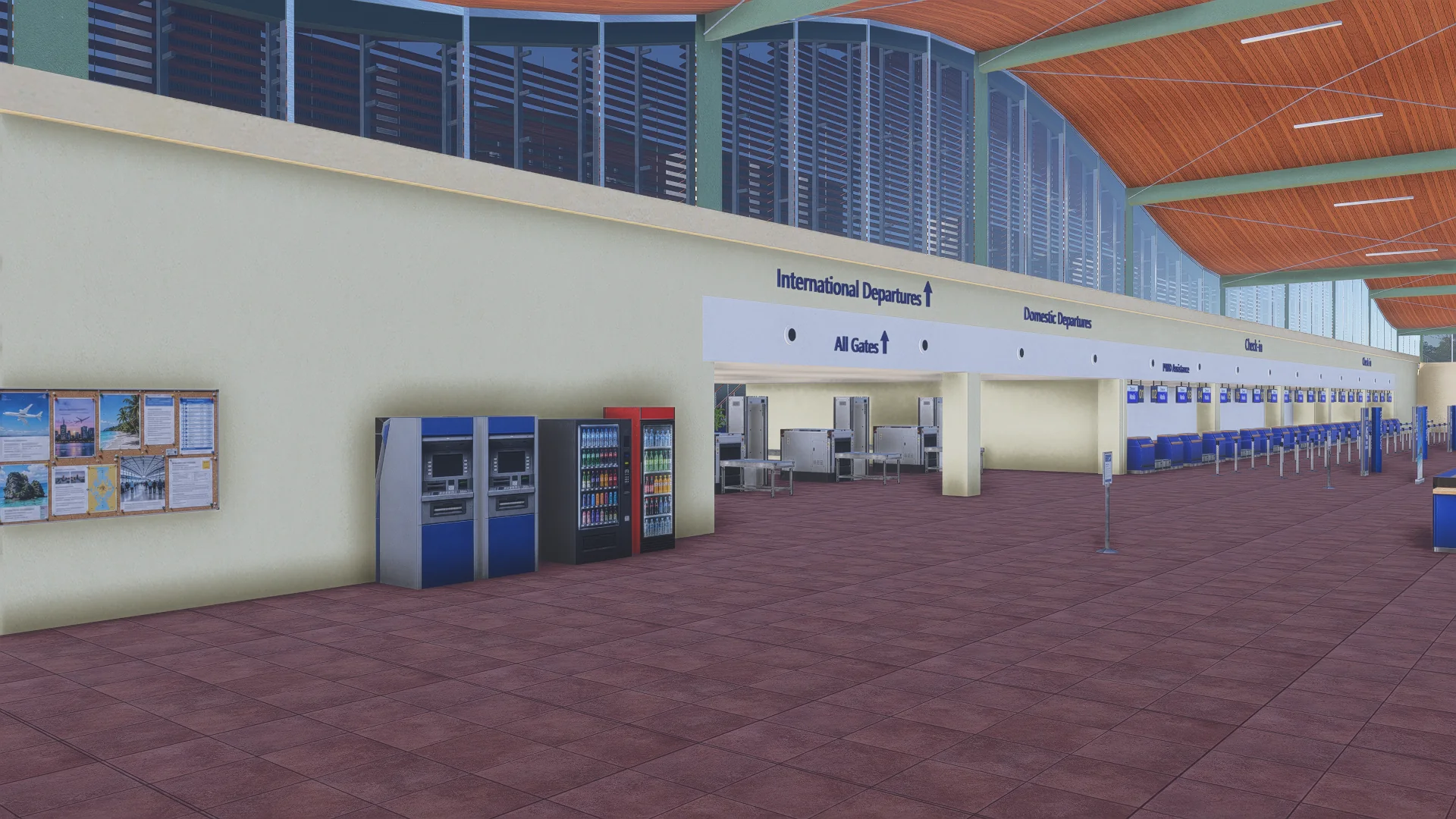
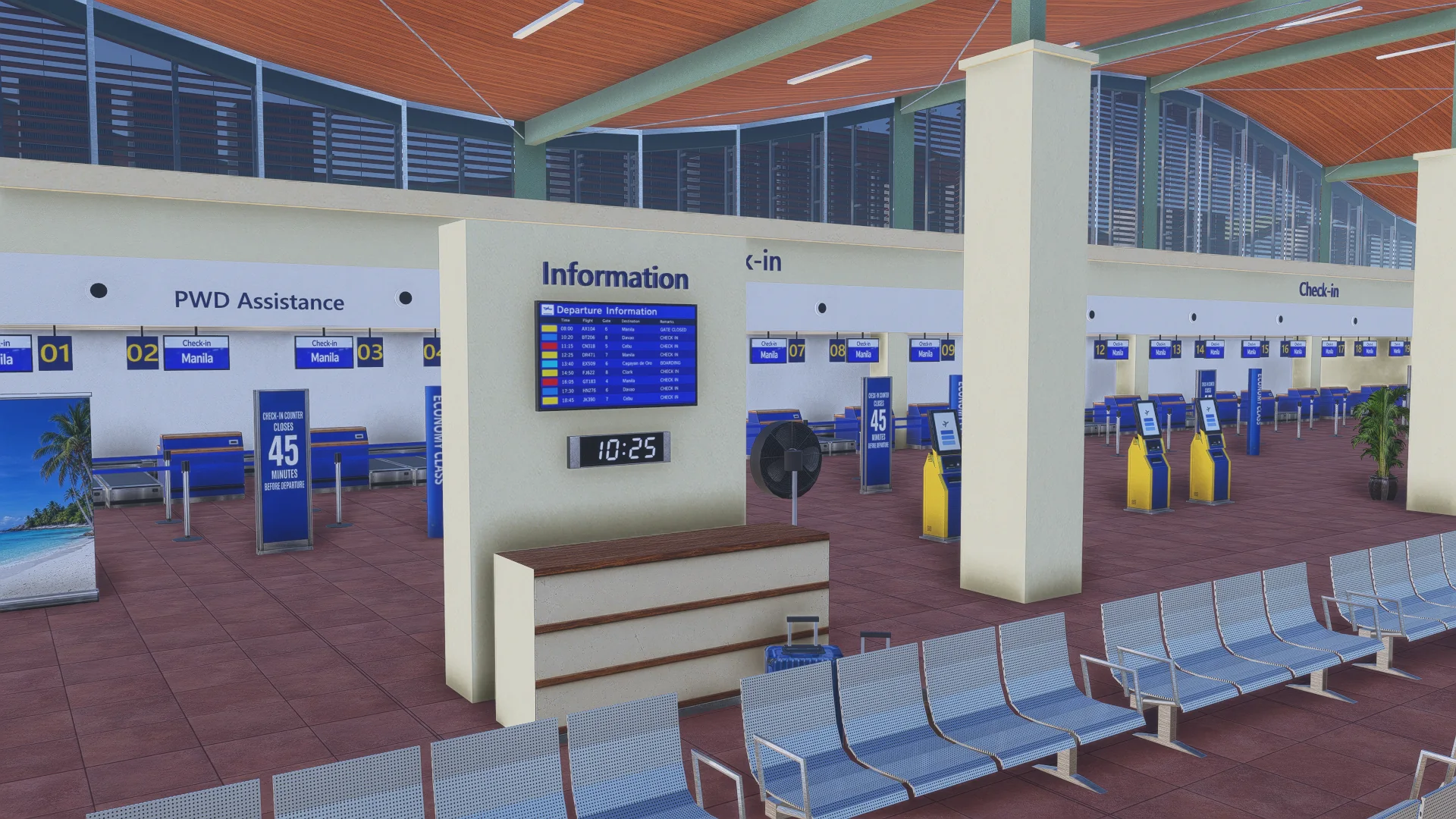
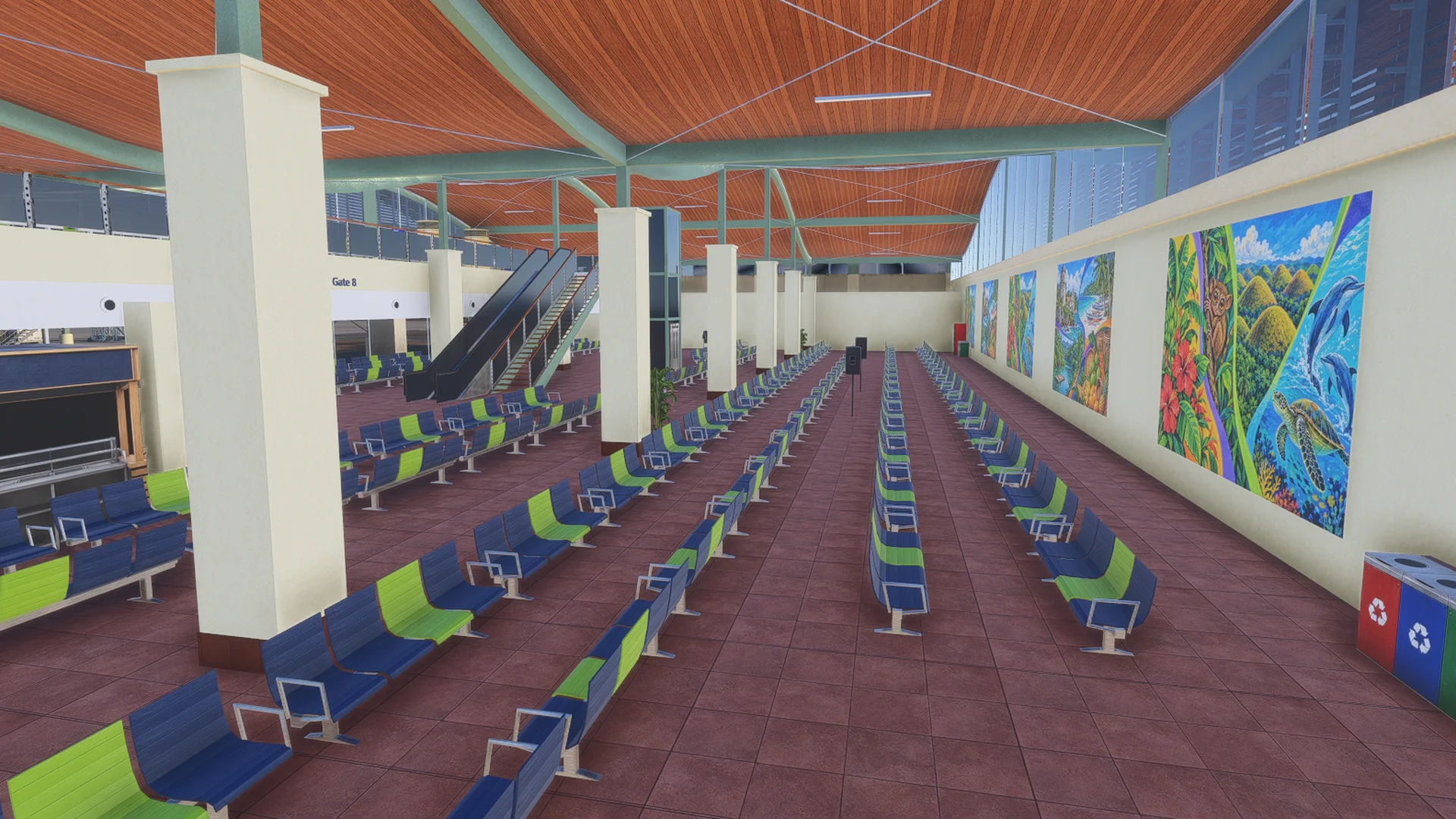
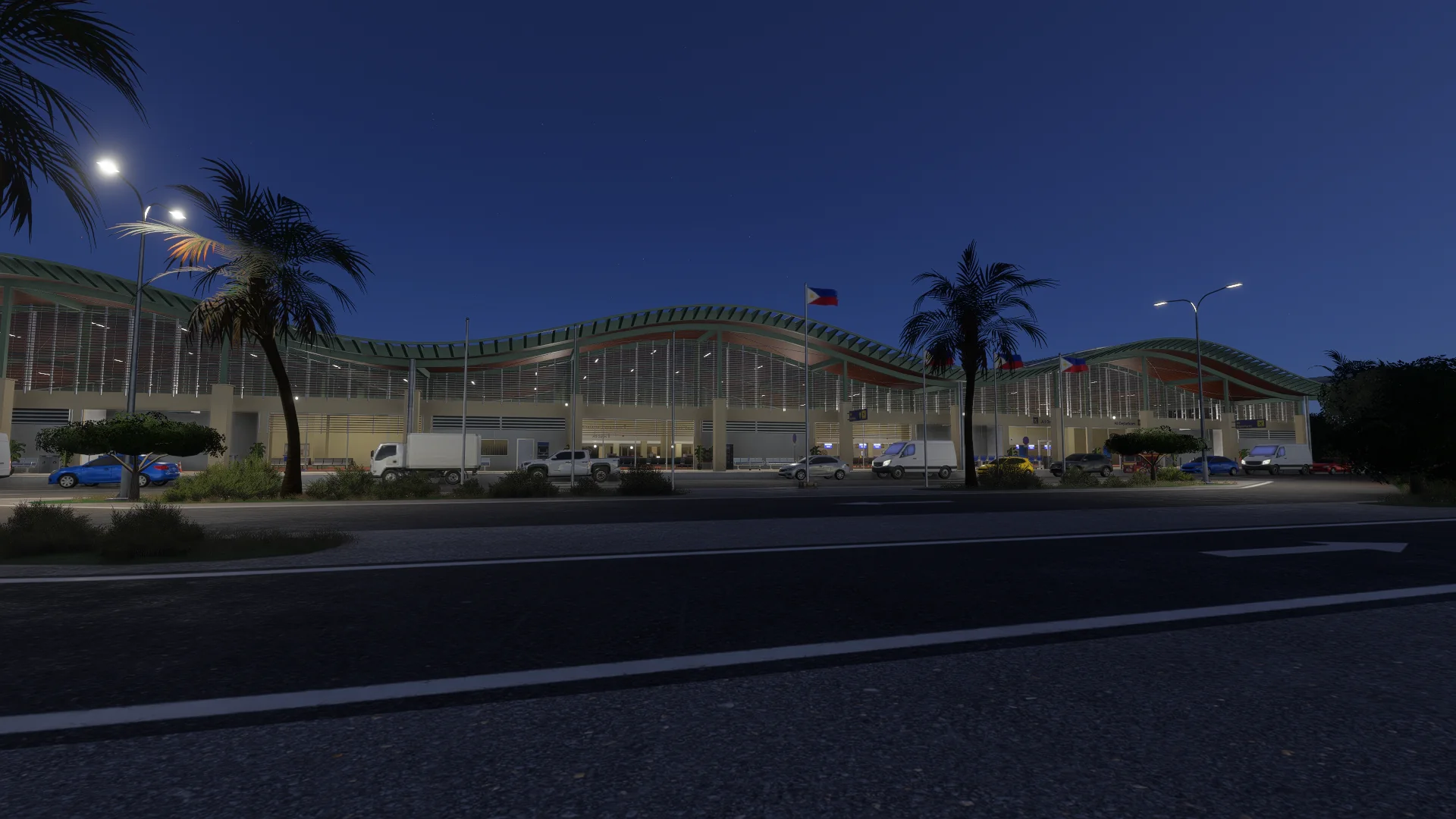
Where to buy
RPSP is sold through our partner stores.
Requirements
- Built exclusively for MSFS 2024 Edition.
- Microsoft Flight Simulator 2024 (PC), latest update installed
- Windows 10 or Windows 11 (64-bit)
- A PC that meets the Microsoft Flight Simulator 2024 recommended specifications
- About 700 MB of free disk space
Read before buying
- Please check the screenshots before buying the product.
- Free updates are provided for bug fixes and compatibility issues.
- This product is for Microsoft Flight Simulator 2024. An MSFS 2020 version will follow.
Installation
- Install the product with the app or download of the store you bought it from (ORBX, iniBuilds, Contrail, Simmarket).
- Remove any other Bohol-Panglao / RPSP scenery to avoid conflicts.
- Restart the simulator after installing.
Finding the Community folder
Custom install location
Open the folder you chose for your MSFS 2024 content; the Community folder is inside it.
Microsoft Store / Xbox app
Type %localappdata% in Windows search, then open Packages\Microsoft.Limitless_8wekyb3d8bbwe\LocalCache\Packages\Community.
Steam
Type %appdata% in Windows search, then open Microsoft Flight Simulator 2024\Packages\Community.
Questions? Email support@cloudsurfasia-simulations.com.