
About the scenery
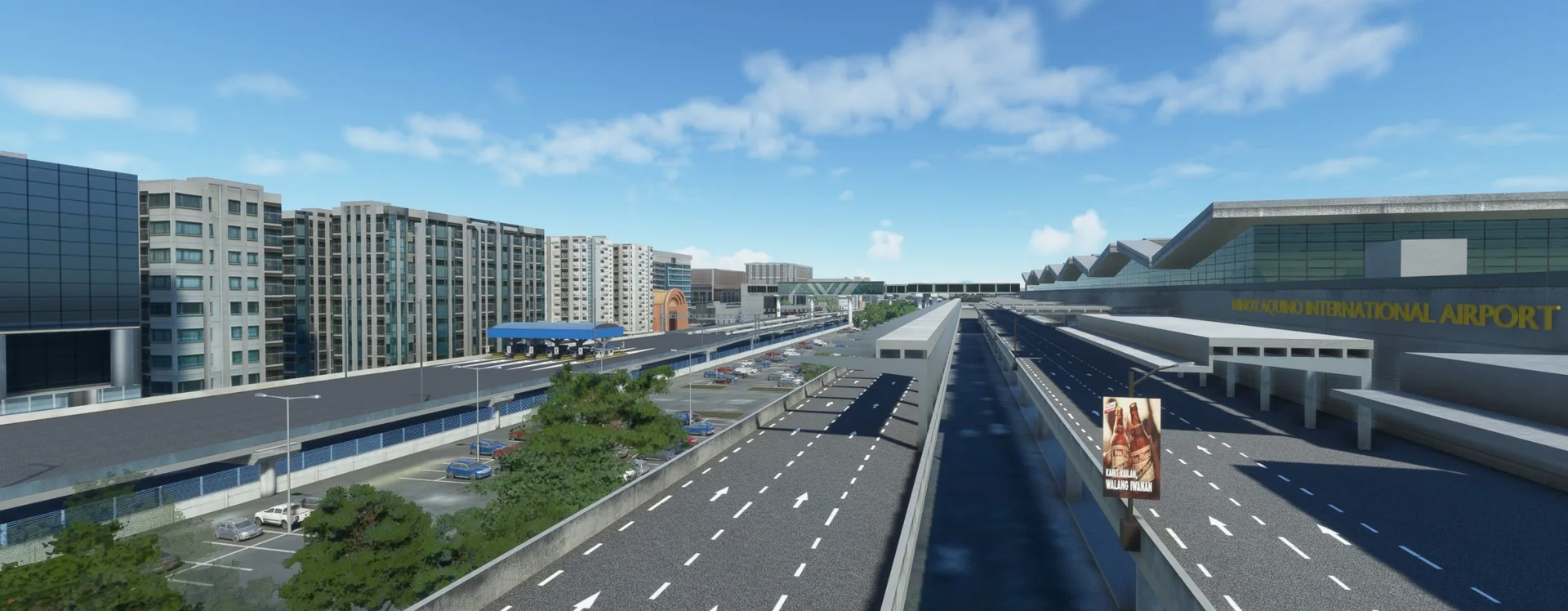
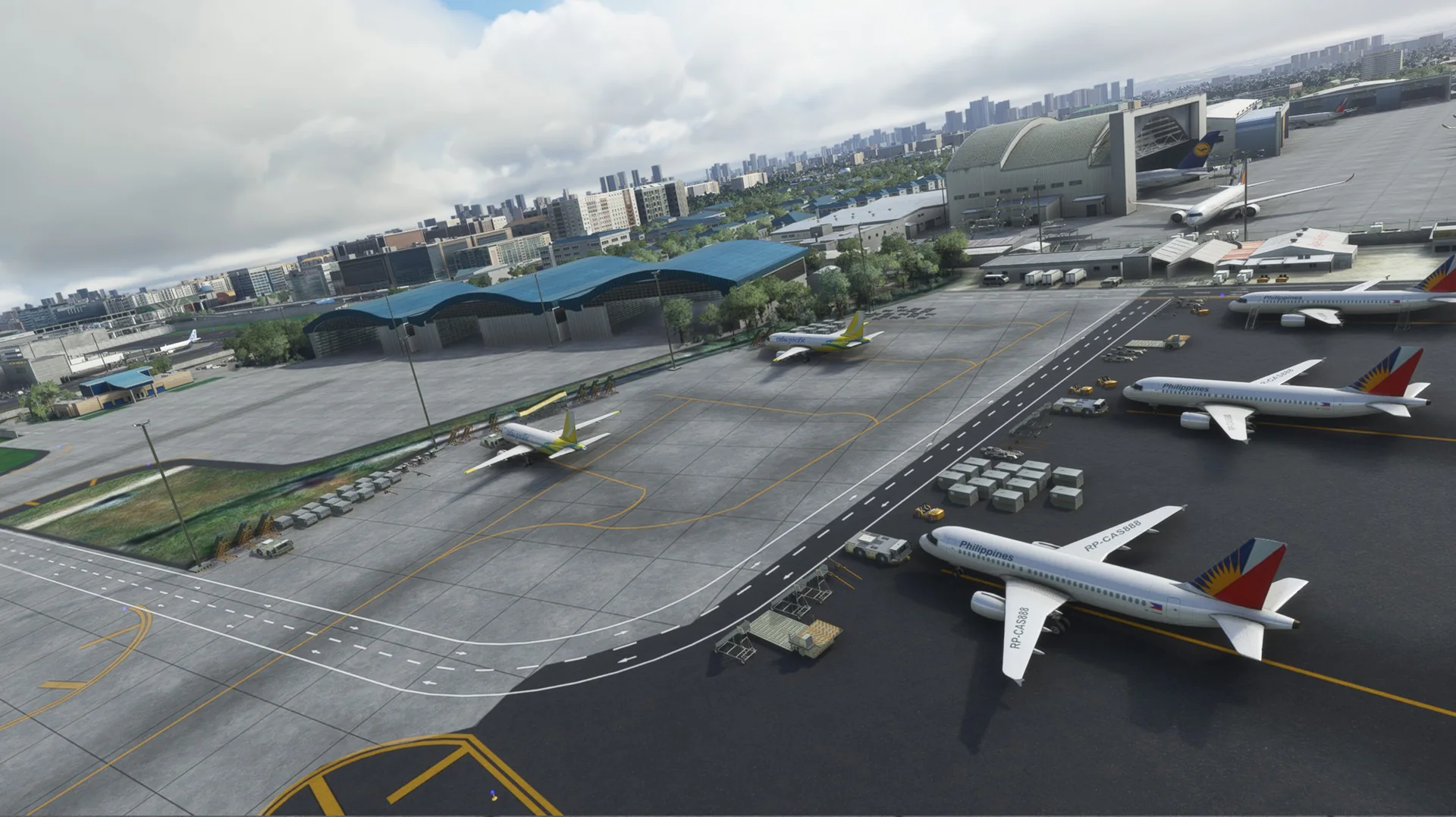
Welcome to RPLL, Ninoy Aquino International Airport: the largest and busiest international airport of the Philippines.
This scenery is made with passion by our team from the Philippines and Singapore. With one of our own team (airwil) a real-life air traffic controller at RPLL, we bring you the best rendition of an up-to-date airport in your simulator. All visuals are handmade from scratch to take advantage of MSFS technology.
Ninoy Aquino International Airport, formerly known and still commonly referred to as Manila International Airport, serves Manila and its surrounding metropolitan area. NAIA is the main international gateway for travellers to the Philippines and a hub for AirAsia Philippines, Cebgo, Cebu Pacific, PAL Express and Philippine Airlines.
Features
Built from scratch for MSFS
Massively custom-built for Microsoft Flight Simulator 2020 and 2024.
Custom objects
Full custom objects modelled specifically for RPLL.
Every terminal
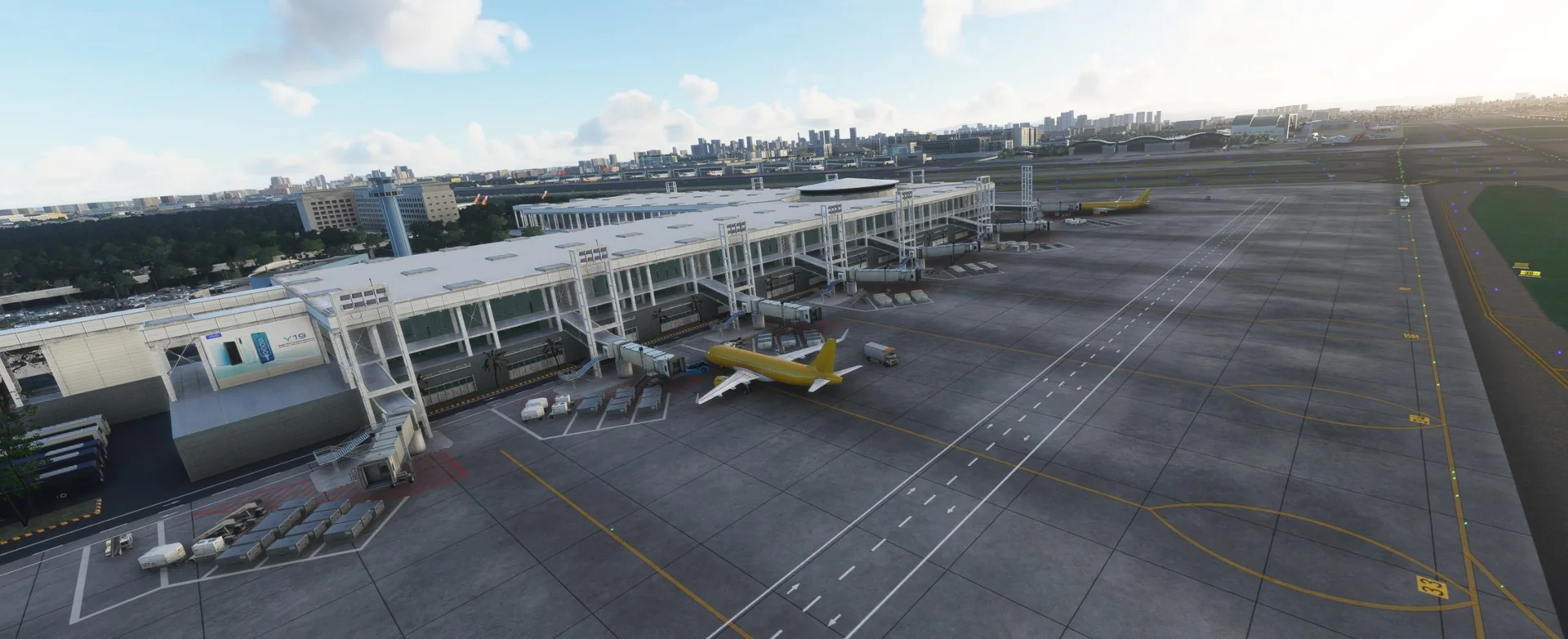
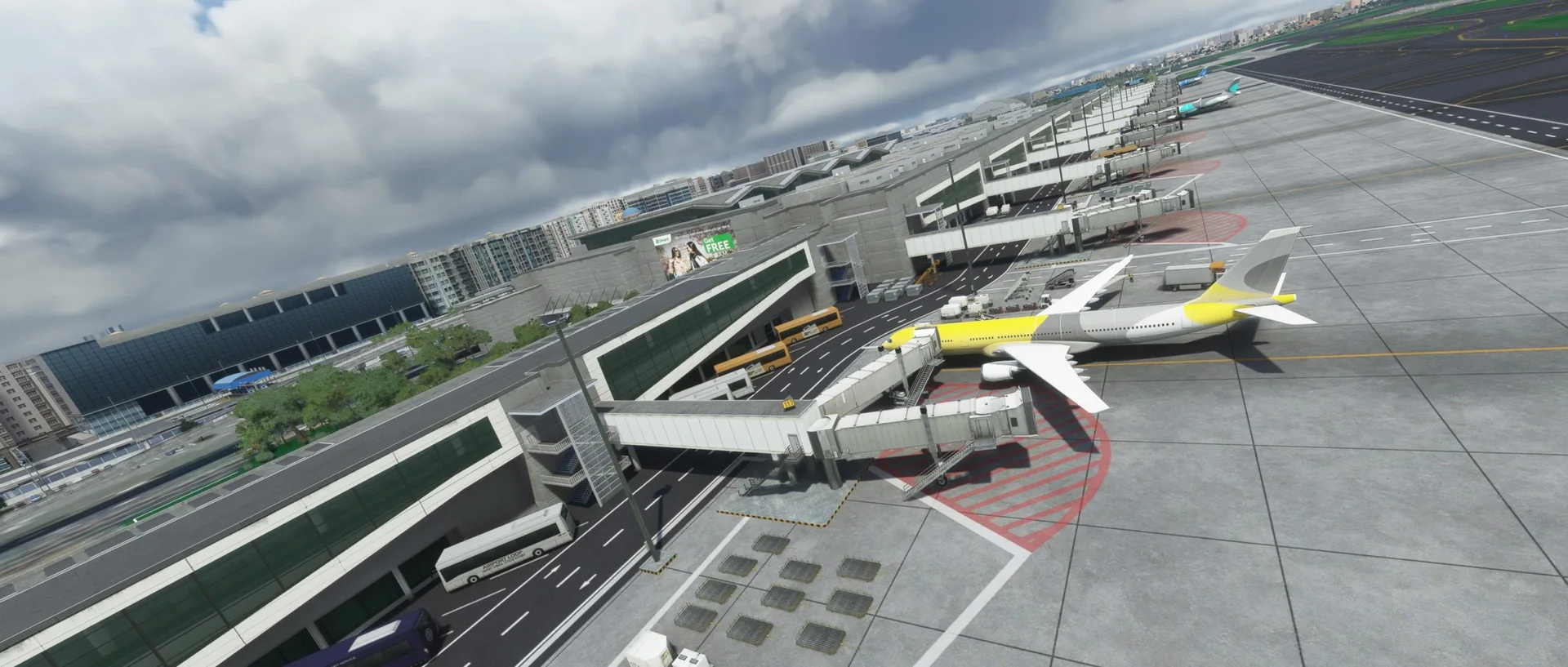
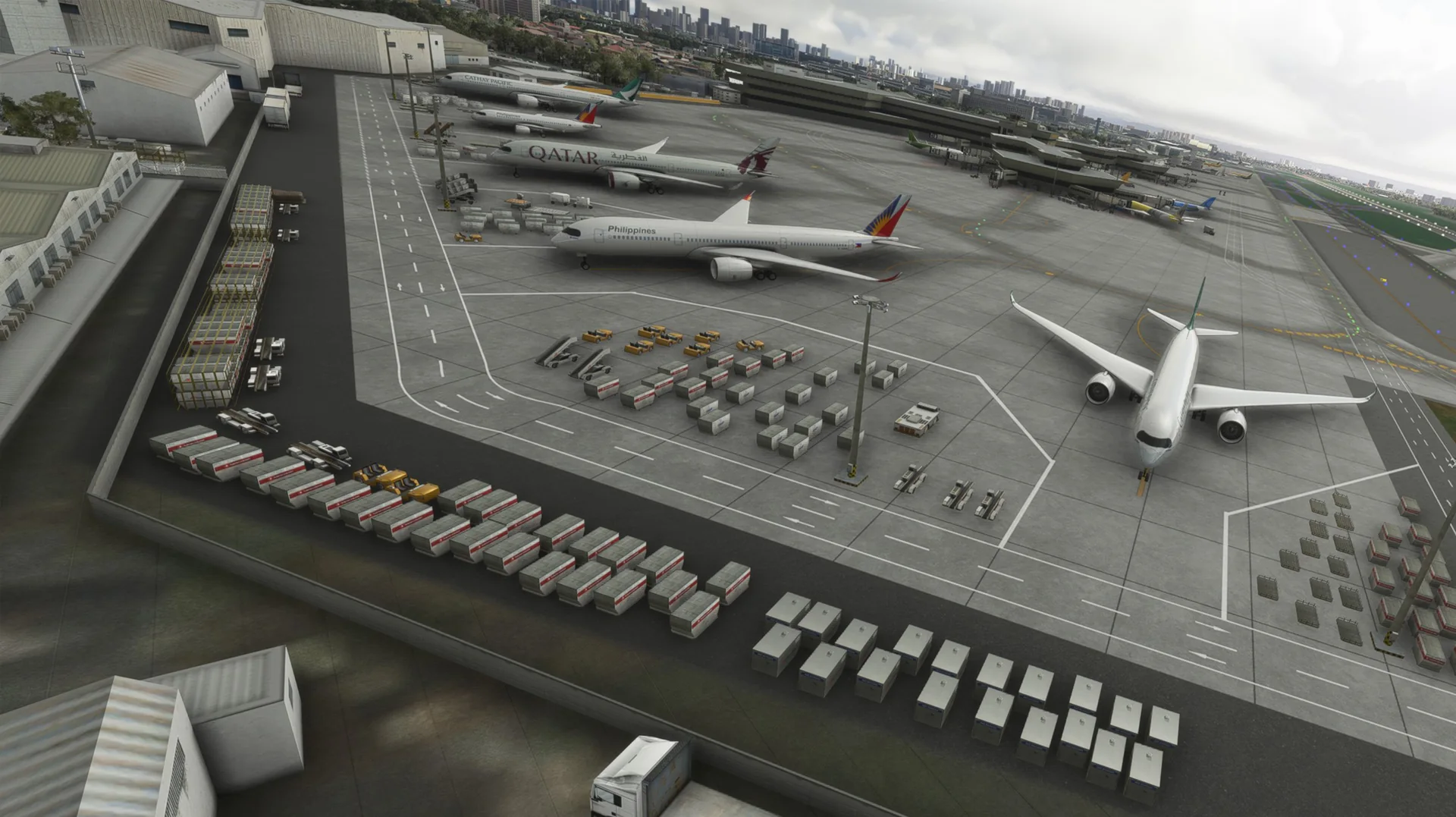
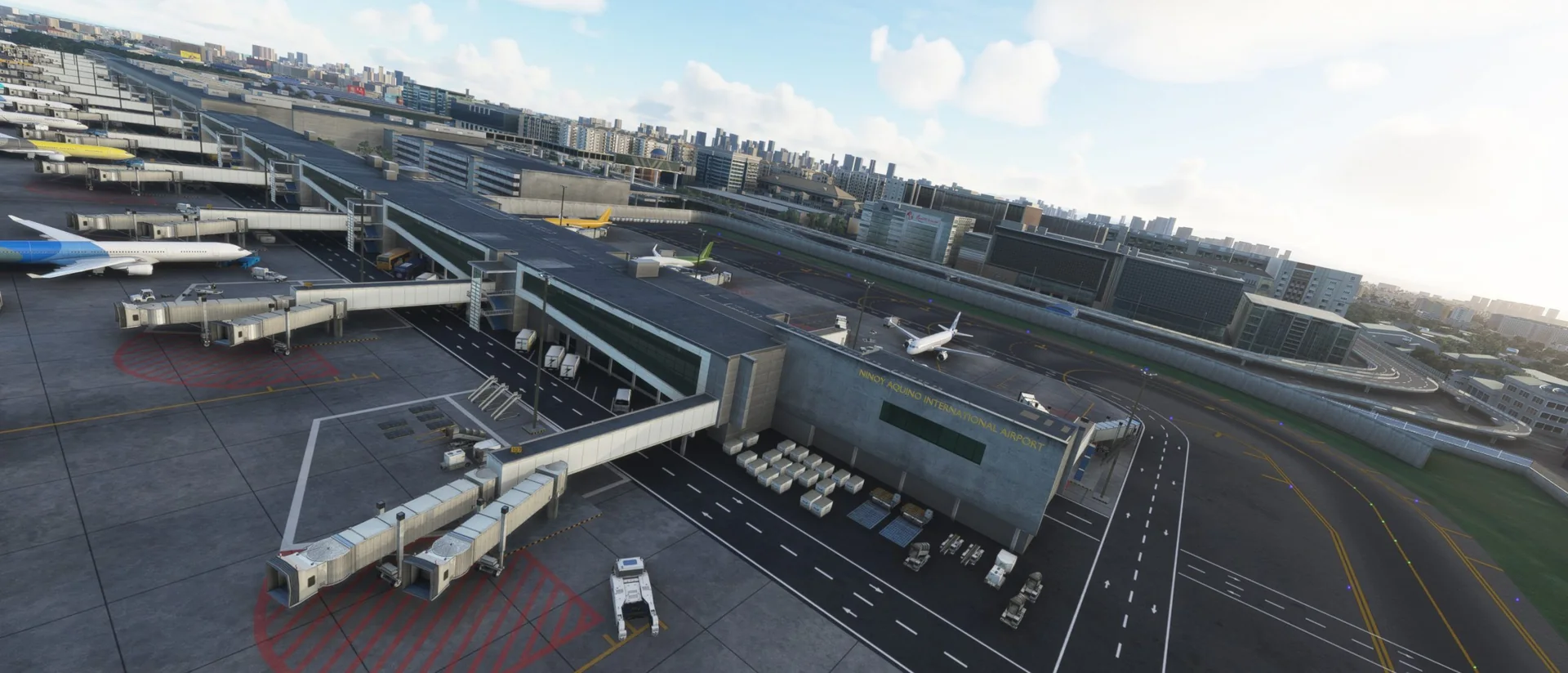
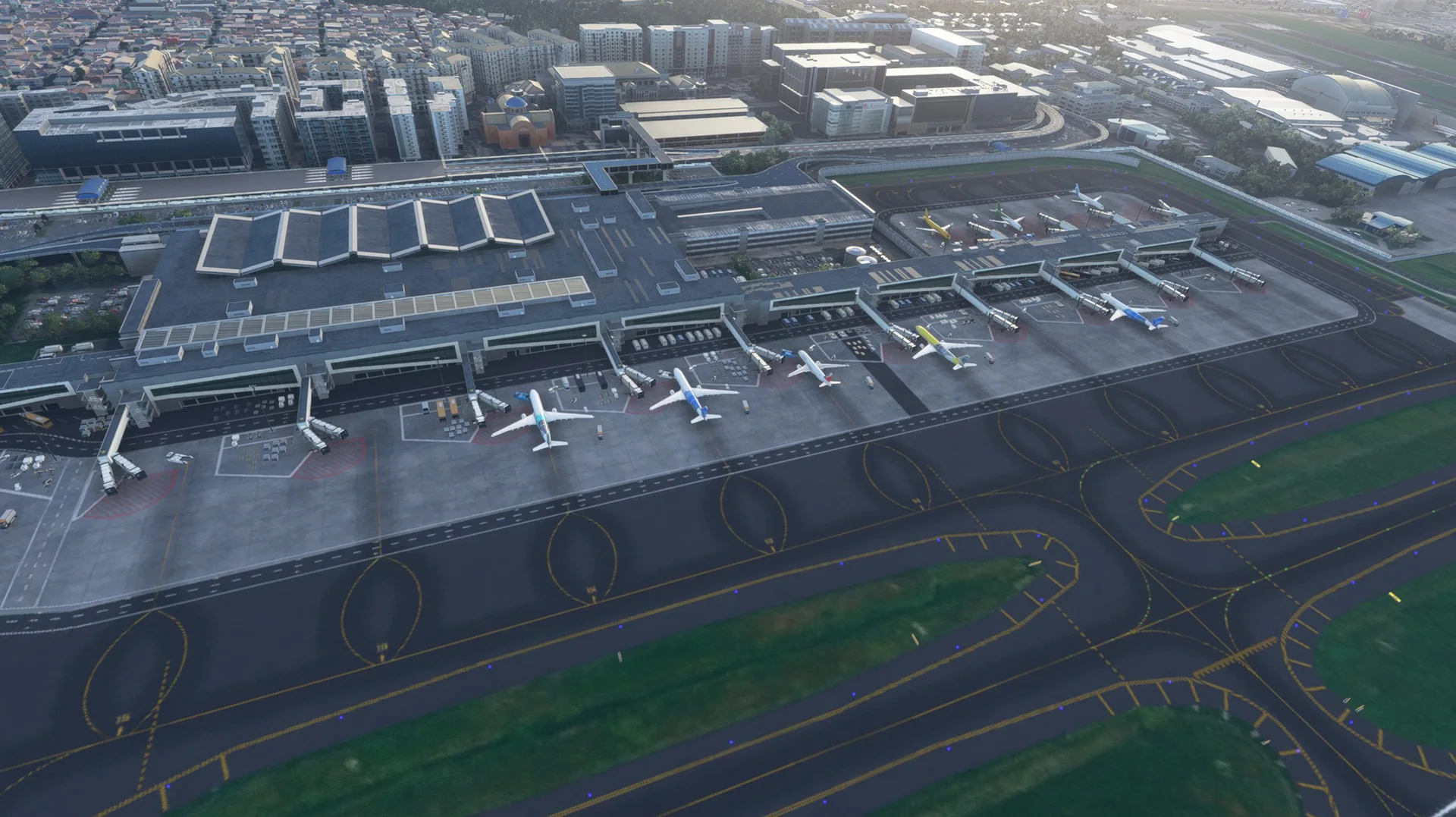
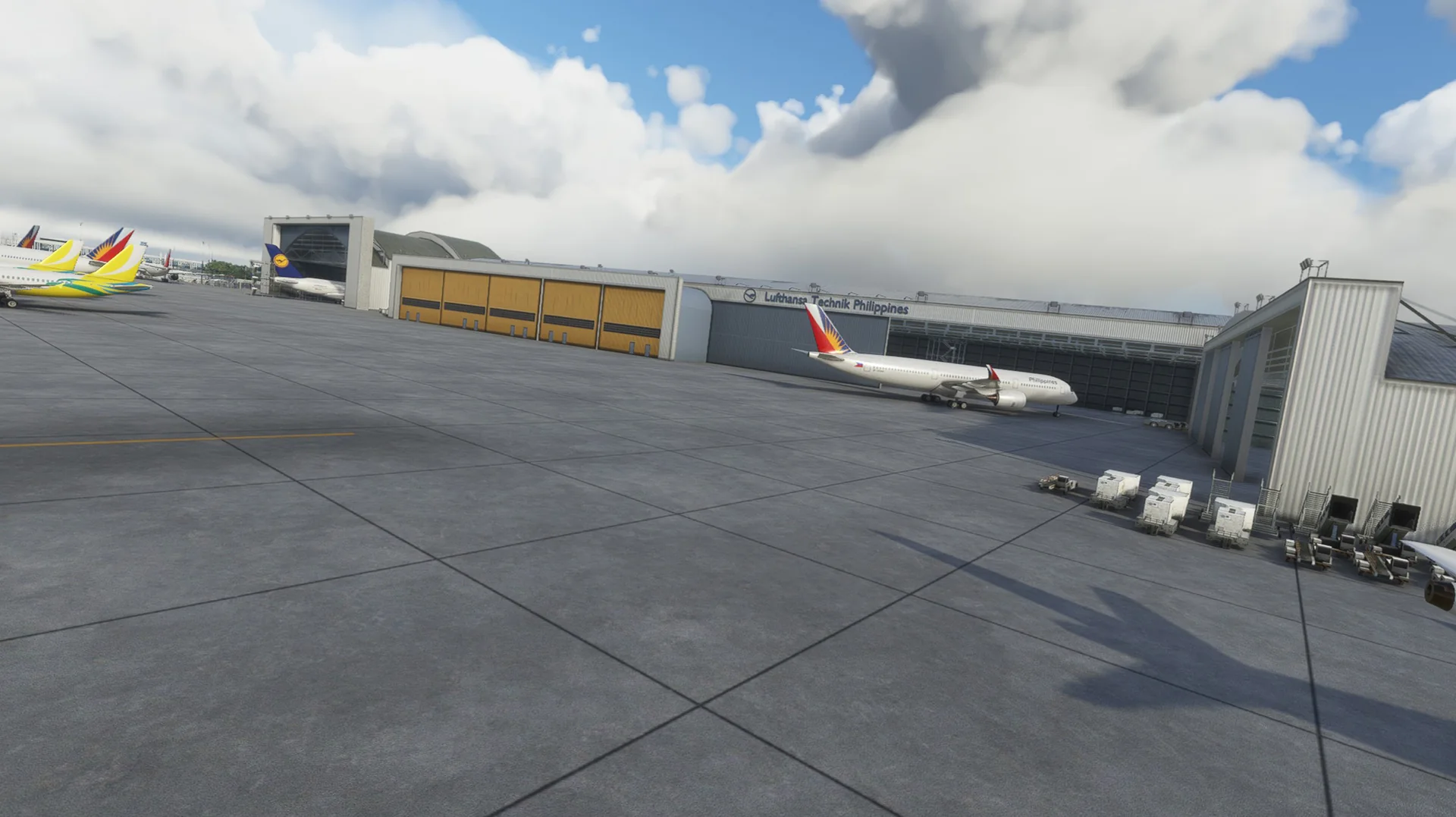
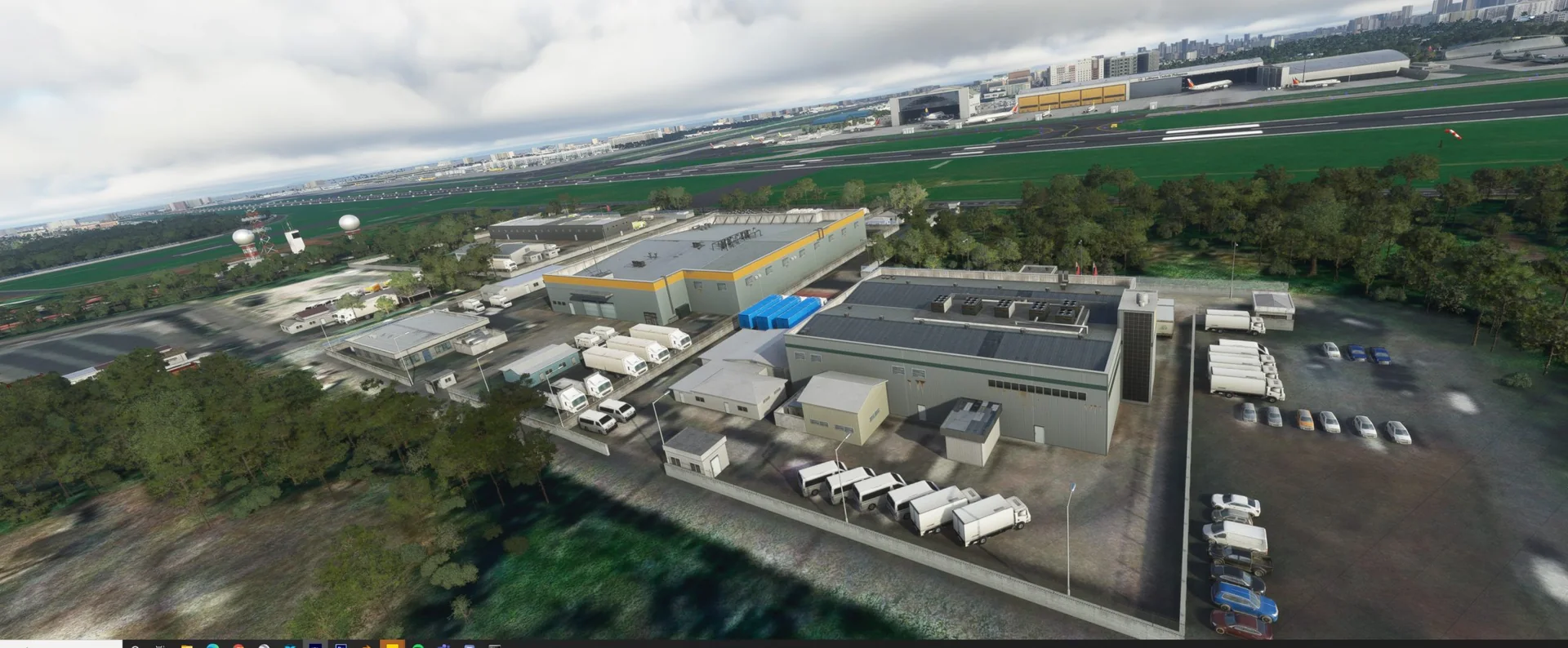
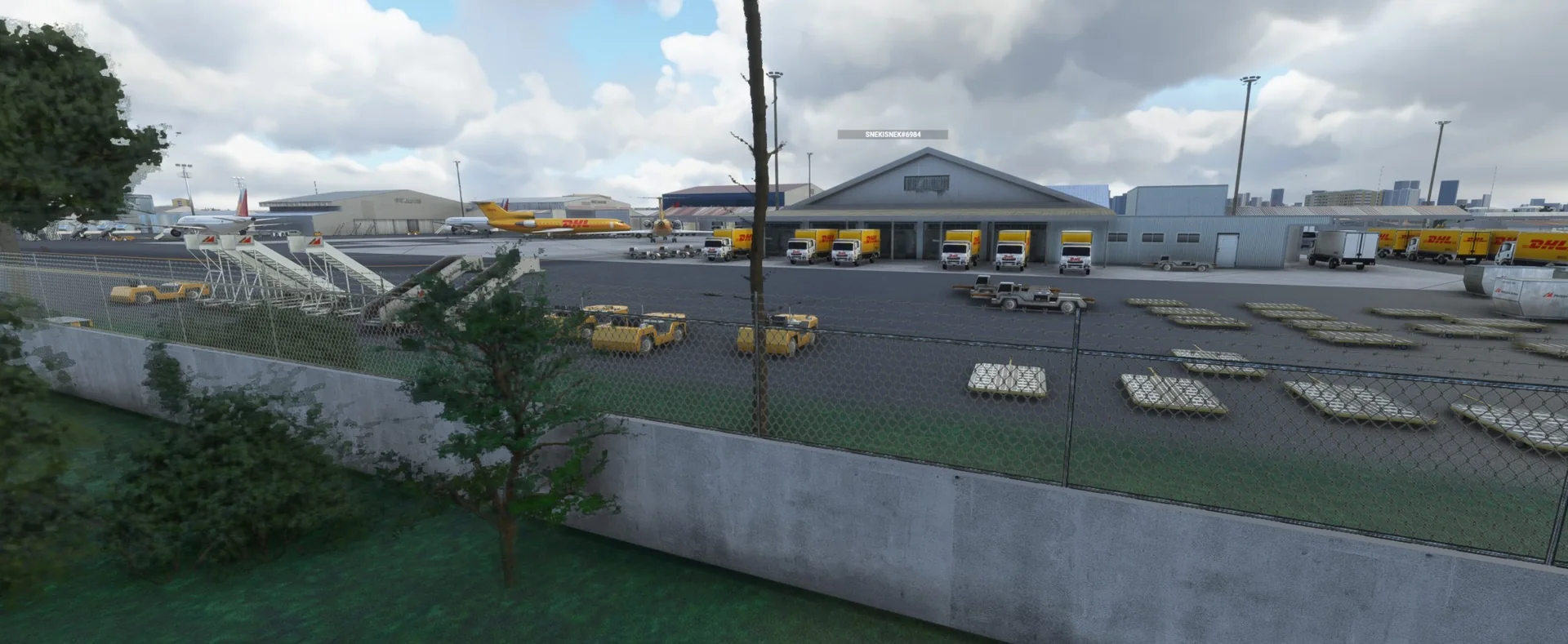
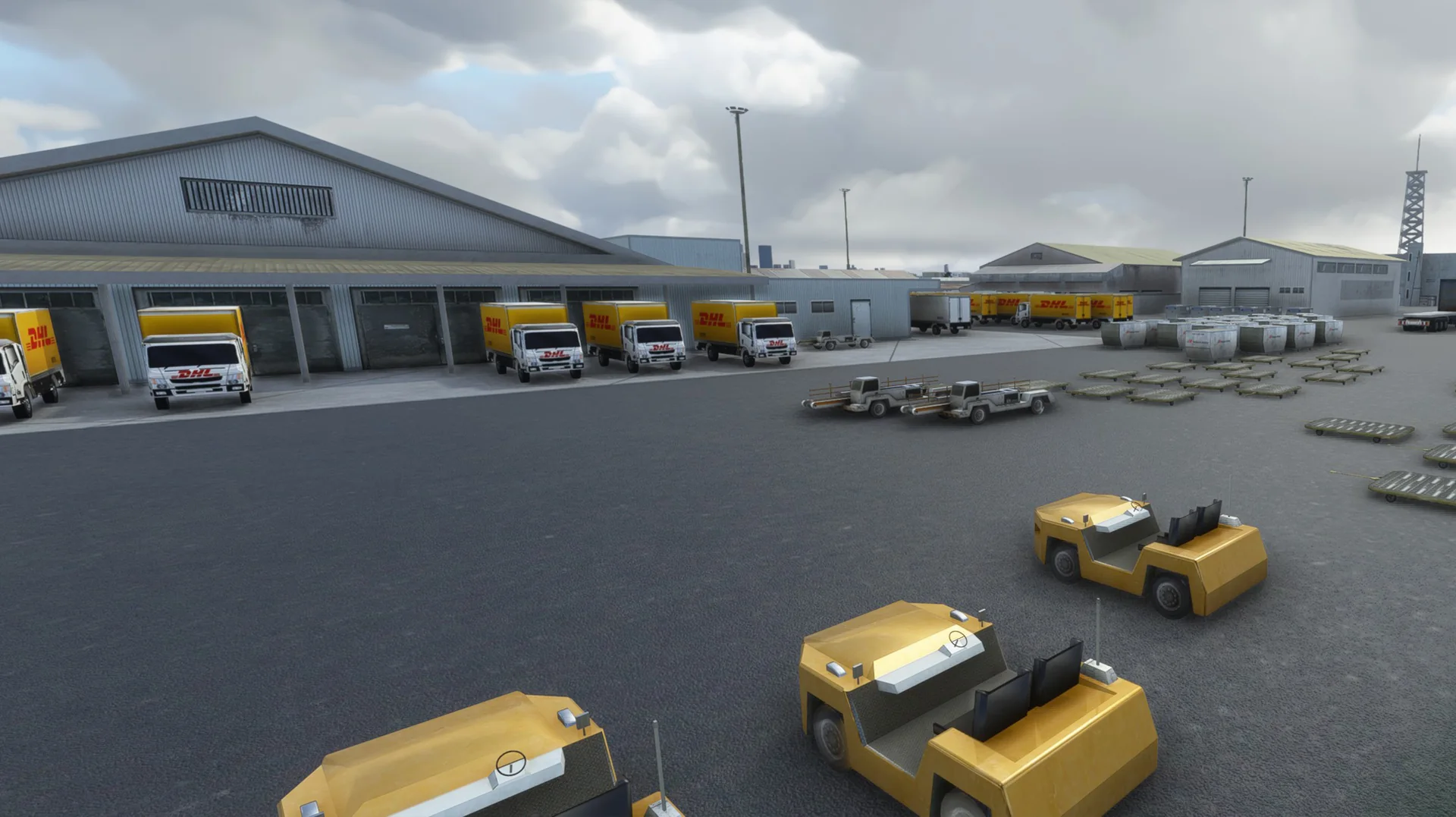
Terminals 1, 2, 3 and 4 fully modelled, with the cargo and maintenance areas.
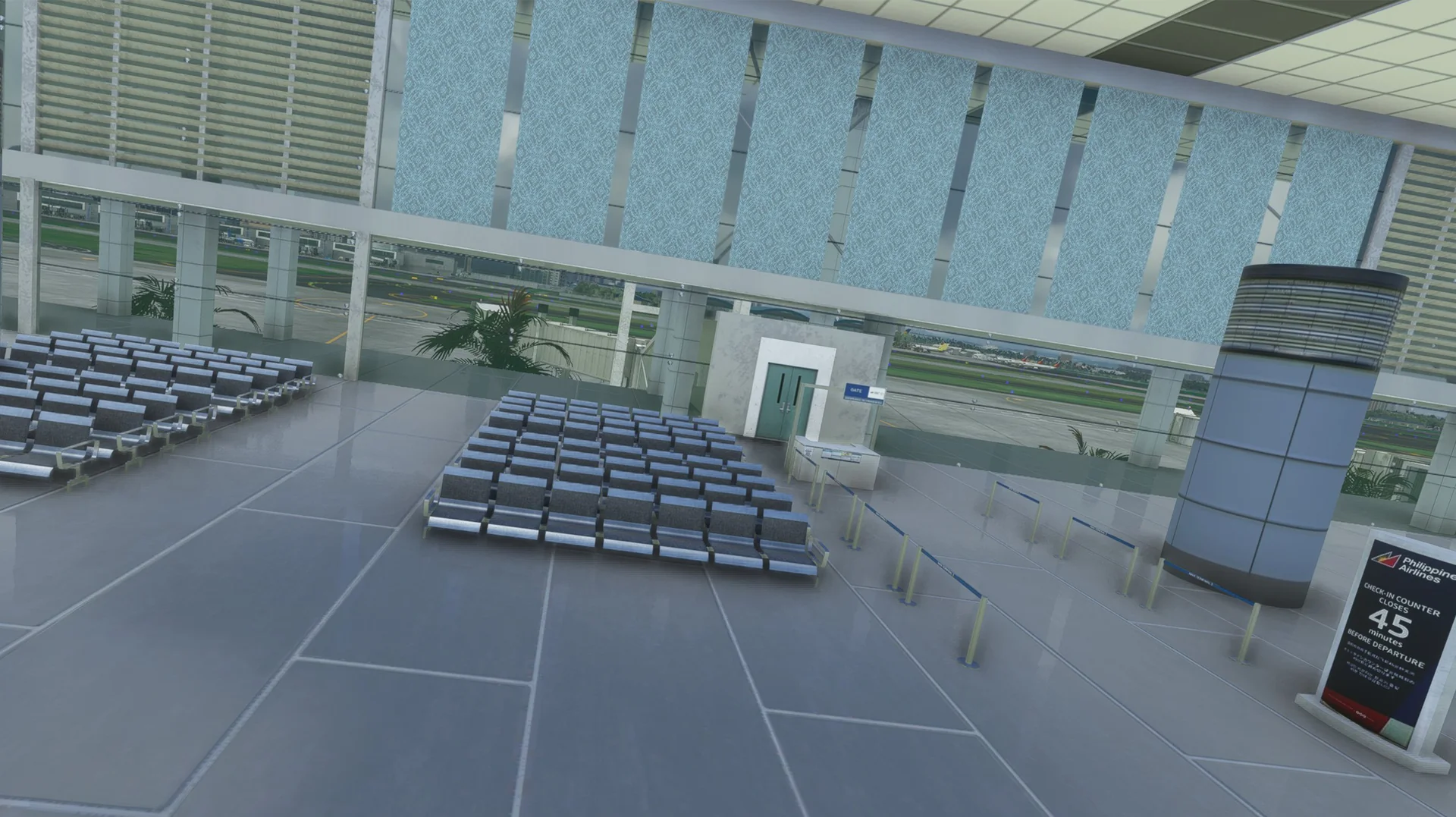
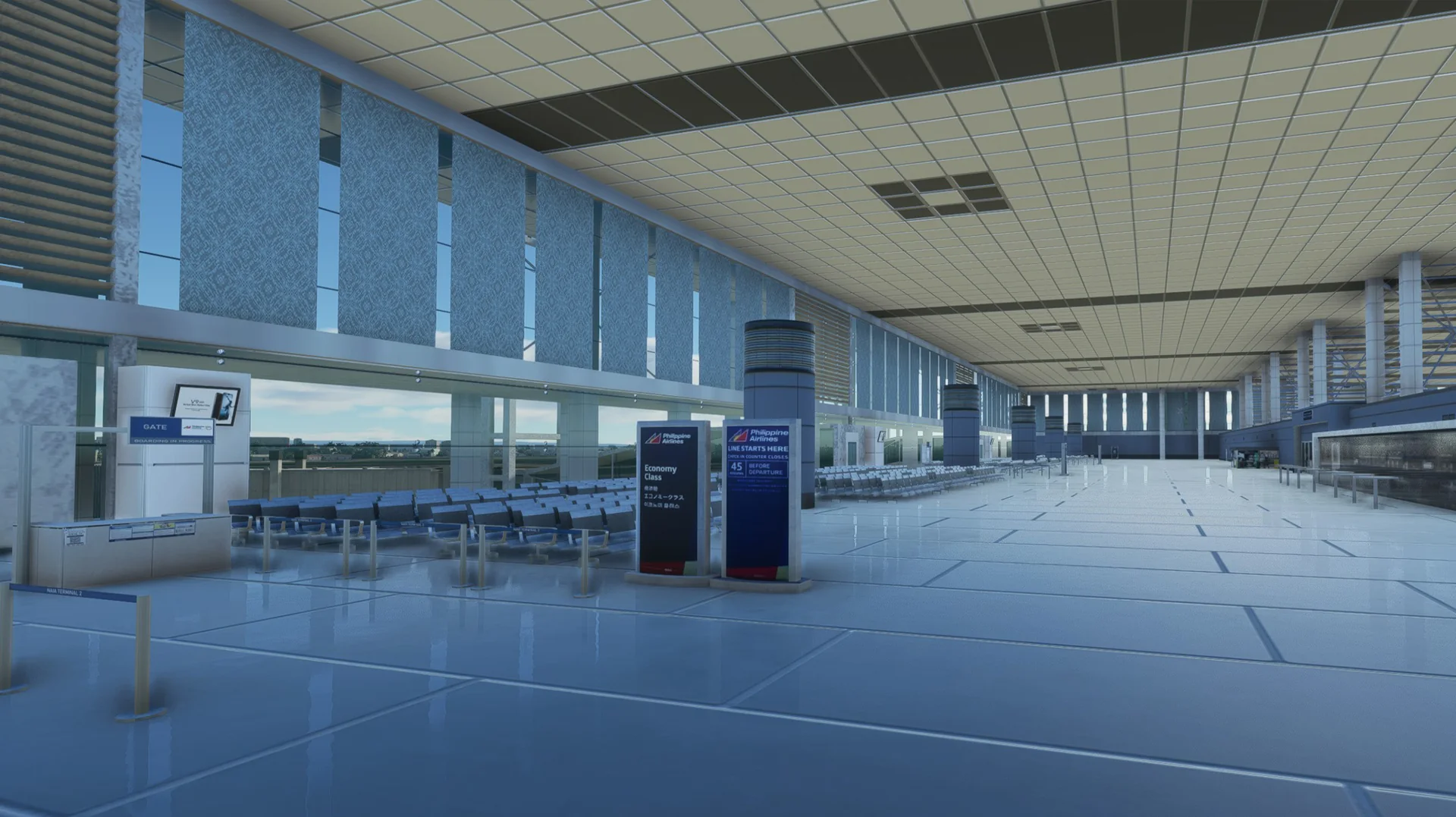
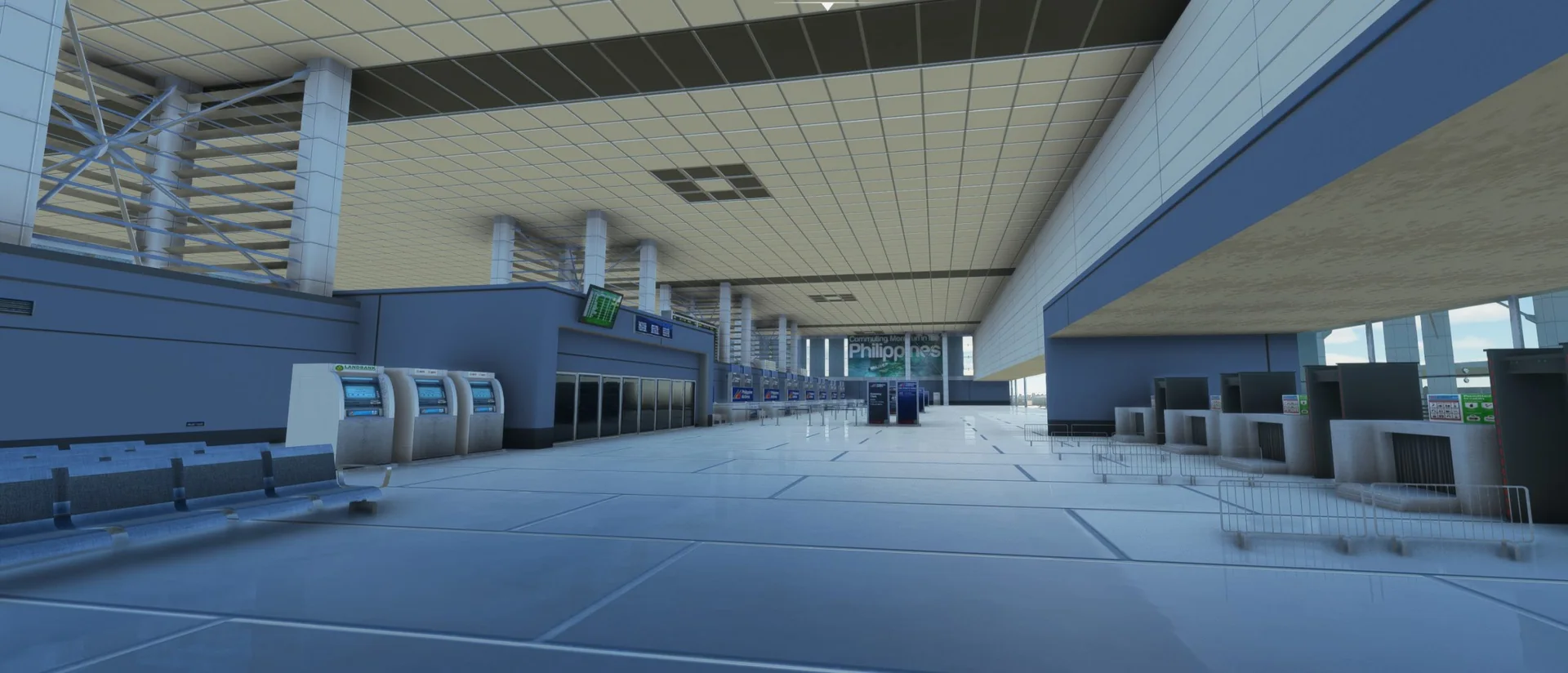
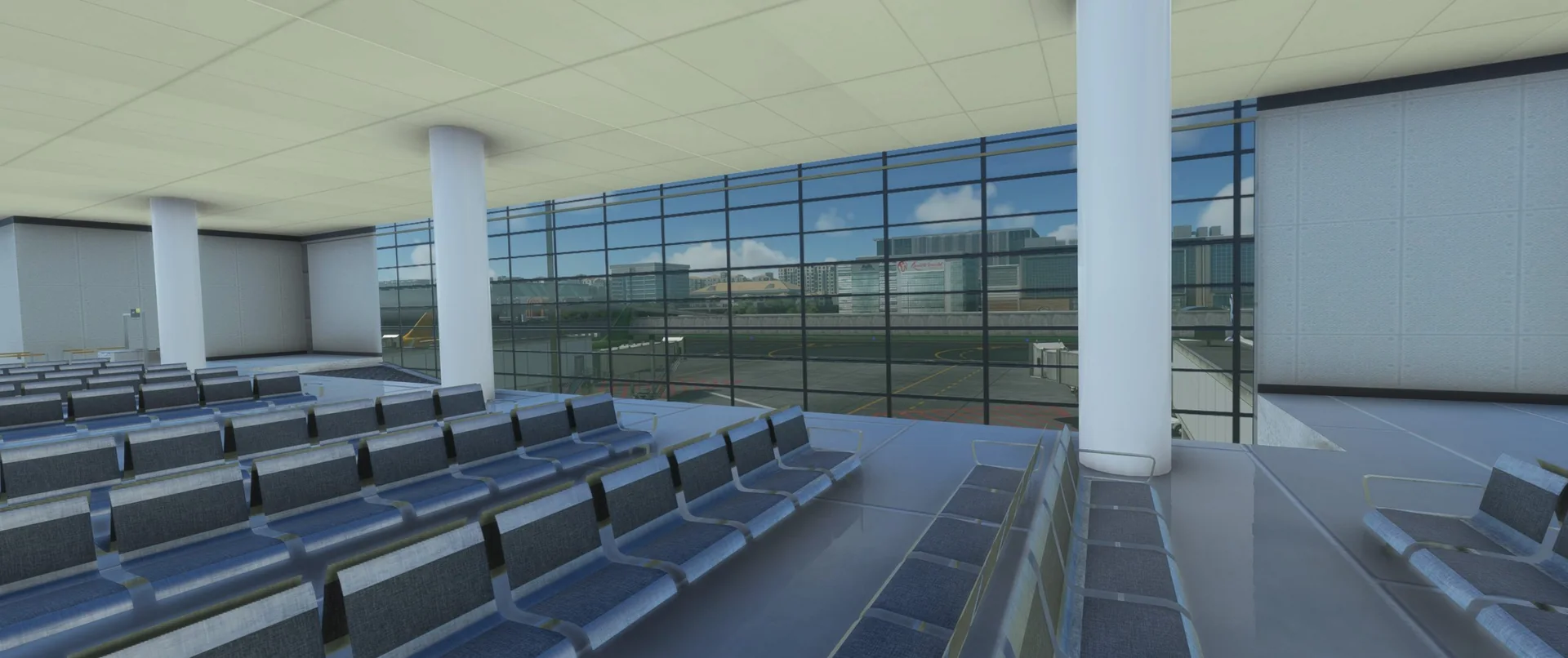
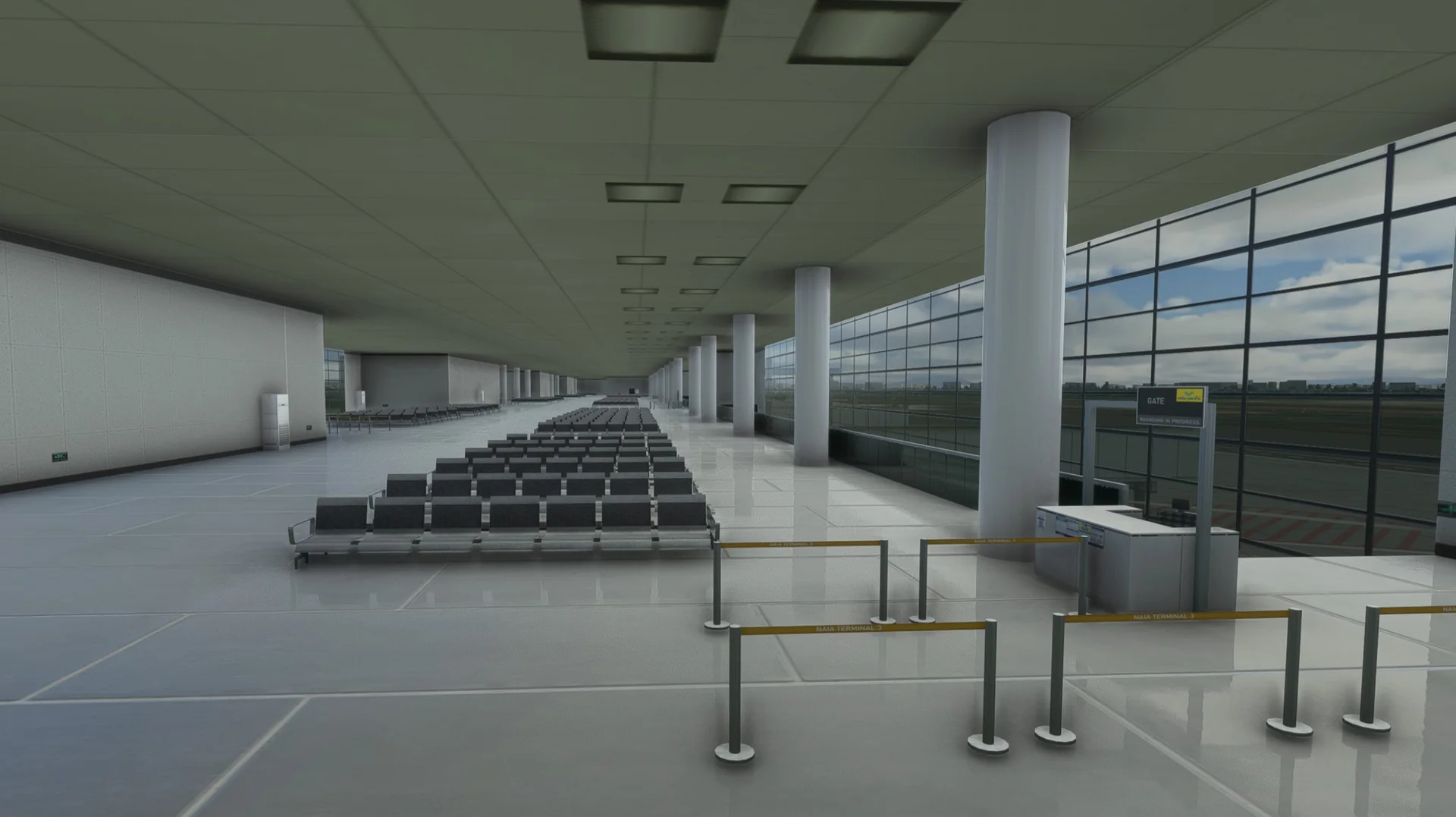
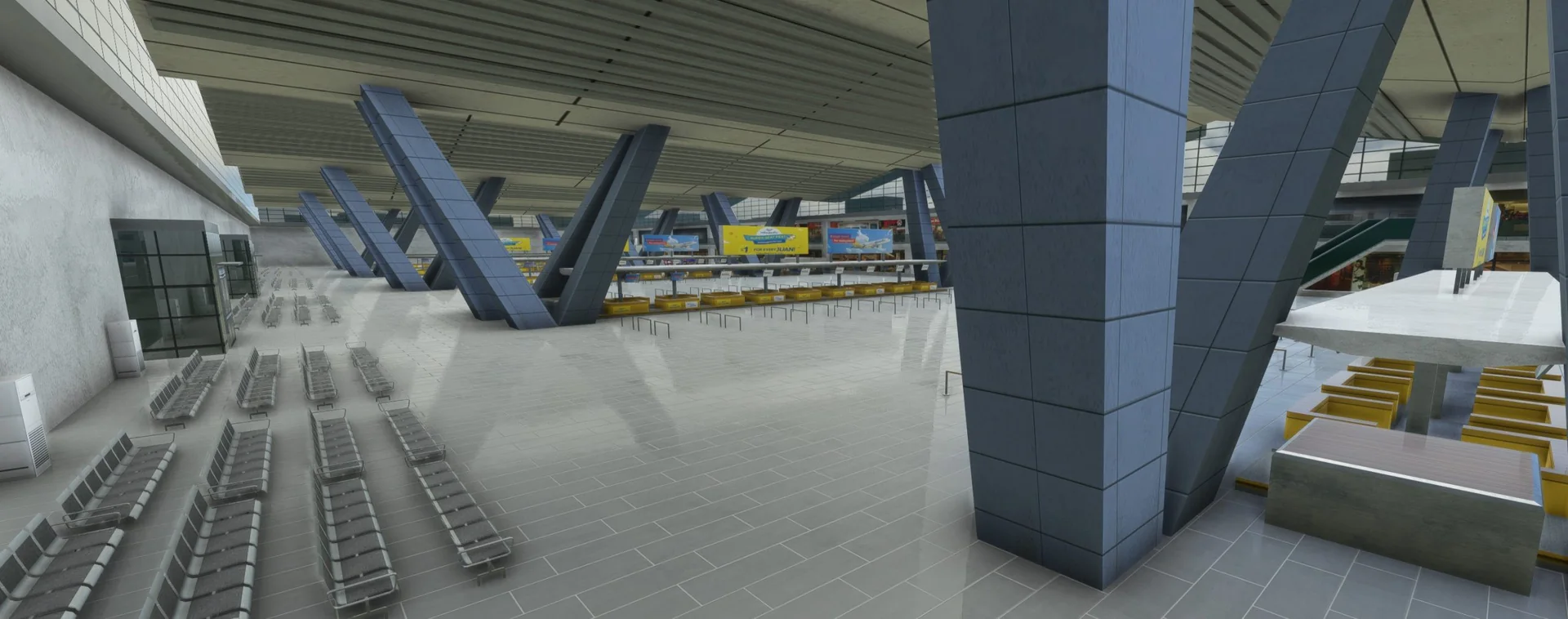
Modelled interiors
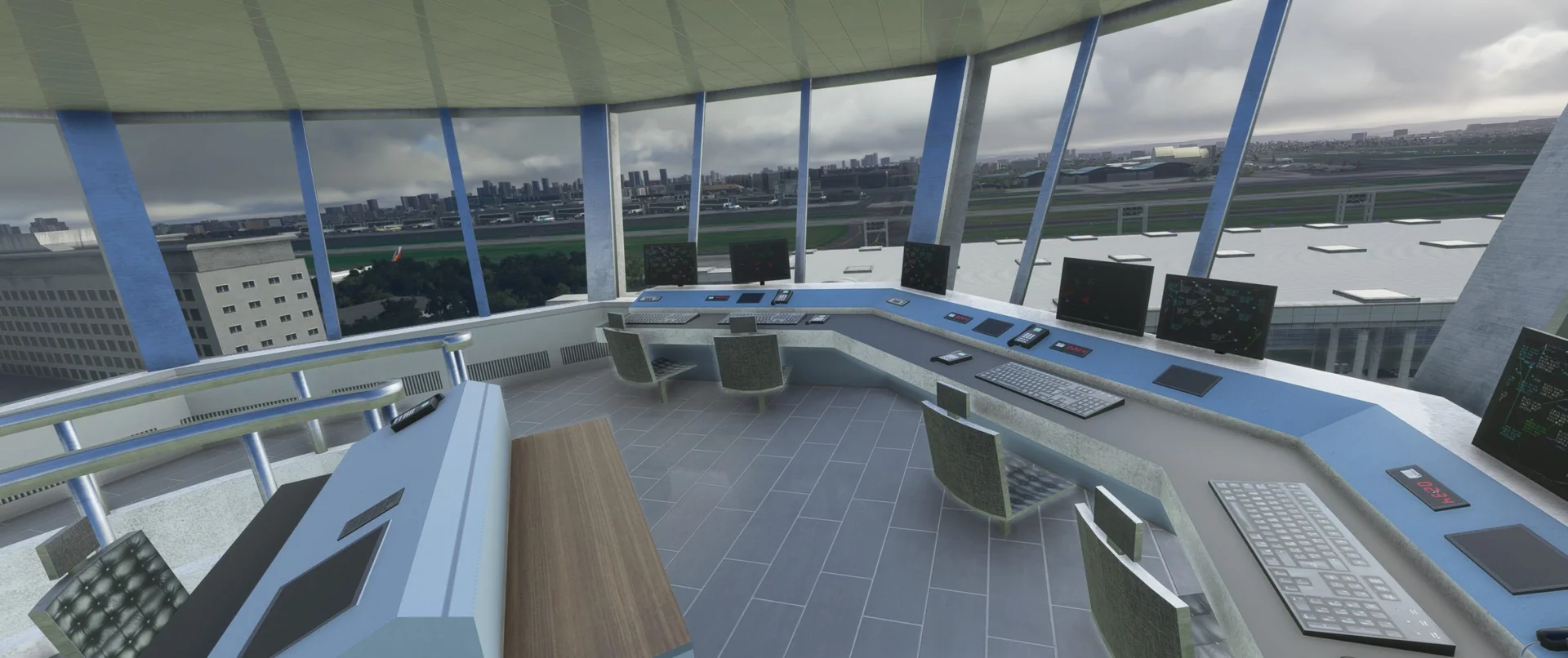
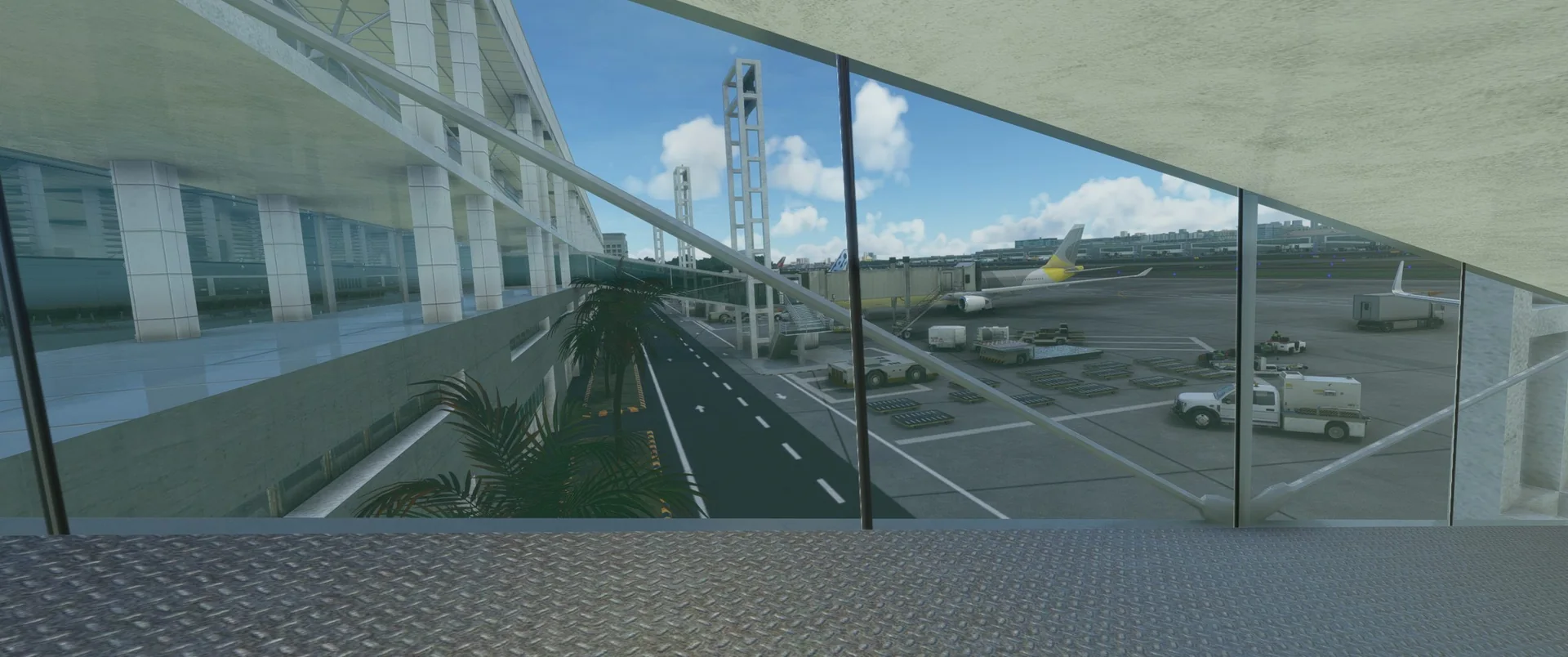
The control tower and Terminals 2 and 3 have modelled interiors.
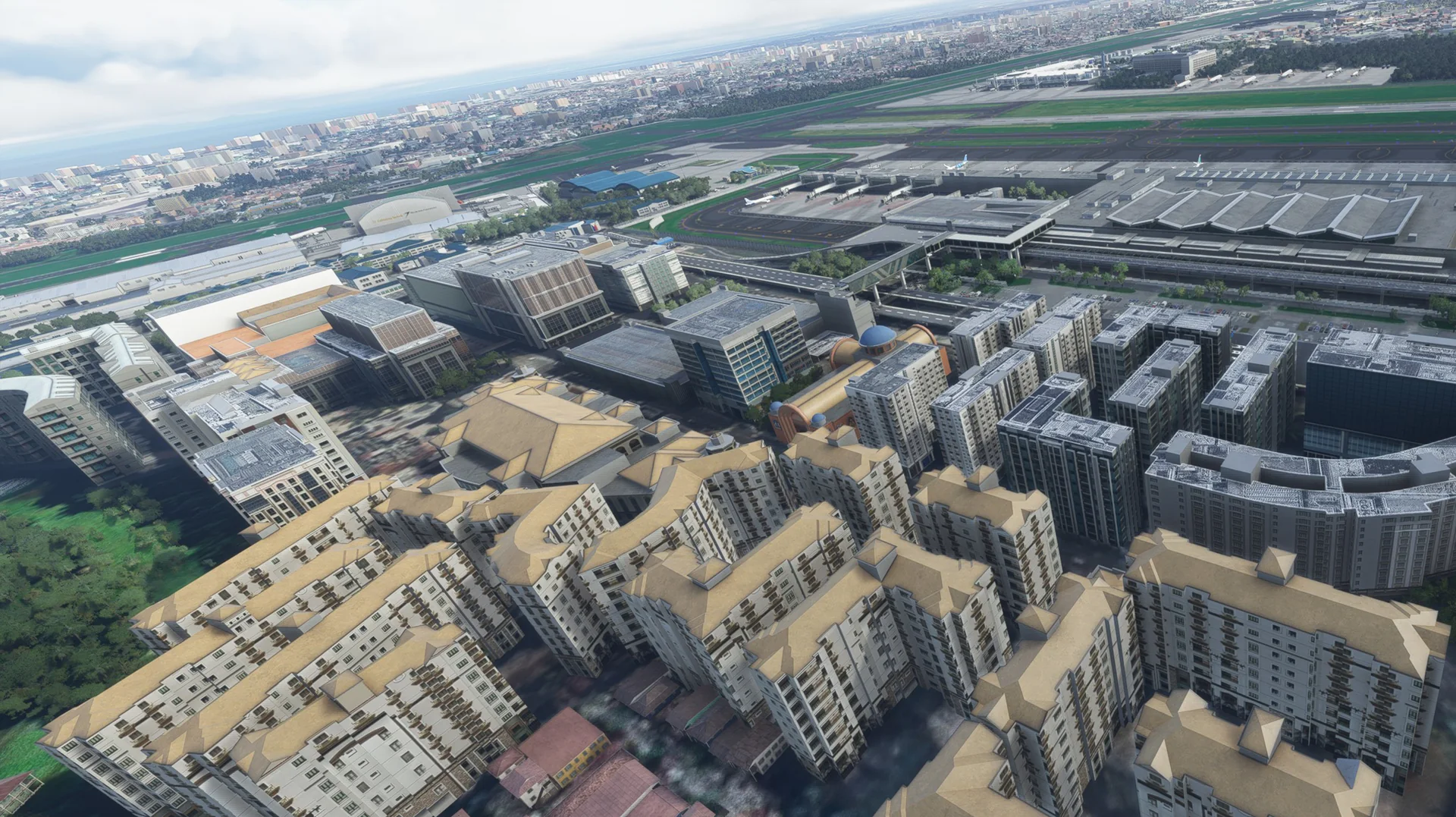
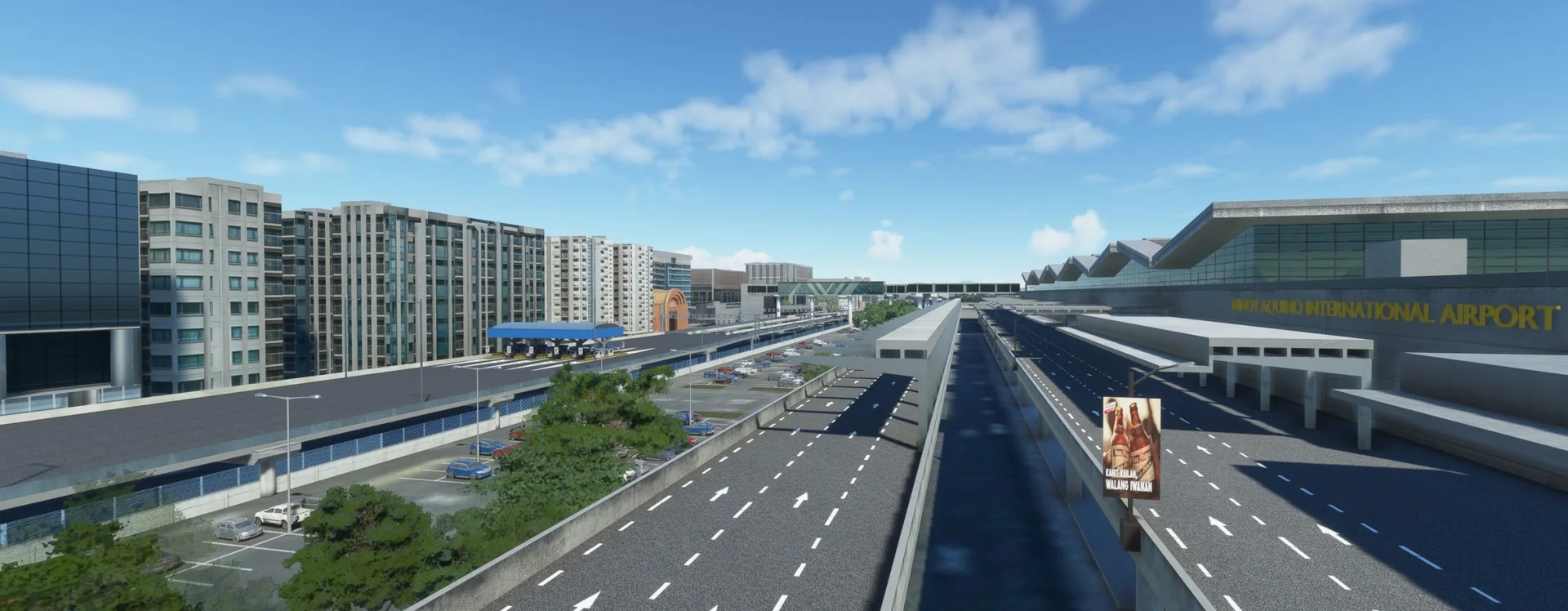
The surroundings
Surrounding buildings fully modelled, hotels and more.
Animated jetways
Custom animated jetways modelled specifically for RPLL.
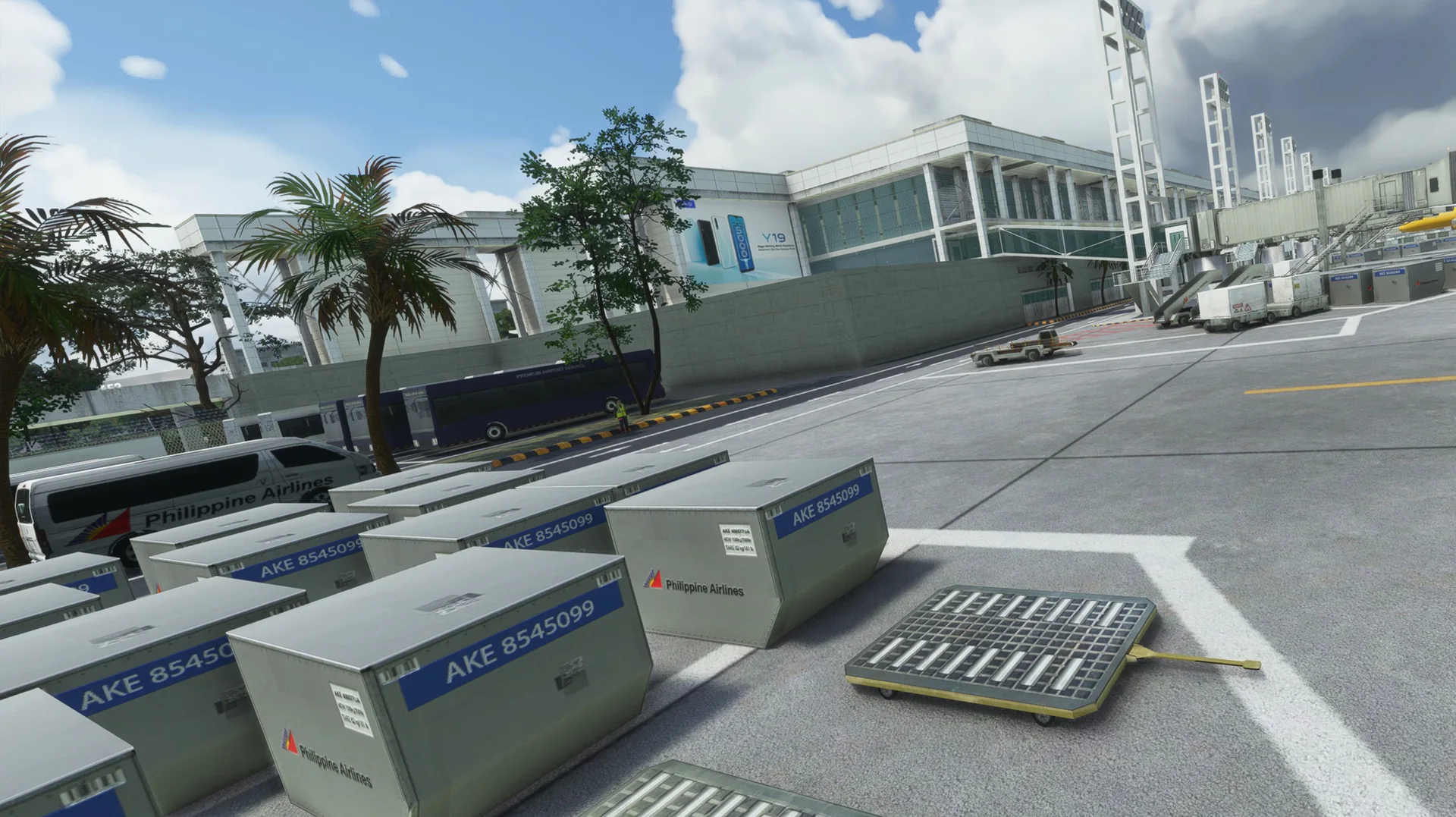
Ground detail
Full custom taxilines, markings and ground textures.
Static aircraft
Static aircraft included and strategically placed.
PBR textures
Full PBR textures in 2K and 4K.
Optimised LODs
LODs optimised for the best performance.
VATSIM ready
All airport data up to date.
Free updates
Future updates at no cost.
Official trailer

Screenshots
Where to buy
RPLL is sold through our partner stores.
Requirements
- Latest version of Microsoft Flight Simulator 2020 or 2024
- Core i5 or equivalent, at least
- 8 GB RAM at least; 16 GB or more is best
- GPU: GTX 1050 or better with at least 6 GB VRAM (lower GPUs not tested, but reported to work)
- MSFS settings Medium to High recommended (depends on your machine)
Read before buying
- Please check the screenshots before buying the product.
- Please read our refund policy on the Contact Us / FAQ page.
- Disclaimer: although we try our best to make RPLL an exact replica of the real airport, there are many limitations to consider, especially performance trade-offs and simulator limits.
Installation
- Bought on the Microsoft Marketplace or ORBX: the product installs for you.
- Bought as a download (for example Simmarket): unzip the file; you will see one folder named cloudsurfasiasimulations-rpll.
- Drag and drop this folder into your MSFS Community folder.
- Restart the simulator, and you're done.
Finding the Community folder
Custom install location
If you installed your MSFS content (Packages folder) in a custom location, open that folder; the Community folder is inside it.
Microsoft Store / Xbox app
Type %localappdata% in Windows search, then open Packages\Microsoft.FlightSimulator_8wekyb3d8bbwe\LocalCache\Packages\Community.
Steam
Type %appdata% in Windows search, then open Microsoft Flight Simulator\Packages\Community.
Questions? Email simulations@cloudsurf.asia.
News about RPLL
All news →
RPLL for MSFS updated to version 1.2.1
I hope you are all flying well! We just updated our RPLL for MSFS to version 1.2.1. Note that updates may come later on other partner stores (Although we already submitted the files). Please refer to the list below for the change logs for...
RPLL MSFS 2020/2024
WSSS & RPLL for MSFS NO STATIC AIRCRAFT PATCH
Hello everyone, this post is for everyone who wants NO STATIC AIRCRAFTS on their WSSS and RPLL airports. If you are using PSXT or other AI/real time traffic for MSFS you might want to remove all the static aircraft. Please follow the...
RPLL MSFS 2020/2024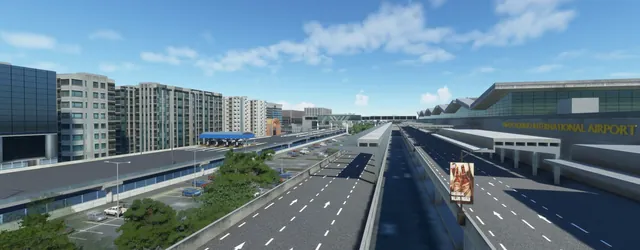
WSSS & RPLL for MSFS Jetway Issue Hotfix
Hello everyone, this post is for someone who are experiencing weird Jetway behavior since SU9 when connecting to aircraft. This is a hotfix patch for RPLL and WSSS airports. If you have more questions, please feel free to email our support...
RPLL MSFS 2020/2024